Eyecon 9420 & 9430 Instruction Manual 27
3.1 Setting time and date
3.1 Setting time and date
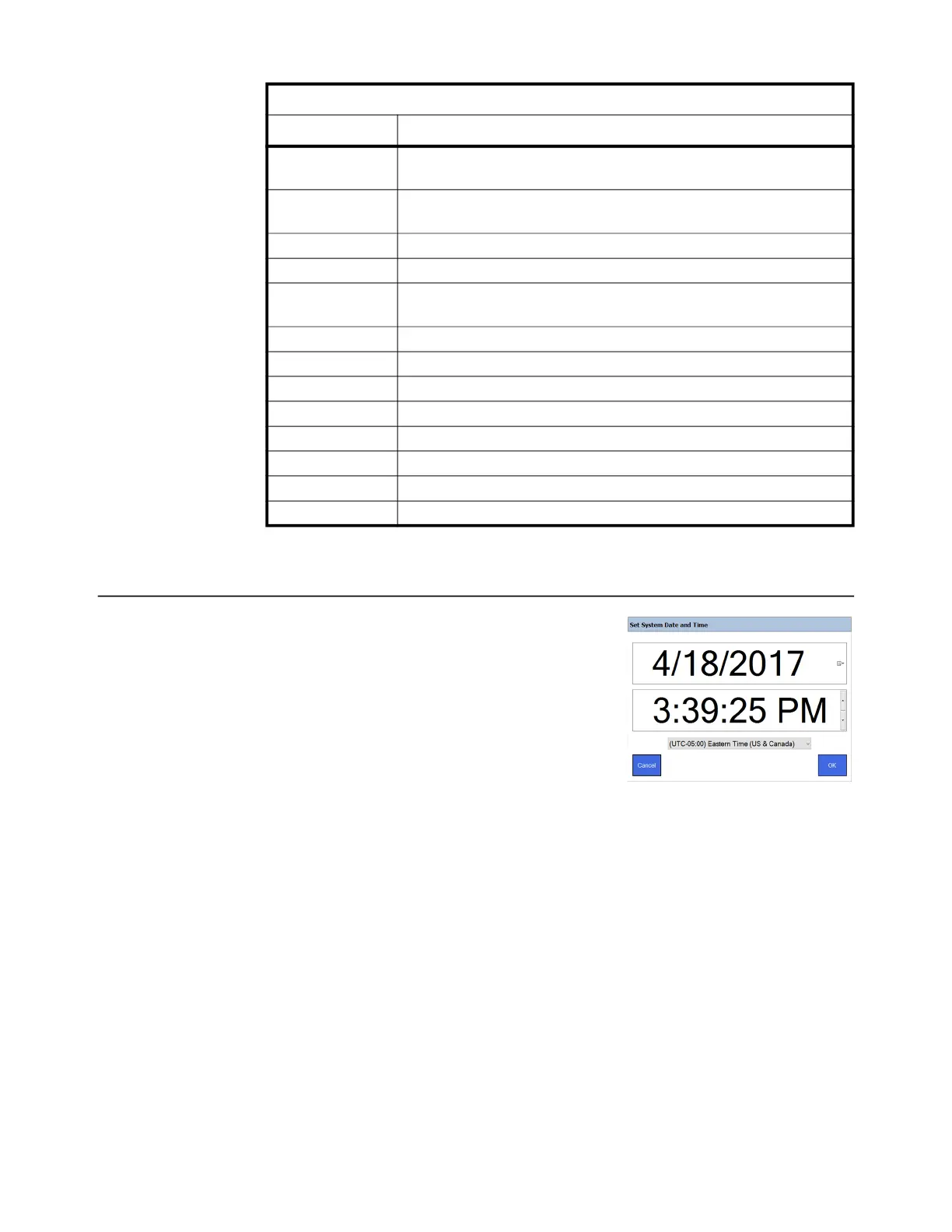
To set the time and date, which appear in the upper
right corner of the START screen, tap on the time
and date text to reveal the screen at right.
To set the date, tap the small calendar icon on the
right side of the screen and choose the year, month
and day from the small display that appears.
Before adjusting the time, be sure to change the
time zone (if needed) based on your location. If
your Eyecon is connected to the internet, the
Eyecon clock will automatically be updated with the current time periodically.
To set the time, tap the unit you want to change (hour, minute, second or PM/AM) and
use the up or down arrow on the right to increase or decrease the value. You can also
set your time zone in the bottom drop down list.
Press OK when finished and the START screen is displayed.
Barcode
Access this to set the Barcode Type, lengths, offsets, to enable or disable the
Rx Scan in Count Mode and to enter the Barcode Test Mode.
Data
Access this to set the Transaction Purge Time, Delete Report Data and see the
Tray Photo Count.
TCP/IP Use this to access the TCP/IP settings
Pharm. Mgmt. SW Access this to set up an interface between Eyecon and your pharmacy system.
Remote Server
Access this to configure the Eyecon to Rx fill results back to your pharmacy
system.
Double Check Access this to set up double counts and back counts.
Login/Scan Out Access this to set up user login and scan out parameters.
Test Access this to test the scanner, camera, touchscreen and speaker.
Auto Updater Access this to manage updates for the Eyecon.
Multi-Eyecon Access this to manage communication among multiple connected Eyecons
Trained Drugs Access this to import or export the trained pill images to or from this Eyecon.
Backup/Restore Access this to backup and restore the database or configuration.
Inventory Access this to manage inventory data.
Eyecon 9420 Configuration Manager
Main Menu Item Description



 To Next Page