64 Eyecon 9420 & 9430 Instruction Manual
Settings menu
3.11.3 Manual Update from USB
If a direct connection to the Eyecon web portal is not possibly in your pharmacy, you
may click on the My Account link on the home page of the Eyecon website:
eyeconvpc.com and enter your login credentials to manually download the latest
Eyecon update to the root folder of a USB flash drive.
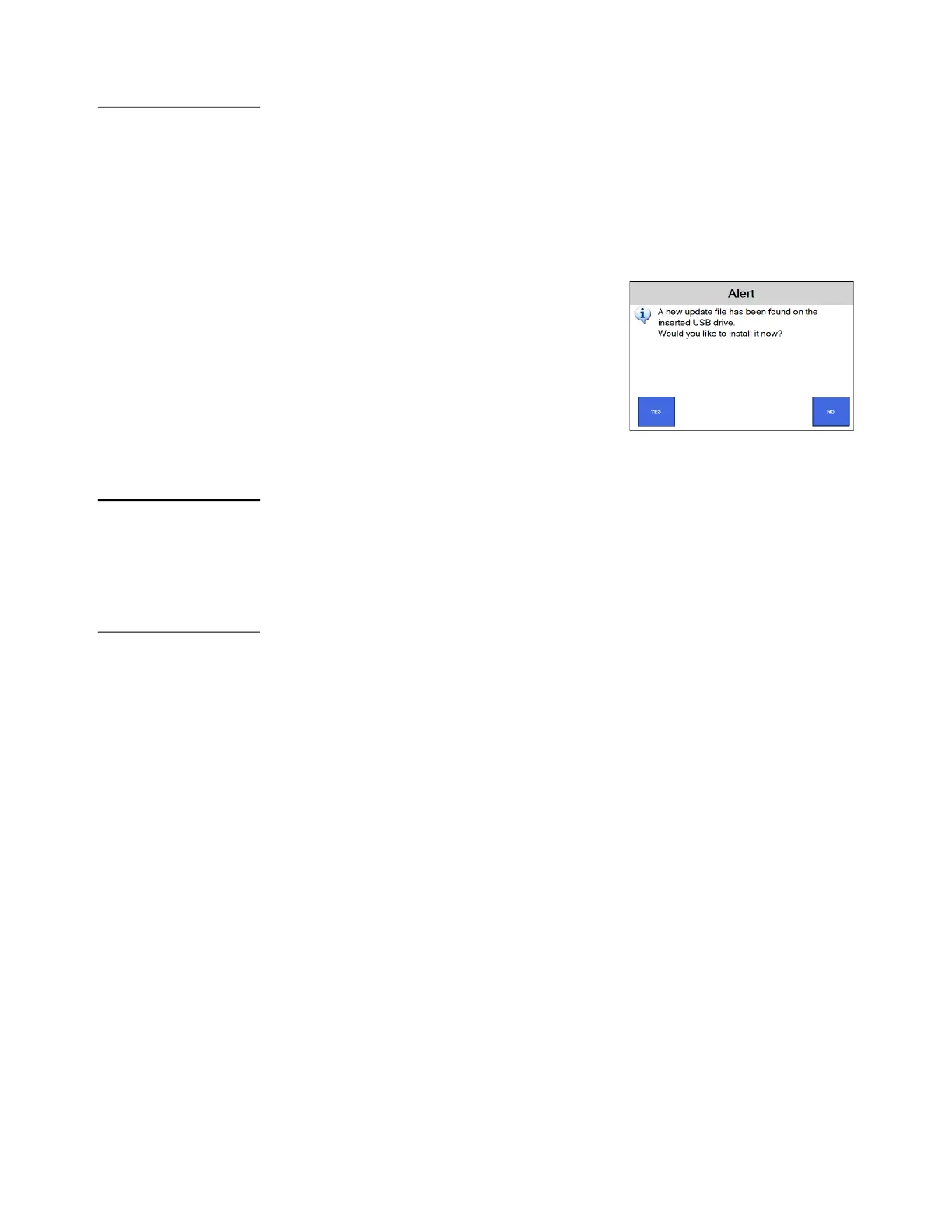
Plugging a USB drive that contains a newer update into either USP port on the back of
the Eyecon should cause the user to be prompted to apply the update. If that prompt
does not appear, this menu can be used to check for an update file on the USB Drive.
Insert the USB memory device into the USB and
follow the onscreen prompts to install the update.
3.11.4 Automatic Updates:
Enabling automatic updates will result in the Eyecon checking for any newer updates,
once per day, at the time specified in the subsequent parameter. If a newer update is
found, that update is downloaded at that time.
3.11.5 Auto Update Time:
Choose time of day when the Eyecon should check for the existence of a newer update
and if available, download that update file. The default is 2:00am, but if you intend to
turn off your Eyecon at night, you may want to set this time to be your normal pharmacy
closing time.



 To Next Page