68 Eyecon 9420 & 9430 Instruction Manual
Settings menu
Periodic exports of the Eyecon trained pill
database is recommended to make sure
you do not lose the custom training your
pharmacy has already completed to
accommodate any NDCs that were not
initially supported by the default trained pill
database on the Eyecon when new. Use
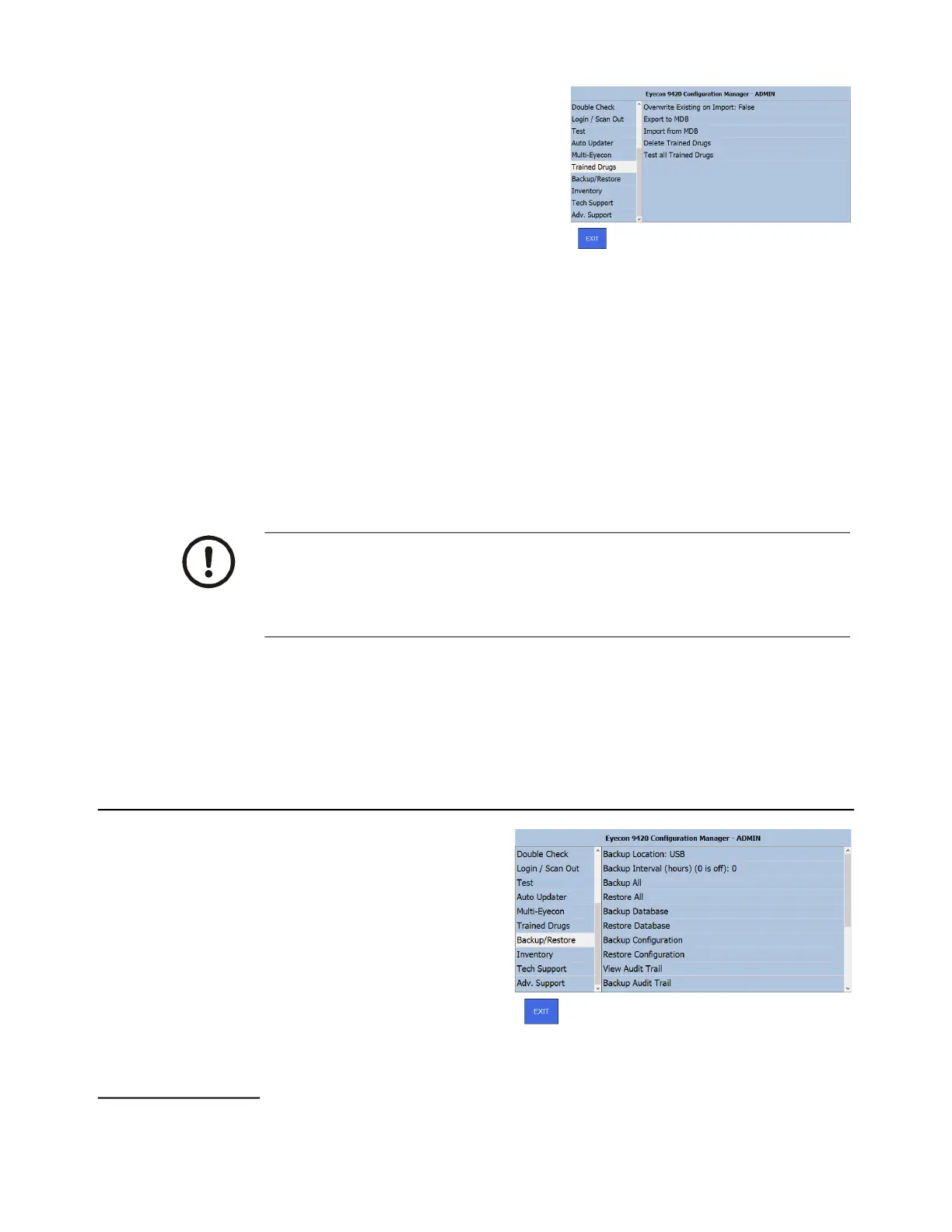
the Trained Drugs menu, shown at right,
to import or export the TrainedDrugs.mdb
file. The menu choices are explained
below.
1. Overwrite Existing on Import: - Select True to use ALL of the trained Pill images
in the imported file. Select False to only add any additional trained pills, not
already on your Eyecon. We recommend choosing true unless you have
already preformed a lot of pill training on this Eyecon.
2. Export to MDB - Select this to export the TrainedDrugs.mdb file to a USB
memory stick inserted in the USB drive of the Eyecon.
3. Import from MDB - Select this to import the TrainedDrugs.mdb file from a USB
memory stick inserted in the USB drive of the Eyecon.
4. Delete Trained Drugs - This will delete all of the trained drugs from the Eyecon.
5. Test All Trained Drugs - This parameter will run an algorithm on all the trained
drugs stored in the Eyecon to ensure that they do not have any clear problems.
If a poorly trained drug is detected, it will be deleted from the Eyecon and will
need to be re-trained.
3.14 Backup / Restore menu
Use the Backup / Restore menu to
back up or restore the database
and Eyecon configuration files.
3.14.1 Backup Location:
This defines where subsequent backup/restore functions will be saved to and restored
from. There are 3 available options.
Use extreme caution when deleting trained drugs as this action cannot be
undone without a pre-existing backup of the TrainedDrugs.mdb file. While the
Eyecon support staff can provide a standard TrainedDrugs.mdb file, any drugs
that your pharmacy uses not contained in the standard file will need to be re-
trained manually.



 To Next Page