Eyecon 9420 & 9430 Instruction Manual 113
6.3 Specify and view a report
6.3 Specify and view a report
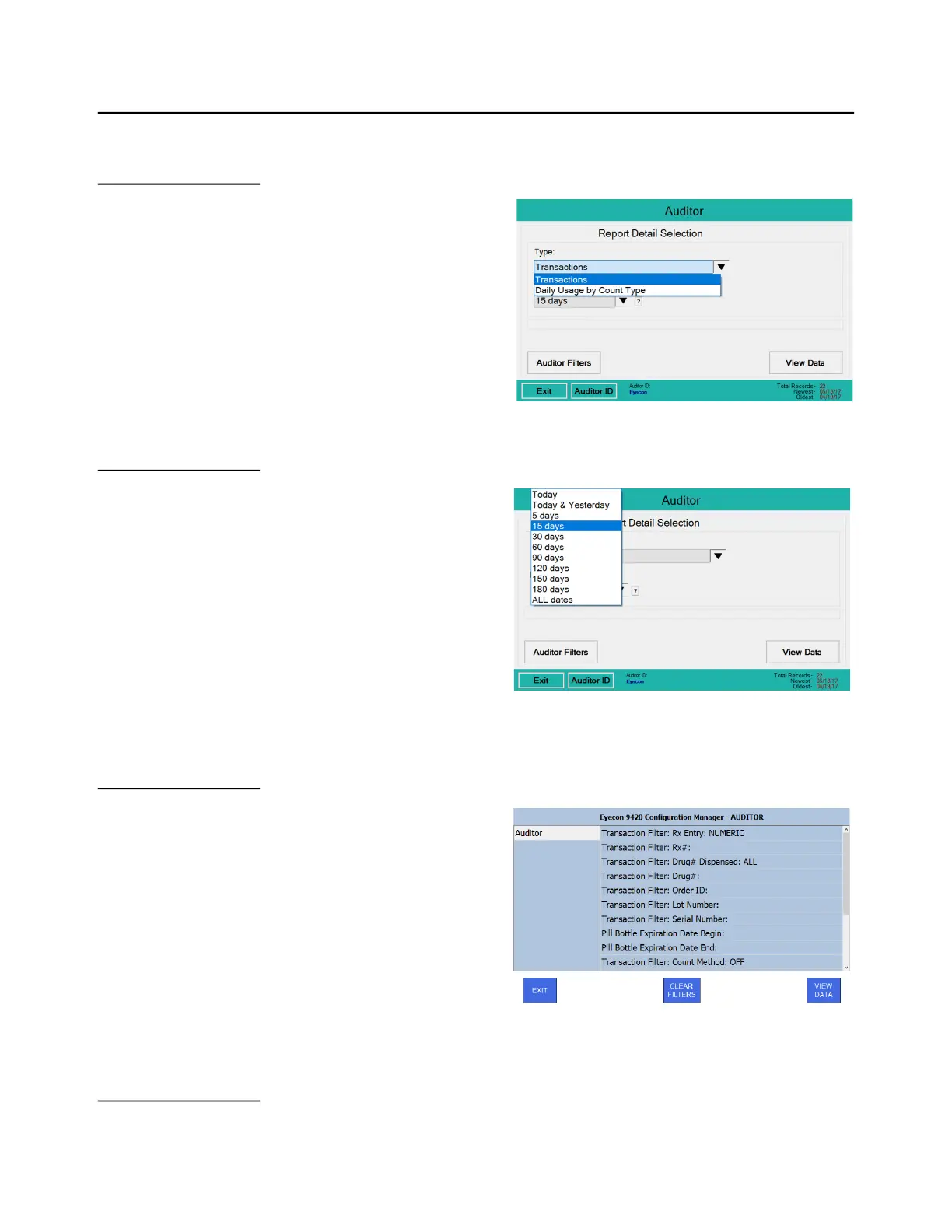
6.3.1 Transaction Type:
Select the desired report type with
the drop down menu. If any
inventory transactions have been
preformed, and not since deleted,
then two additional choices
appear in the drop down menu:
Inventory and Inventory
Summary.
6.3.2 Report Depth:
Press the down arrow key to
show the drop down list of time
periods you can choose from for
the depth of the report. See the
example at right. NOTE: the
report depth selection is not
available for Inventory reports.
6.3.3 Auditor Filters:
Press the Auditor Filters button
to select the filters for the report.
The screen at right is displayed.
NOTE: The Auditor Filters
selection is not available for
Inventory or Data Usage reports.
Press the desired filters to
narrow the displayed
transactions. There may be a list
that appears for you to choose
from or a keypad to type in name
or value.
6.3.4 View Data:



 To Next Page