RESTRICTED USE ONLY FARGO Electronics, Inc.
DTC500 Series Card Printer/Encoders Troubleshooting Guide (Rev. 3.0)
172
Using the Image Position button (continued)
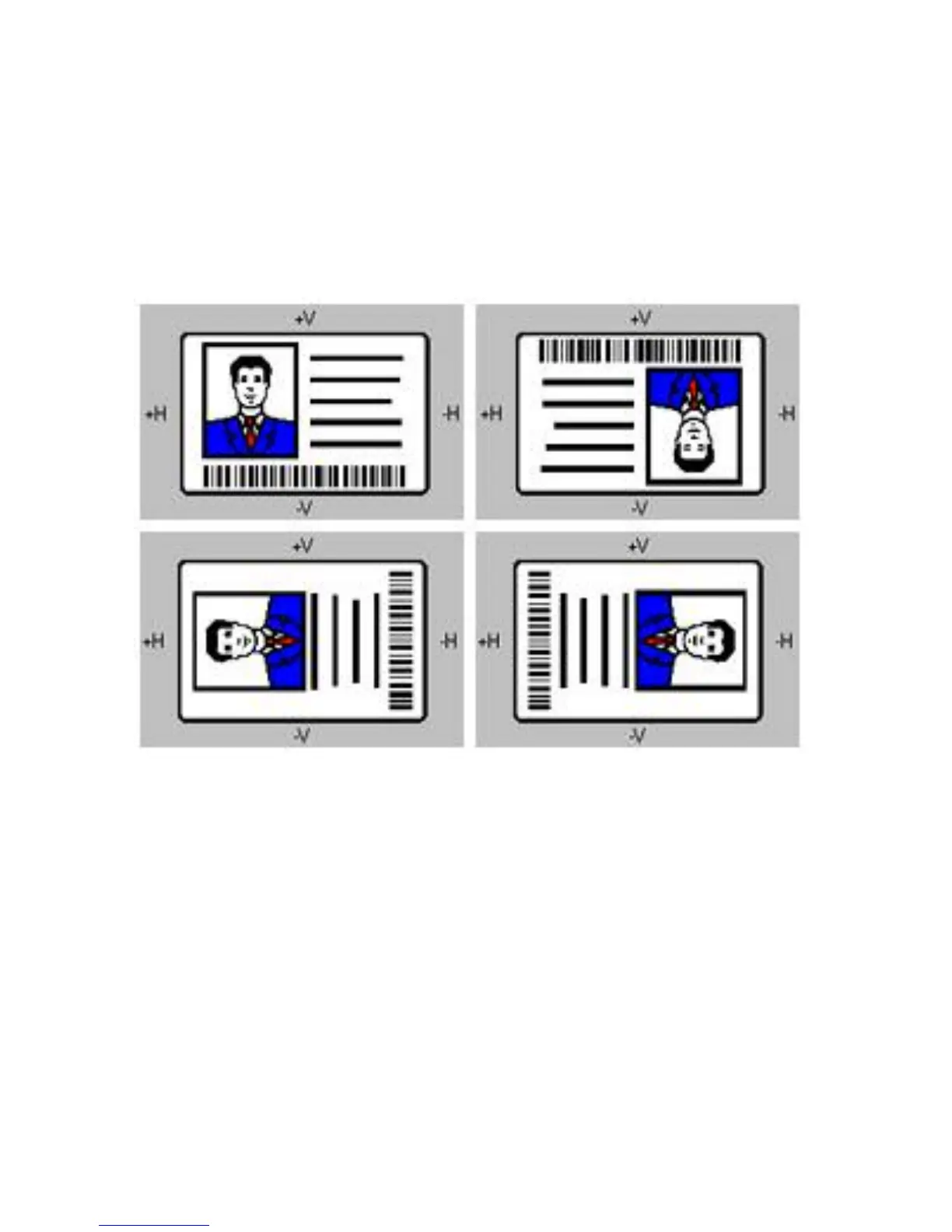
When adjusting these values, keep in mind that cards always remain in the same position as
they travel through the Printer, regardless of image orientation.
To illustrate this, the card illustration shown in the Image Position box will flip and rotate
according to whether you have selected the Portrait or Landscape radio buttons. However,
the outline around the illustration will always remain in the same landscape orientation.











 To Next Page