RESTRICTED USE ONLY FARGO Electronics, Inc.
DTC500 Series Card Printer/Encoders Troubleshooting Guide (Rev. 3.0)
97
Adjusting the Card Guide Rail (continued)
Step Procedure
3 Slightly loosen the two (2) screws which fasten the Card Guide Rail to the
Printer's main chassis.
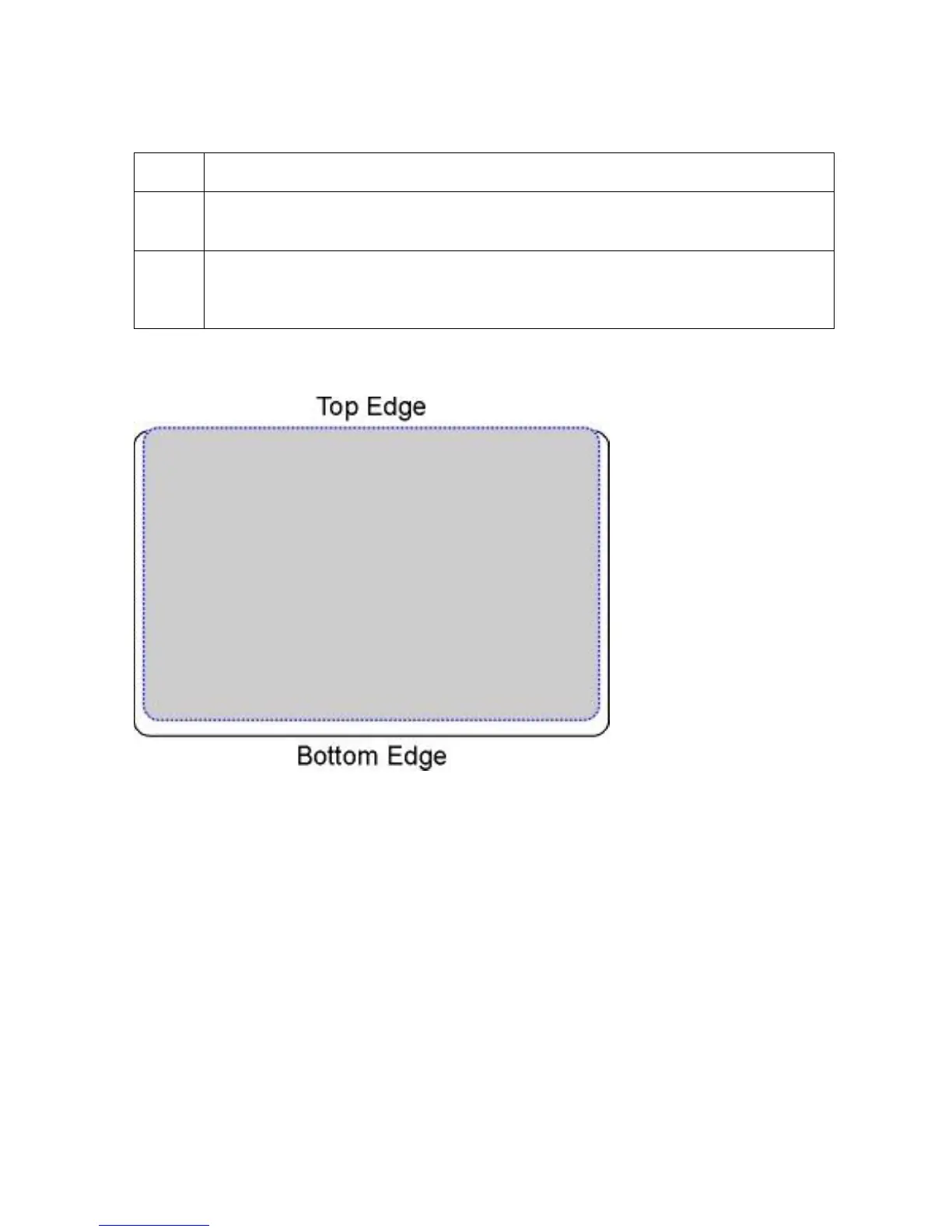
4 If the PolyGuard patch is being placed more toward a card's top edge (as
shown), move the Card Guide Rail slightly toward the rear of the Printer
(opposite the direction you would like the patch to move).
Continued on the next page











 To Next Page