RESTRICTED USE ONLY FARGO Electronics, Inc.
DTC500 Series Card Printer/Encoders Troubleshooting Guide (Rev. 3.0)
98
Adjusting the Card Guide Rail (continued)
Step Procedure
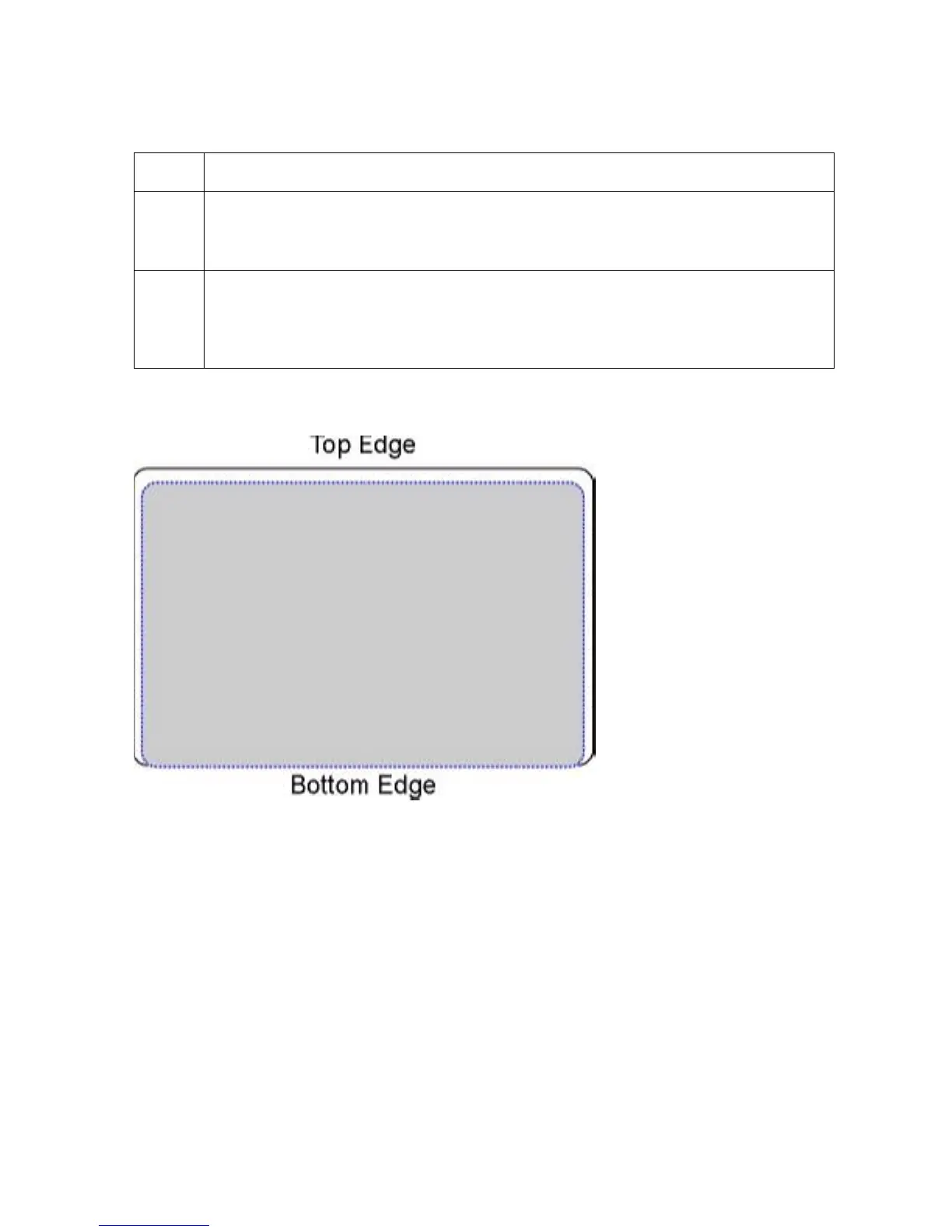
5 If the PolyGuard patch is being placed more toward a card's bottom edge (as
shown), move the Card Guide Rail slightly toward the front of the Printer
(opposite the direction you would like the patch to move).
6 Always make very slight adjustments to the Card Guide Rail, and run a test print
after each adjustment until the optimum patch position is found. (Note: Be sure
the Card Guide Rail always remains parallel to the card path and that the screws
loosened in step 1 are retightened after each adjustment.)
Continued on the next page











 To Next Page