RESTRICTED USE ONLY Fargo Electronics, Inc.
DTC500 Series Card Printer/Encoders User Guide (Rev. 5.0)
148
Attaching the Card Lamination Module (continued)
Step Procedure
6
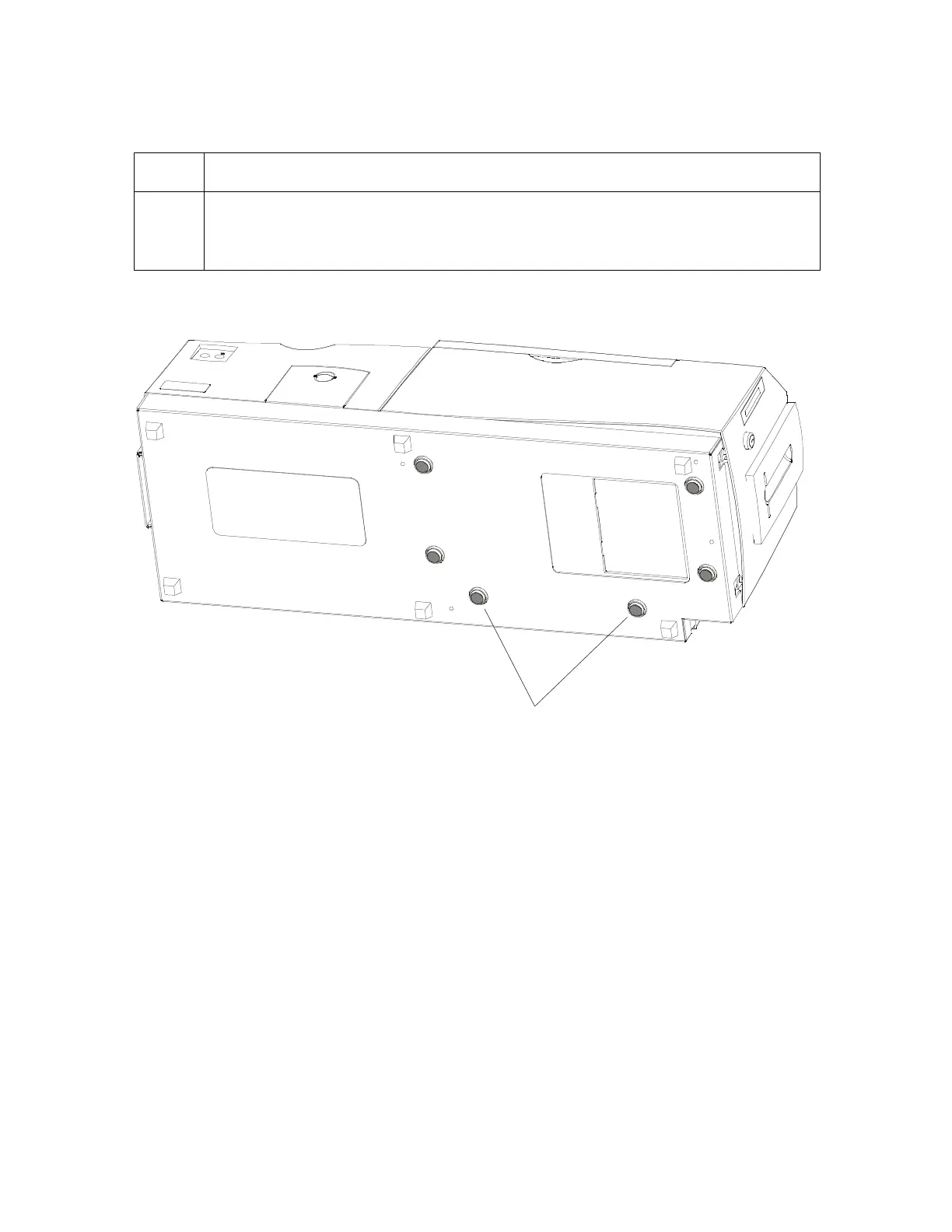
Set the Printer completely into the lamination module's Baseplate. (Note: The
rubber pads on the bottom of the Printer will rest securely in the holes in the
lamination module's Baseplate when the Printer is seated properly.)
Continued on the next page












 To Next Page