RESTRICTED USE ONLY Fargo Electronics, Inc.
Pro-LX Laminating Card Printer/Encoder User Guide (Rev. 5.0) 106
Using the Lamination Placement option (continued)
Step Procedure
2
Once adjustment is complete, click the OK button to save the adjustments or
click the Cancel button to cancel any adjustments (just made).
3
a. Print a self-test after making adjustments to the Internal Printer settings.
(Note: This self-test print helps determine if these settings are set properly.)
b. If the Printer has a Magnetic Stripe Encoder (and the Magnetic Offset option
is adjusted, test this adjustment by sending down a command to encode from
the specific software program.
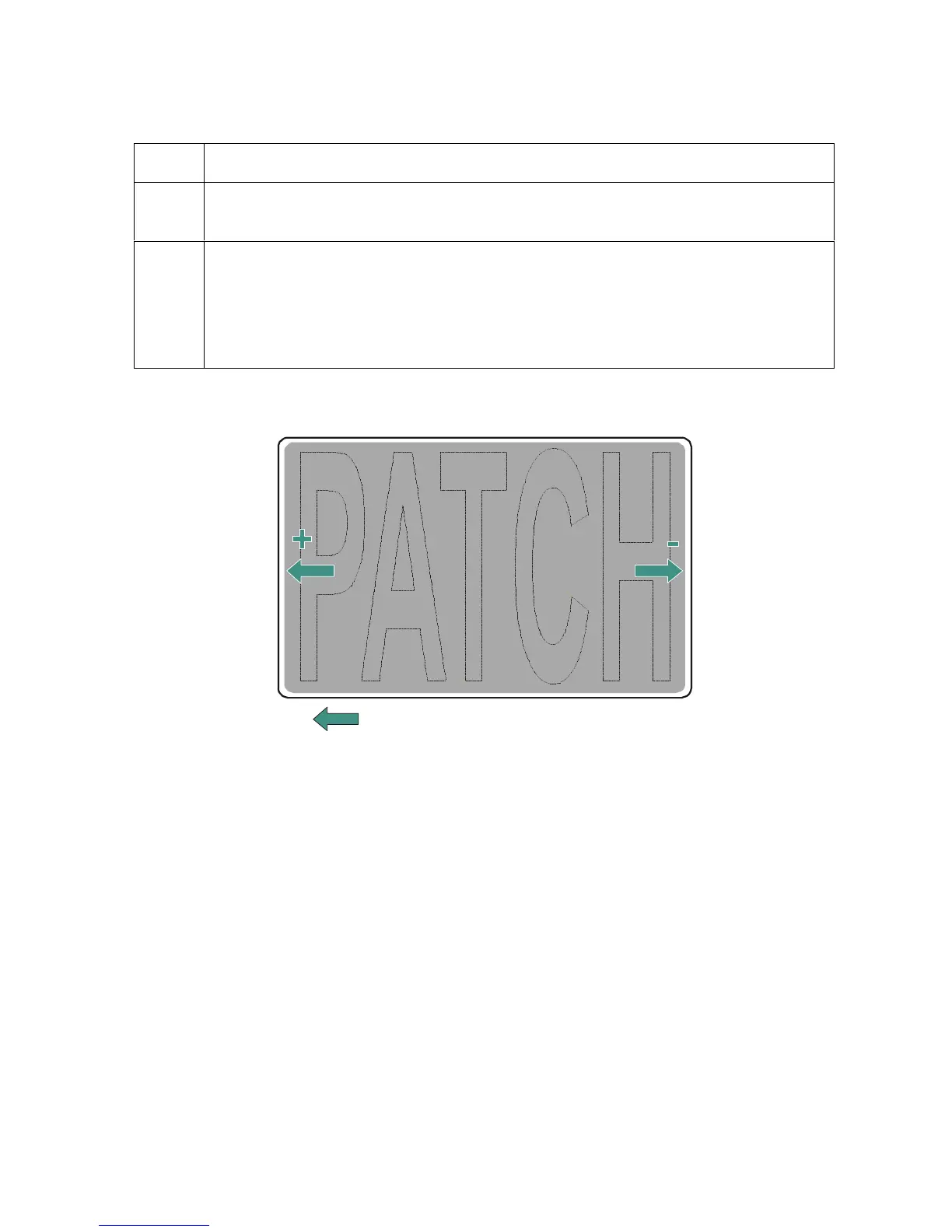
Direction card travels through printer
Card Output
Side of Printer
(Leading Edge
of Card)
Card Input
Side of Printer
(Trailing Edge
of Card)












 To Next Page