RESTRICTED USE ONLY Fargo Electronics, Inc.
Pro-LX Laminating Card Printer/Encoder User Guide (Rev. 5.0) 181
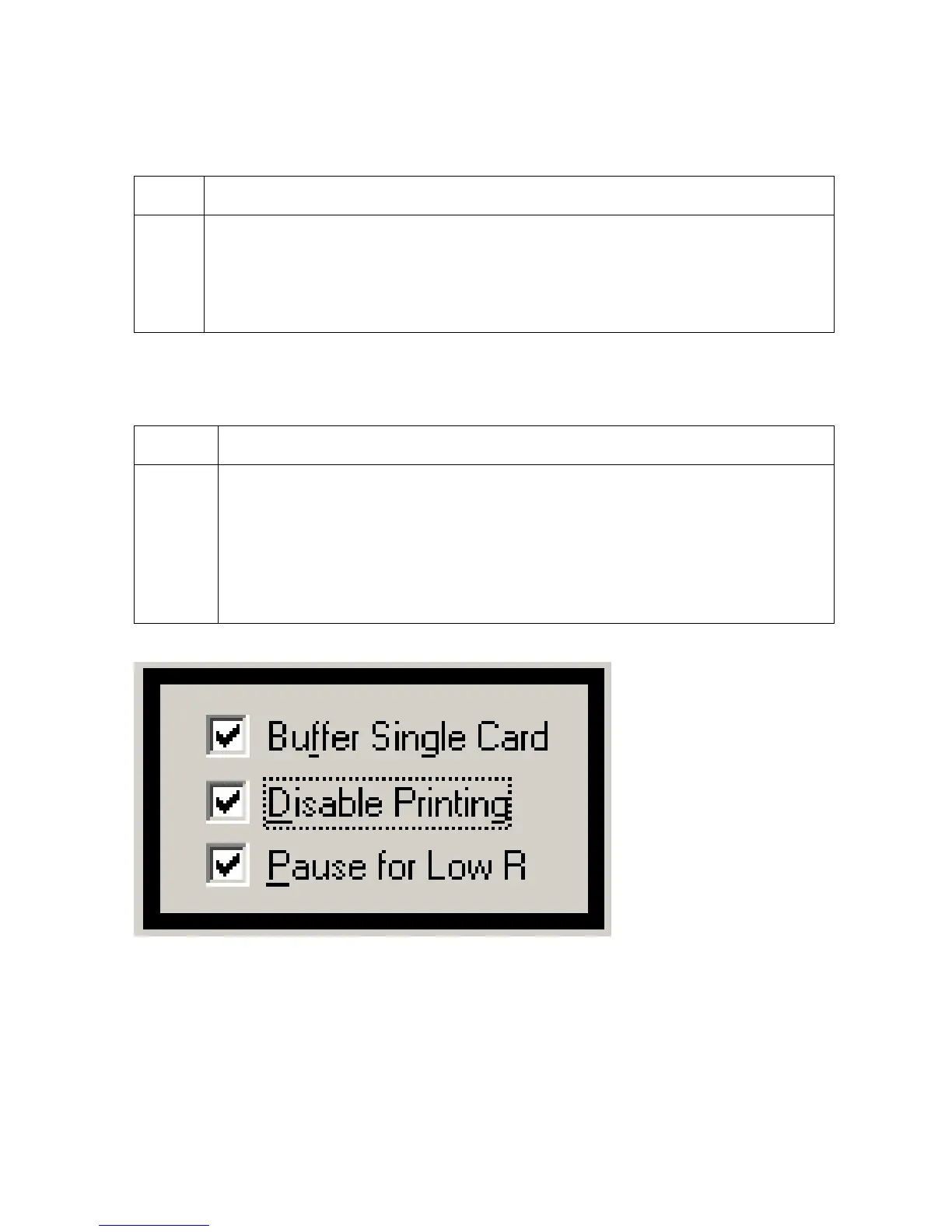
Selecting the Buffer Single Card checkbox
Use this option to force the Printer's memory to buffer or hold, only one print job at a time.
Step Procedure
1 Select this option only to print to multiple Printers sharing print jobs over a
network. (Note: In this case, this option ensures all print evenly shared by all
Printers. Normally, when this option is not selected, the Printer's memory will
buffer as many print jobs as it can until the Printer's memory is full. This is ideal
for most applications where Printers are not networked together.)
Selecting the Disable Printing checkbox
Use this option to disable the printing capabilities of the Printer and still allow the Printer to
encode cards.
Step Procedure
1 Select this option:
To encode or re-encode preprinted cards without wasting additional time,
effort or printing supplies.
To ensure that all encoding instructions will be sent according to how they
are configured within the software (even though all print data will not be
sent to the Printer).











 To Next Page