RESTRICTED USE ONLY Fargo Electronics, Inc.
Pro-LX Laminating Card Printer/Encoder User Guide (Rev. 5.0) 88
Reviewing the Main Circuit Board
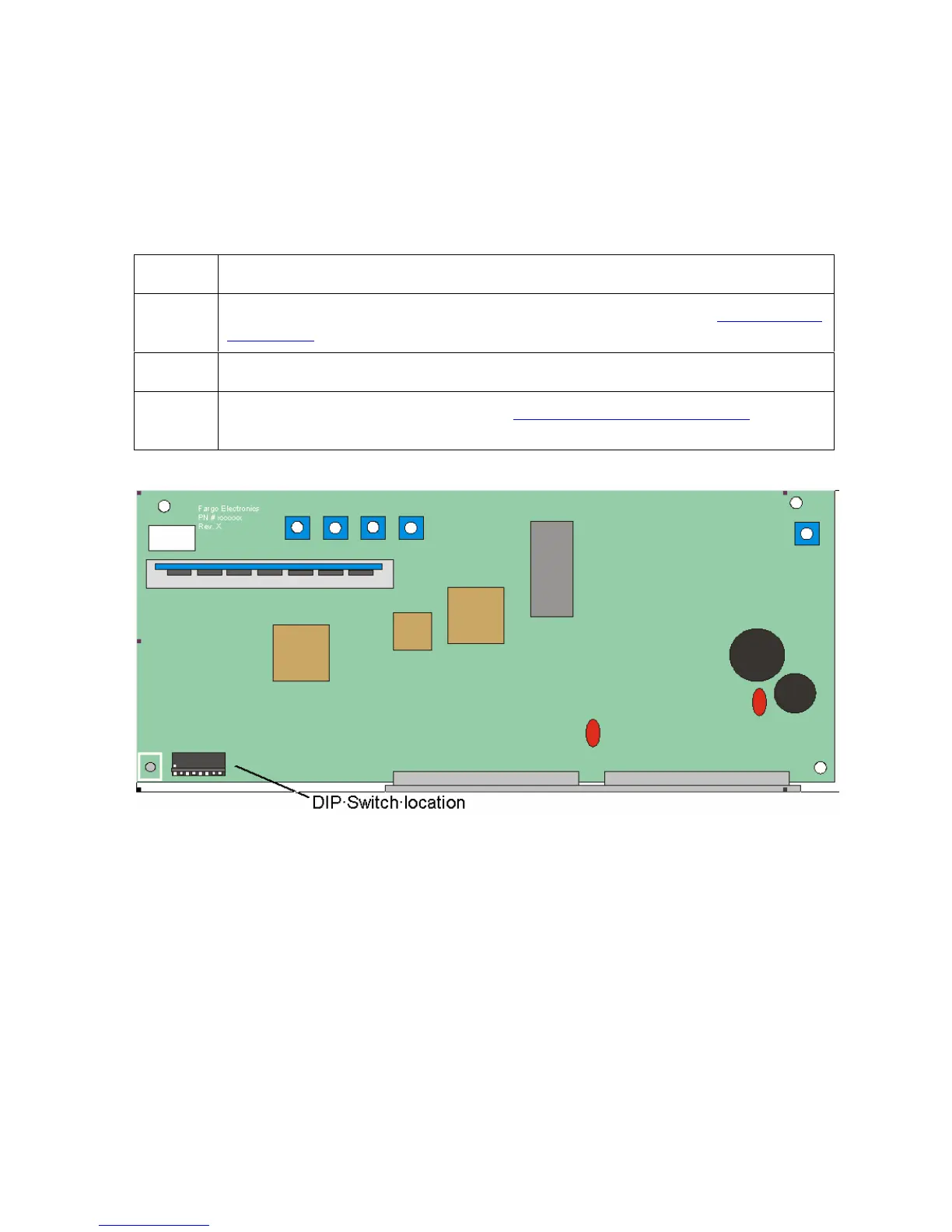
Perform the standard self-test and the other test modes (made available by changing the DIP
Switch Settings within the Printer). Use these additional self-tests to isolate and diagnose
Printer problems and test for proper Printer operation after Printer calibration. (Note: The
Main Circuit Board (below) displays the location of the DIP switches and how to activate
them.)
Step Procedure
1 To remove the rear cover to expose the Main Circuit Board. See Removing the
Main Board in Section 5, page Error! Bookmark not defined..
2 To find the DIP switches on the Main Circuit Board, see the figure (below).
3 To activate the DIP switches, see the Setting the DIP Switch Settings in
Section 2, page 91.











 To Next Page