RESTRICTED USE ONLY Fargo Electronics, Inc.
Pro-LX Laminating Card Printer/Encoder User Guide (Rev. 5.0) 79
Resolving the Excessive Resin Printing problems
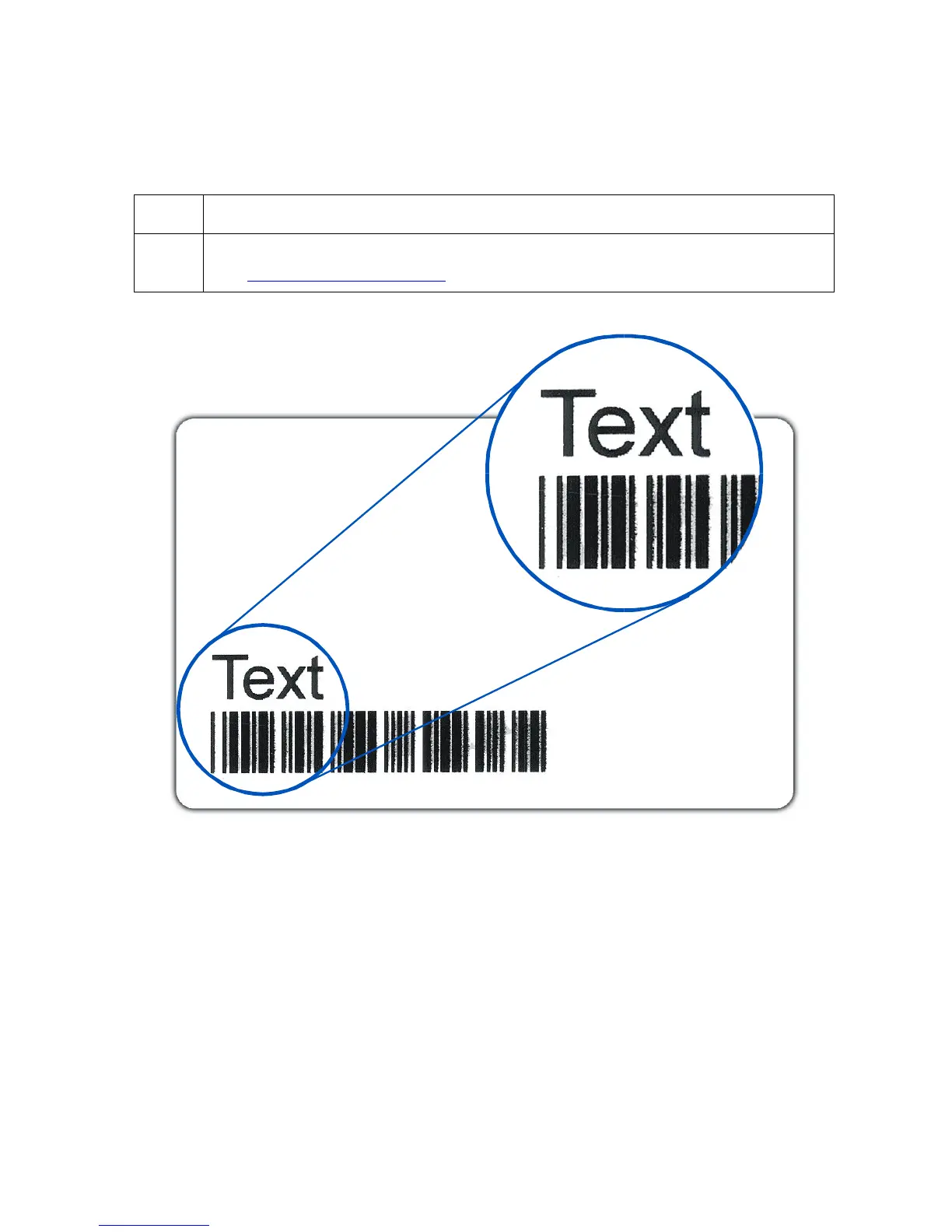
Symptom: Black resin text and barcodes appear smeared or too thick.
Step Procedure
1 Reduce the Resin Heat setting within the Image Color tab of the Printer Driver.
See Using the Image Color tab procedure in Section 3, page 157.
Continued on the next page











 To Next Page