RESTRICTED USE ONLY Fargo Electronics, Inc.
Pro-LX Laminating Card Printer/Encoder User Guide (Rev. 5.0) 73
Diagnosing Image Problems
Resolving the Pixel Failure problems
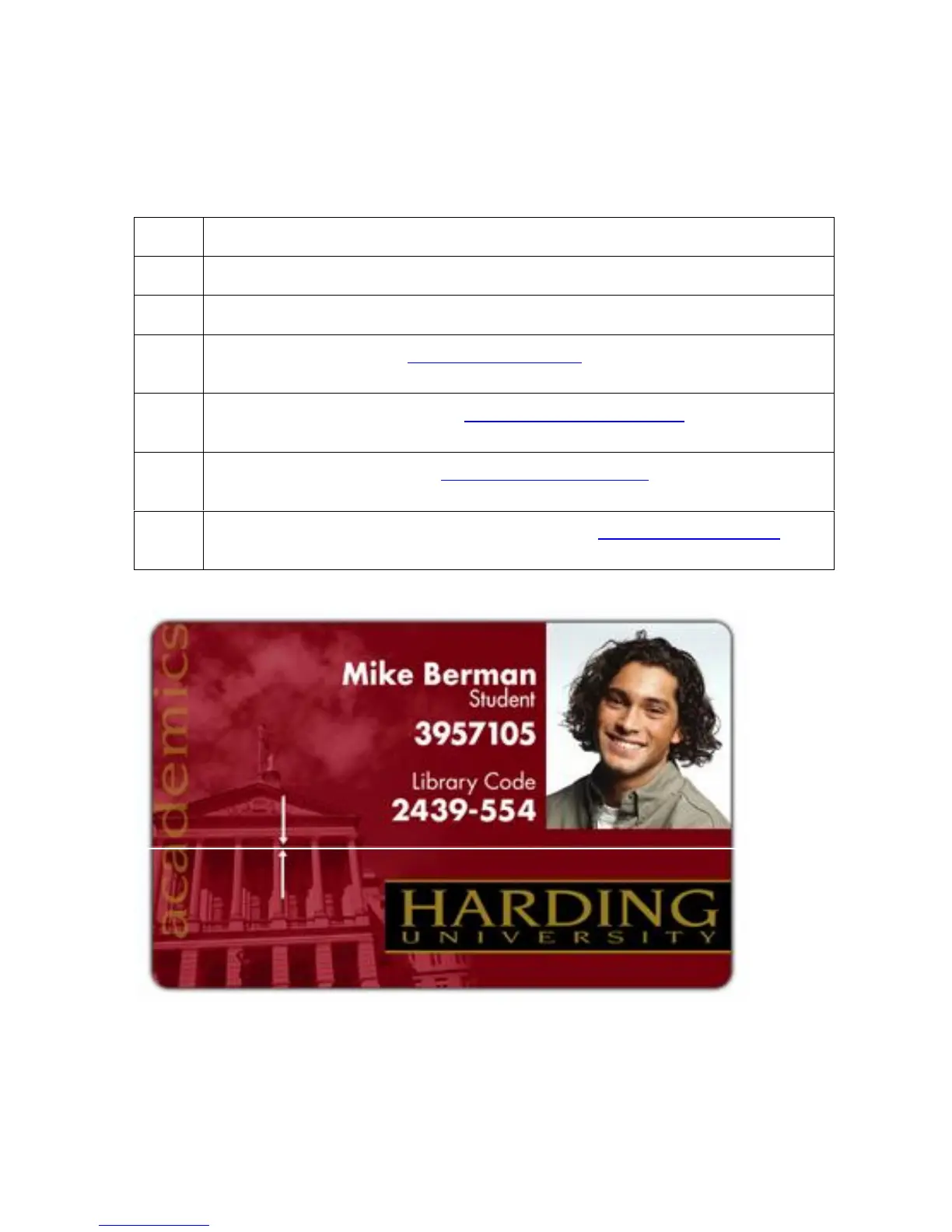
Symptom: A thin line or scratch travels the entire length of the card.
Step Procedure
1 Check the card stock for scratches. Replace the cards (as needed).
2 Examine the Printhead for visible damage.
3 Clean the Printhead. See Cleaning the Printhead procedure in Section 4, page
186.
4 Replace the Cleaning Tape. See Replacing the Cleaning Tape procedure in
Section 4, page 189.
5 Clean the Platen Rollers. See Cleaning the Platen Rollers procedure in Section
4, page 191.
6 Replace the Printhead if the problem persists. See Replacing the Printhead
procedure in Section 5, page Error! Bookmark not defined..











 To Next Page