RESTRICTED USE ONLY Fargo Electronics, Inc.
Pro-LX Laminating Card Printer/Encoder User Guide (Rev. 5.0) 118
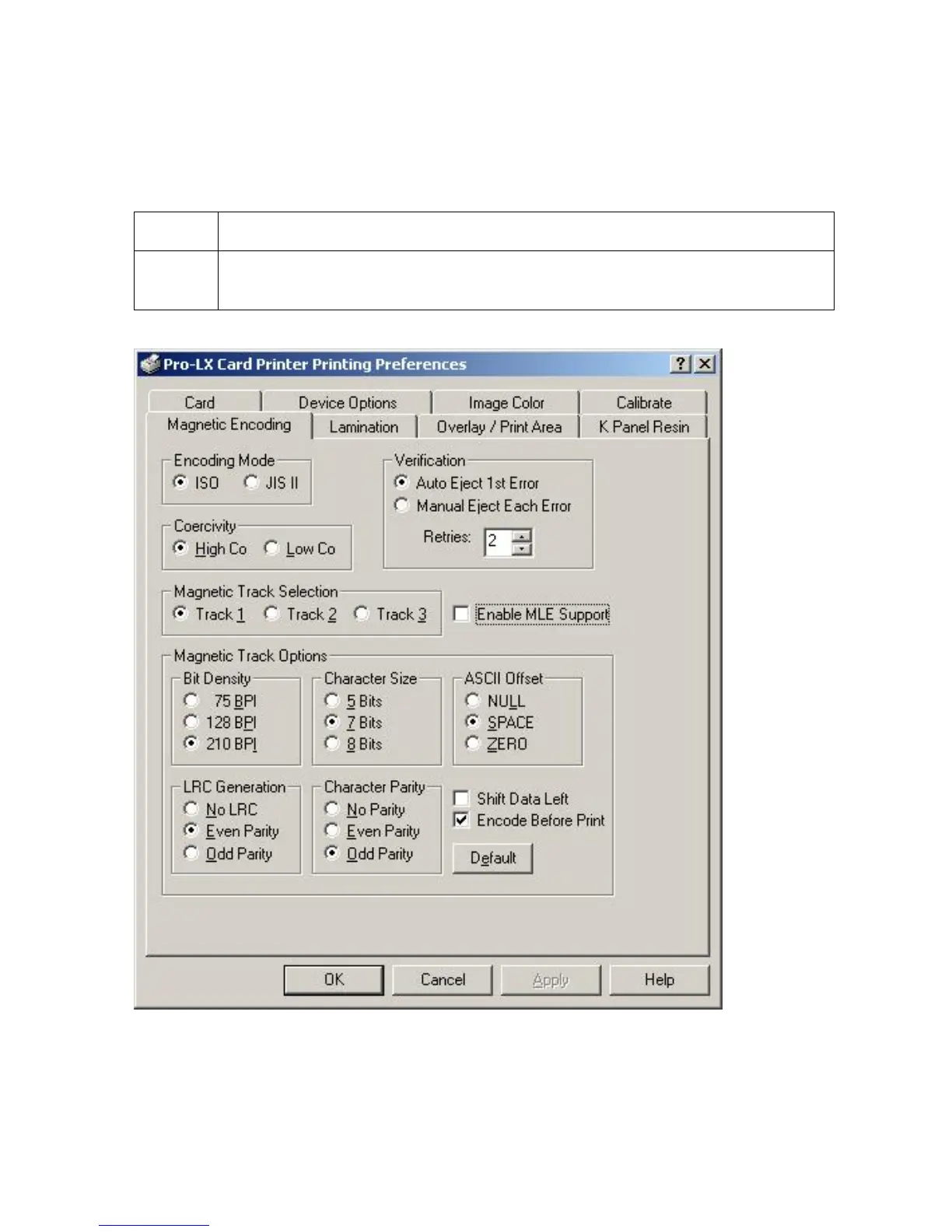
Using the Magnetic Encoding tab
Use this option only if the Printer has an optional Magnetic Stripe Encoding Module installed.
This Section describes these options and the Printer's magnetic encoding process.
Step Procedure
1 Select the Magnetic Encoding tab to display options for controlling the
Magnetic Stripe encoding process.
Continued on the next page











 To Next Page