RESTRICTED USE ONLY Fargo Electronics, Inc.
Pro-LX Laminating Card Printer/Encoder User Guide (Rev. 5.0) 117
Using the Sensors and Settings buttons (continued)
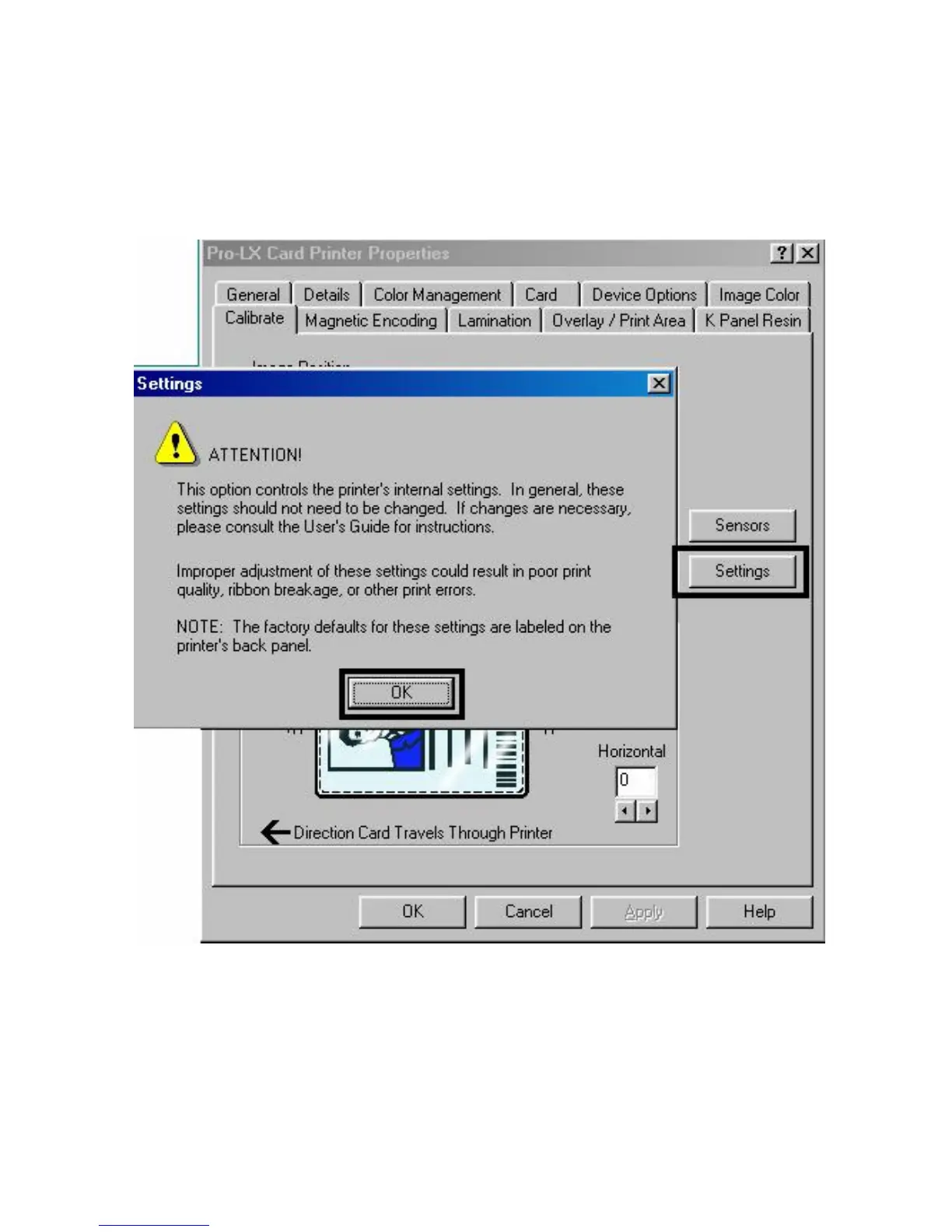
Use the Settings button to bring up a separate dialog box for adjusting the internal Printer
settings (that are customized for every Printer at the factory and saved directly within the
Printer's memory).












 To Next Page