RESTRICTED USE ONLY Fargo Electronics, Inc.
Pro-LX Laminating Card Printer/Encoder User Guide (Rev. 5.0) 91
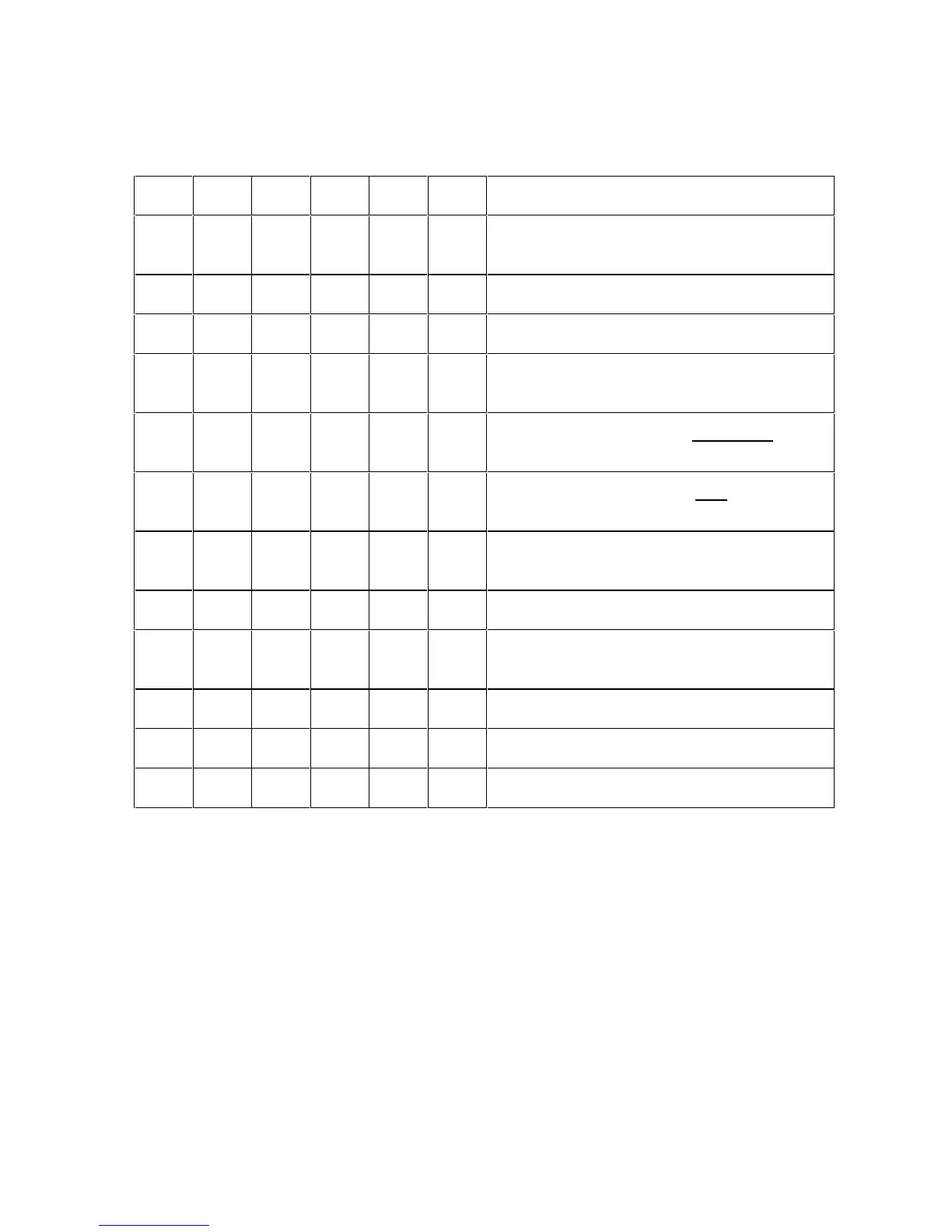
Setting the DIP Switch Settings
(Note: The capital letter “X” indicates that the switch should be set to ON or DOWN.)
SW1 SW2 SW3 SW4 SW5 SW6 Diagnostic modes
Standard Self-test (YMC) front, (K or B) on
back
X X Self test with Monochrome Dye-Sub (B)
X X Self test with Monochrome Resin (K)
X X X Ribbon Sensor Calibration (align on clear
or yellow panel, PC not required)
X 15 Shade self-test (YMC) PolyGuard
Lamination will be applied.
X X 15 Shade Self-test (YMC) Film Lamination
will be applied
X X X X Lamination Sensor Calibration (remove
lamination material, PC not required)
X X Disables the Laminator
X Tests Magnetic Encoding to all three
Tracks (No print is applied)
X Disables Magnetic Verification
X X Test Core Pins (Print)
X X X Test Core Pins (Lam)











 To Next Page