RESTRICTED USE ONLY Fargo Electronics, Inc.
Pro-LX Laminating Card Printer/Encoder User Guide (Rev. 5.0) 81
Resolving the Incomplete Resin Printing problems
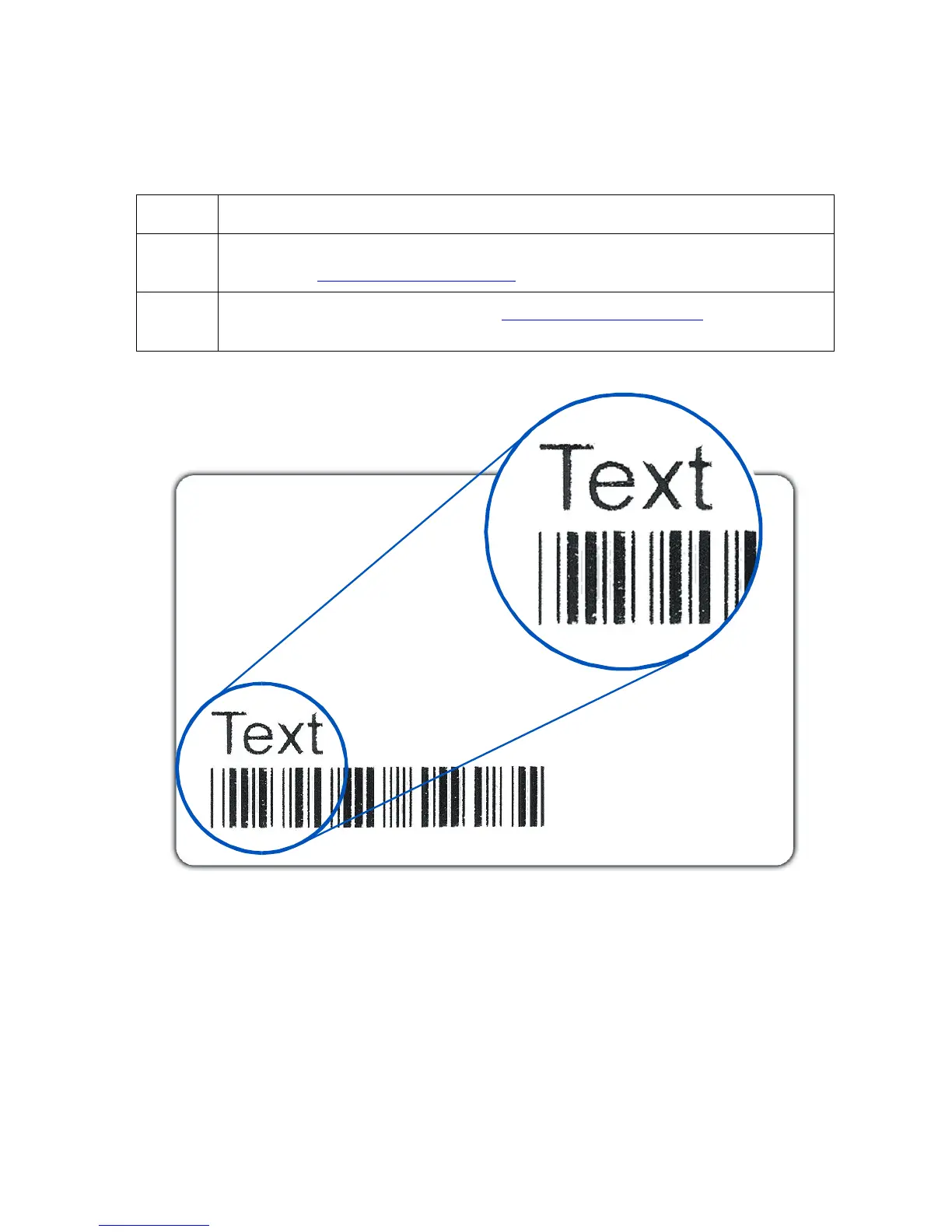
Symptom: Black resin text and barcodes appear faded or too light.
Step Procedure
1
Increase the Resin Heat setting within the Image Color tab of the Printer
Driver. See Using the Image Color tab procedure in Section 3, page 157.
2
Increase the Image Darkness. See Using the Image Darkness option in
Section 3, page 100.











 To Next Page