RESTRICTED USE ONLY Fargo Electronics, Inc.
Pro-LX Laminating Card Printer/Encoder User Guide (Rev. 5.0) 175
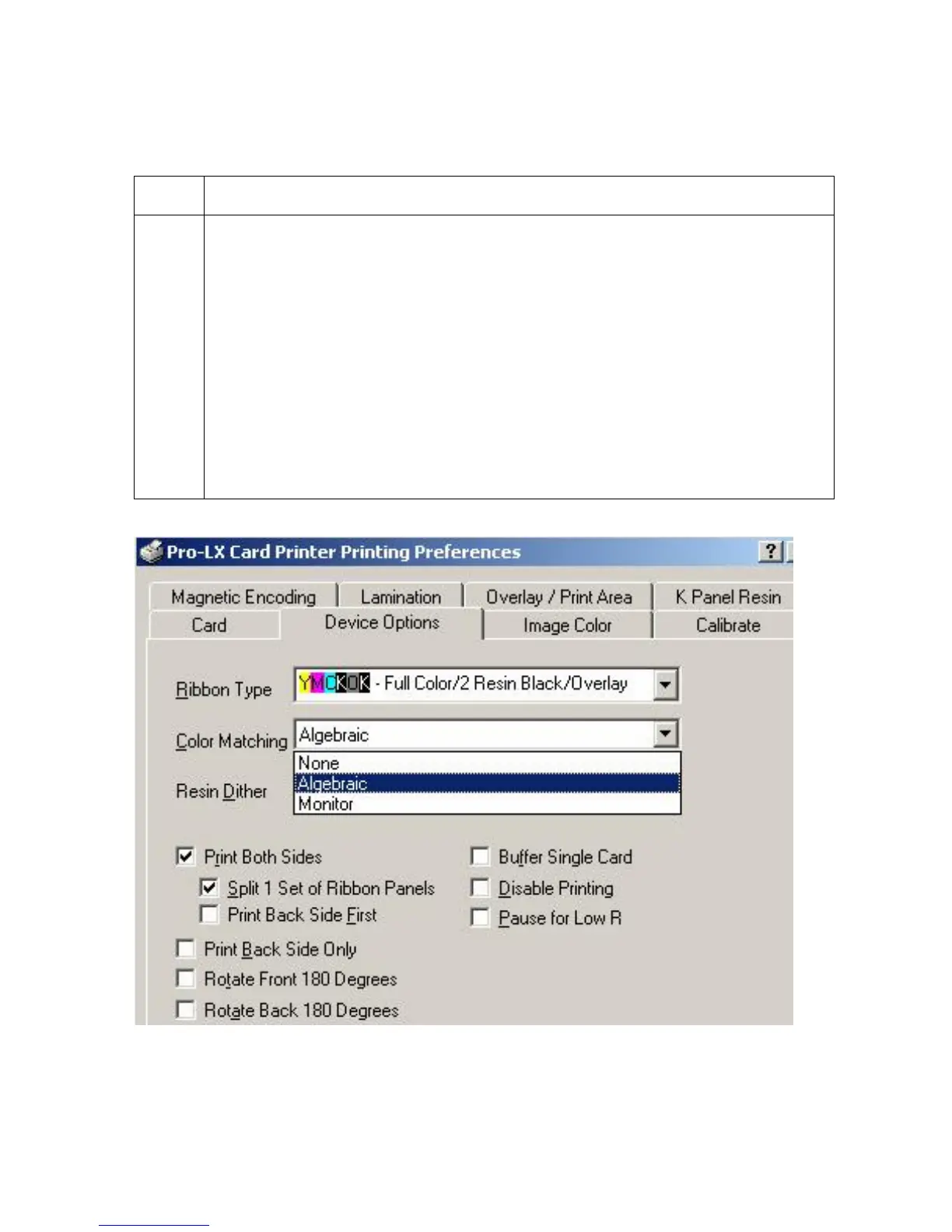
Selecting from the Color Matching options
Use the Color Matchings options to meet or fit the requirements of the current print job.
Step Procedure
1
Select None for print speed rather than print color,
If the color is already correcting the image for printing.
OR
If some other third party color matching software is in use.
OR
Select Algebraic for the Printer Driver to make very simple, yet fast, color
balance adjustments.
OR
Select Monitor for the Printer Driver to make complex color corrections similar to
the Algebraic option but through a more complex color matching algorithm.











 To Next Page