RESTRICTED USE ONLY Fargo Electronics, Inc.
Pro-LX Laminating Card Printer/Encoder User Guide (Rev. 5.0) 87
Running the Self Test
Perform a self-test after (a) an initial setup of the Printer, (b) a calibration procedure has
been conducted or (c) a part has been replaced to check for proper Printer operation.
Step Procedure
1 Verify that a full-color ribbon is installed and that cards are properly loaded.
Caution: If the power is ON, disconnect the Power Cable from the
Printer’s rear panel.
2
Press and hold the Pause/Resume button.
3
While holding down the Pause/Resume button, plug the power cable back into the
Printer.
4
Once the On LED illuminates, release the button.
The Flipper Table will re-align itself.
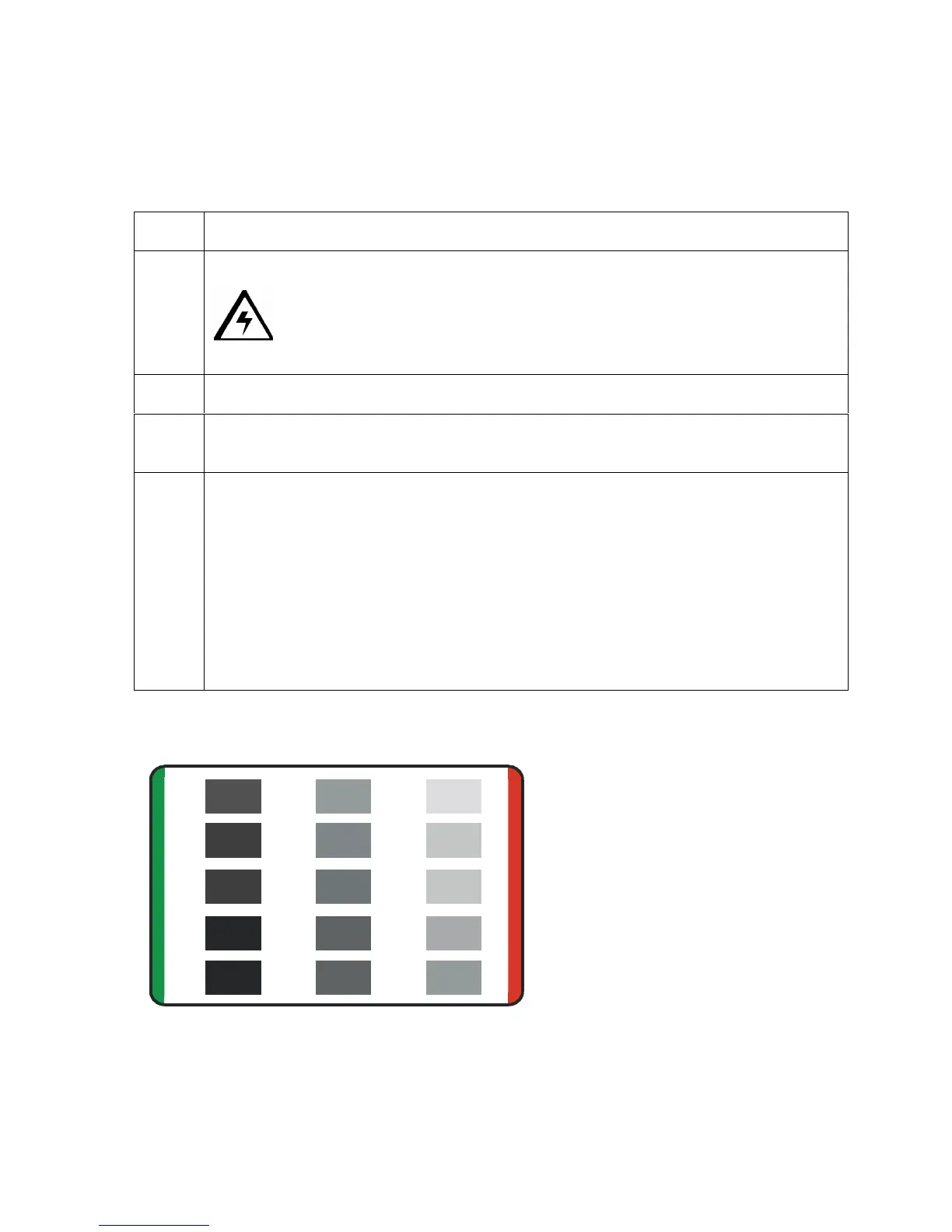
The Printer will print a 3-color process gray scale on the front, flip the card and
print the monochrome black panel on the back. The overlay pass is not printed
during the Self-test.
The card will be ejected with the backside face up.
Reverse the card to look at the front side and examine the gray scale pattern with
the green bar at the top and a red bar at the bottom of the card.
Running the Standard Self Test Print
This card will be printed.
PRO-LX











 To Next Page