RESTRICTED USE ONLY Fargo Electronics, Inc.
Pro-LX Laminating Card Printer/Encoder User Guide (Rev. 5.0) 74
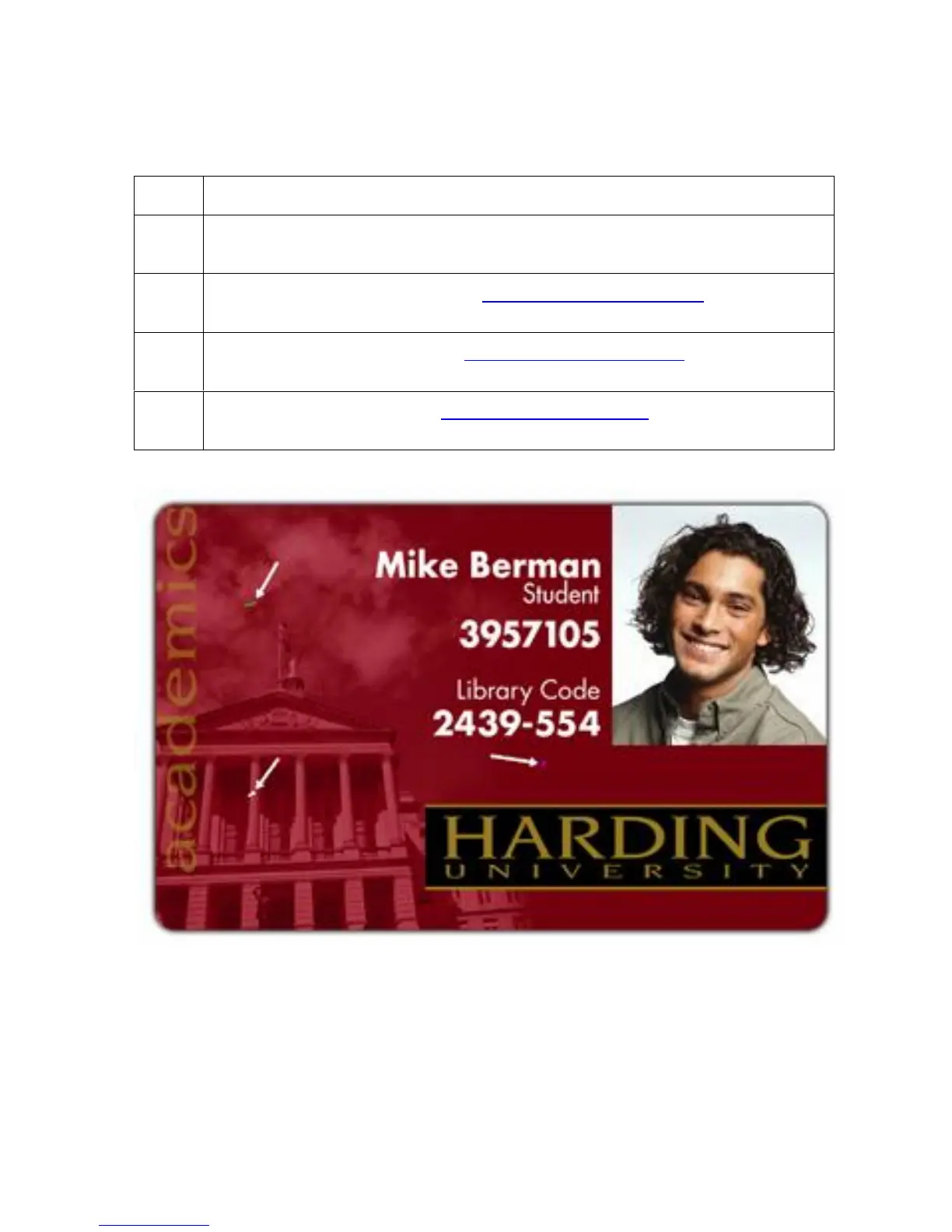
Resolving the Card Surface Debris problems
Symptom: Prints have spots (white or colored voids) and/or dust on them.
Step Procedure
1 Be sure the cards are clean and stored in a dust-free environment. Do not use
cards with embedded contaminants in the surface.
2 Clean the inside of the Printer. See Cleaning the Printer’s Interior procedure in
Section 4, page 192.
3 Replace the Cleaning Tape. See Replacing the Cleaning Tape procedure in
Section 4, page 189.
4 Clean the Platen Rollers. See Cleaning the Platen Rollers procedure in Section
4, page 191.











 To Next Page