RESTRICTED USE ONLY Fargo Electronics, Inc.
Pro-LX Laminating Card Printer/Encoder User Guide (Rev. 5.0) 127
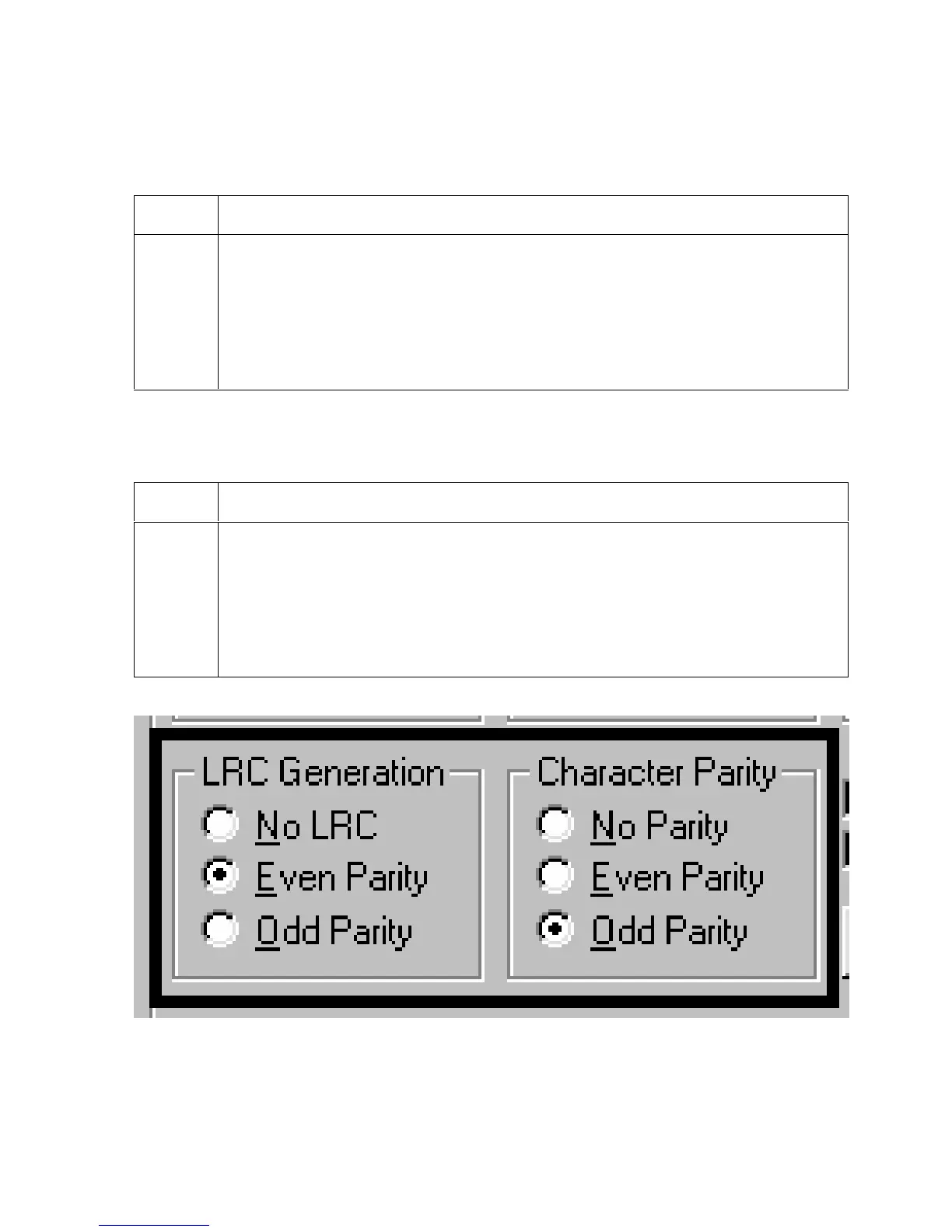
Using the LRC Generation radio buttons
Use this option to customize the LRC Generation Mode (used to encode the magnetic data
on the currently selected Track).
Step Procedure
1 Select NO LRC to change the LRC Generation to none.
OR
Select Even Parity to change the LRC Generation to Even Parity.
OR
Select Odd Parity to change the LRC Generation to Odd Parity.
Using the Character Parity radio buttons
Use this option to customize the Character Data Parity (used to encode the magnetic data on
the currently selected Track).
Step Procedure
1 Select No Parity to change the Character Parity to none.
OR
Select Even Parity to change the Character Parity to Even Parity.
OR
Select Odd Parity to change the Character Parity to Odd Parity











 To Next Page