RESTRICTED USE ONLY Fargo Electronics, Inc.
Pro-LX Laminating Card Printer/Encoder User Guide (Rev. 5.0) 124
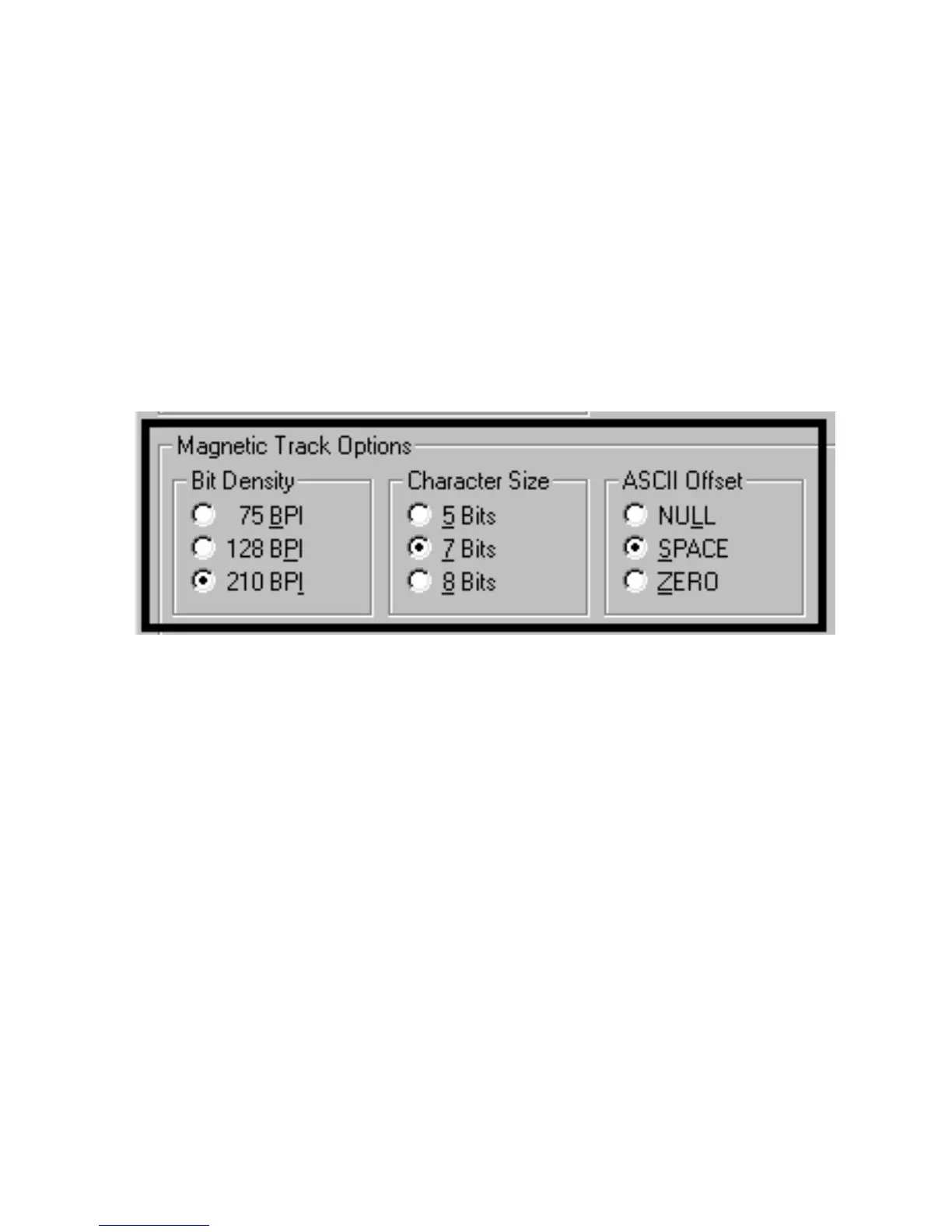
Using the Magnetic Track Options
Use the Magnetic Track options for these purposes:
Customize the ISO encoded data format for each of the Magnetic Stripe's three Tracks.
Customize each Track independently of the other two.
Specify which of the three Tracks to customize by selecting one of the three Track
options.)
(Note #1: After making the required selection, the Magnetic Track Options box displays the
current set of customization options for the selected Track.)
(Note #2: For most applications, the default settings for these options do not need to be
changed.)











 To Next Page