RESTRICTED USE ONLY Fargo Electronics, Inc.
Pro-LX Laminating Card Printer/Encoder User Guide (Rev. 5.0) 138
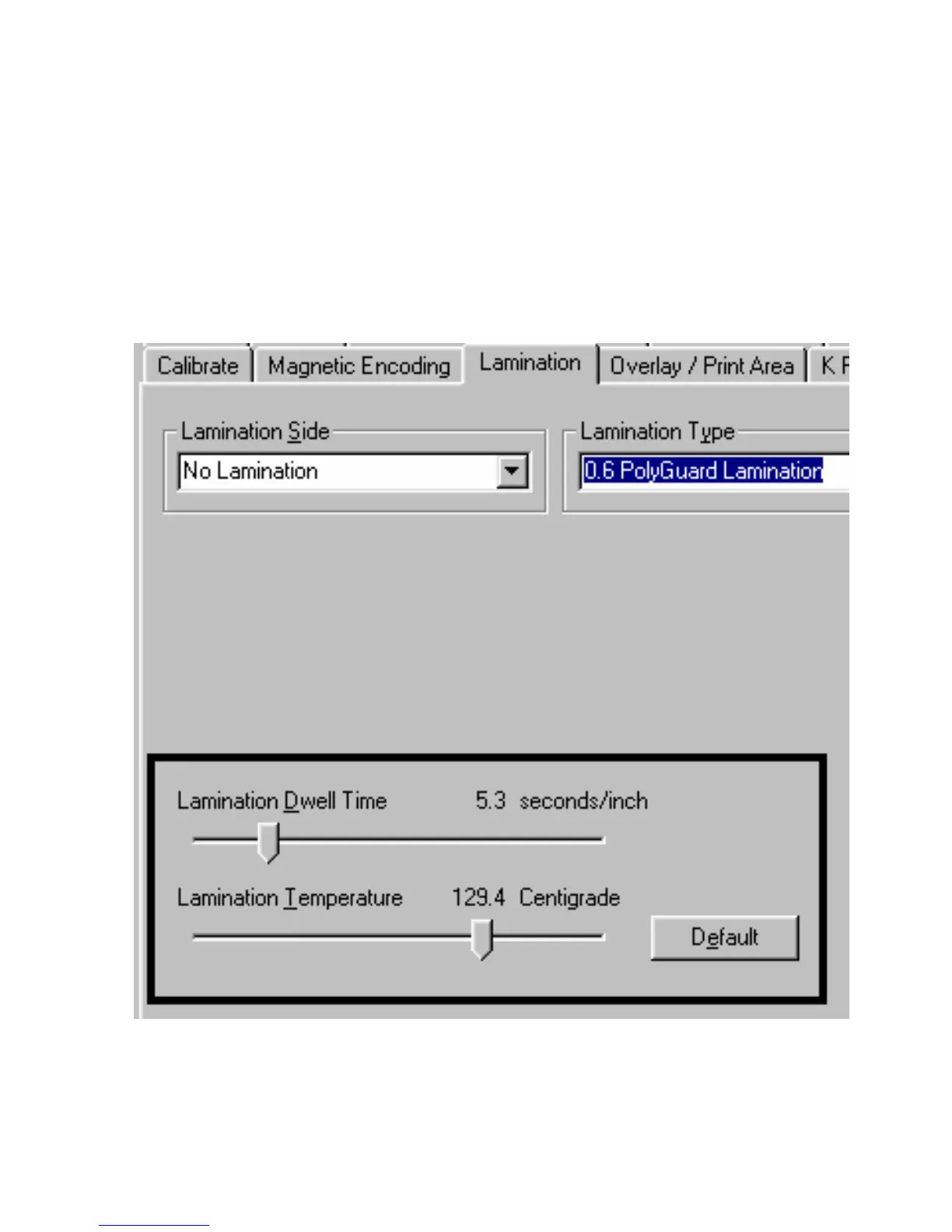
Selecting Lamination Dwell Time and Temperature
Use the Lamination window to control the Lamination Dwell Time or throughput speed of a
card in seconds/inch as well as the Lamination Temperature.
Preset Default Settings: The default settings for the Lamination Dwell Time and
Temperature are preset for manufacturer-recommended card stocks and overlaminate
types.
Required Adjustments: Some adjustment to these settings may be required if using
other brands of these supplies.











 To Next Page