RESTRICTED USE ONLY Fargo Electronics, Inc.
Pro-LX Laminating Card Printer/Encoder User Guide (Rev. 5.0) 135
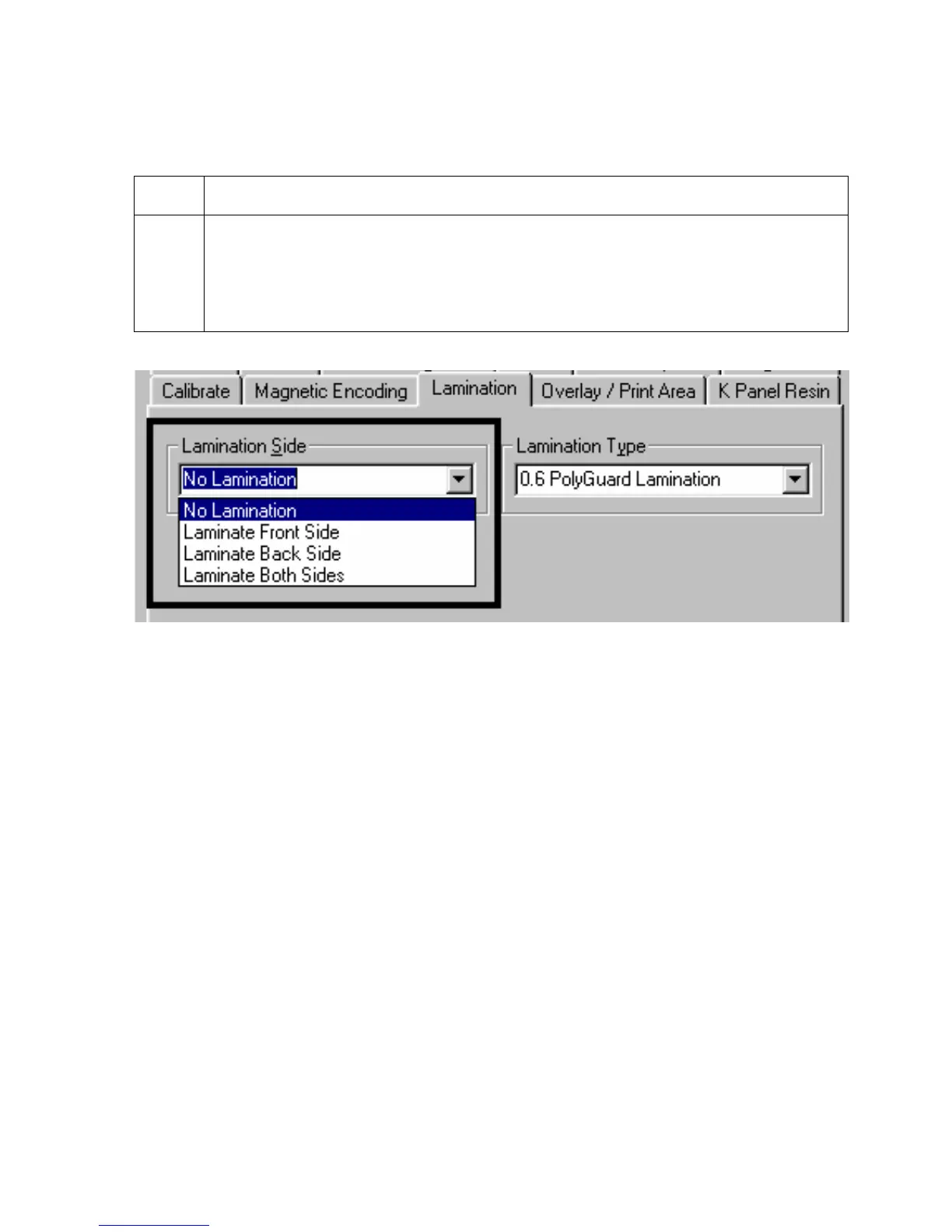
Selecting from the Lamination Side dropdown menu
Use this option to customize what side(s) of the card the Printer is supposed to laminate.
Step Procedure
1
Select the No Lamination option to avoid using the Printer's built-in laminator.
OR
Select Laminate Front Side, Laminate Back Side or Laminate Both Sides to
specify the side(s) of the card to laminate.











 To Next Page