RESTRICTED USE ONLY Fargo Electronics, Inc.
Pro-LX Laminating Card Printer/Encoder User Guide (Rev. 5.0) 78
Resolving the Ribbon Wrinkle problems (continued)
Step Procedure
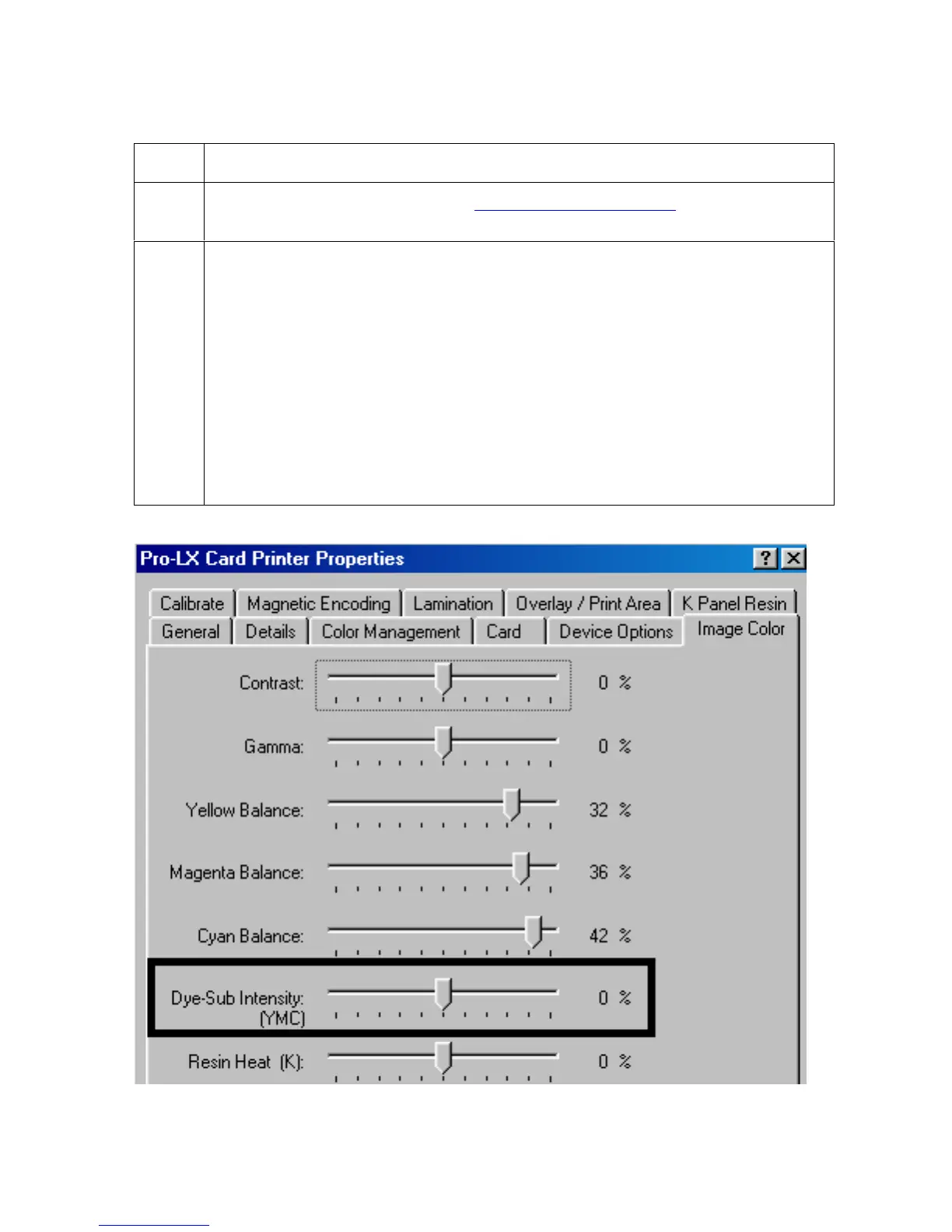
3 Reduce the Image Darkness. See Using the Image Darkness option in Section
3, page 100.
4 Increase the Ribbon tension.
a. Unplug the Printer.
b. Remove the rear cover.
c. Use a 7/16
th
wrench to tighten the nut on the Ribbon Encoder ½ - turn.
d. Reapply power.
e. Print a card.
If the wrinkle effect is gone, continue printing.
If the wrinkle effect is diminished, continue tightening the Ribbon Encoder
nut, in ¼ - turn increments until the wrinkle is gone.












 To Next Page