FIMER_PVS-175-TL A.1 Version_Product manual_EN_RevC-
F
96
•
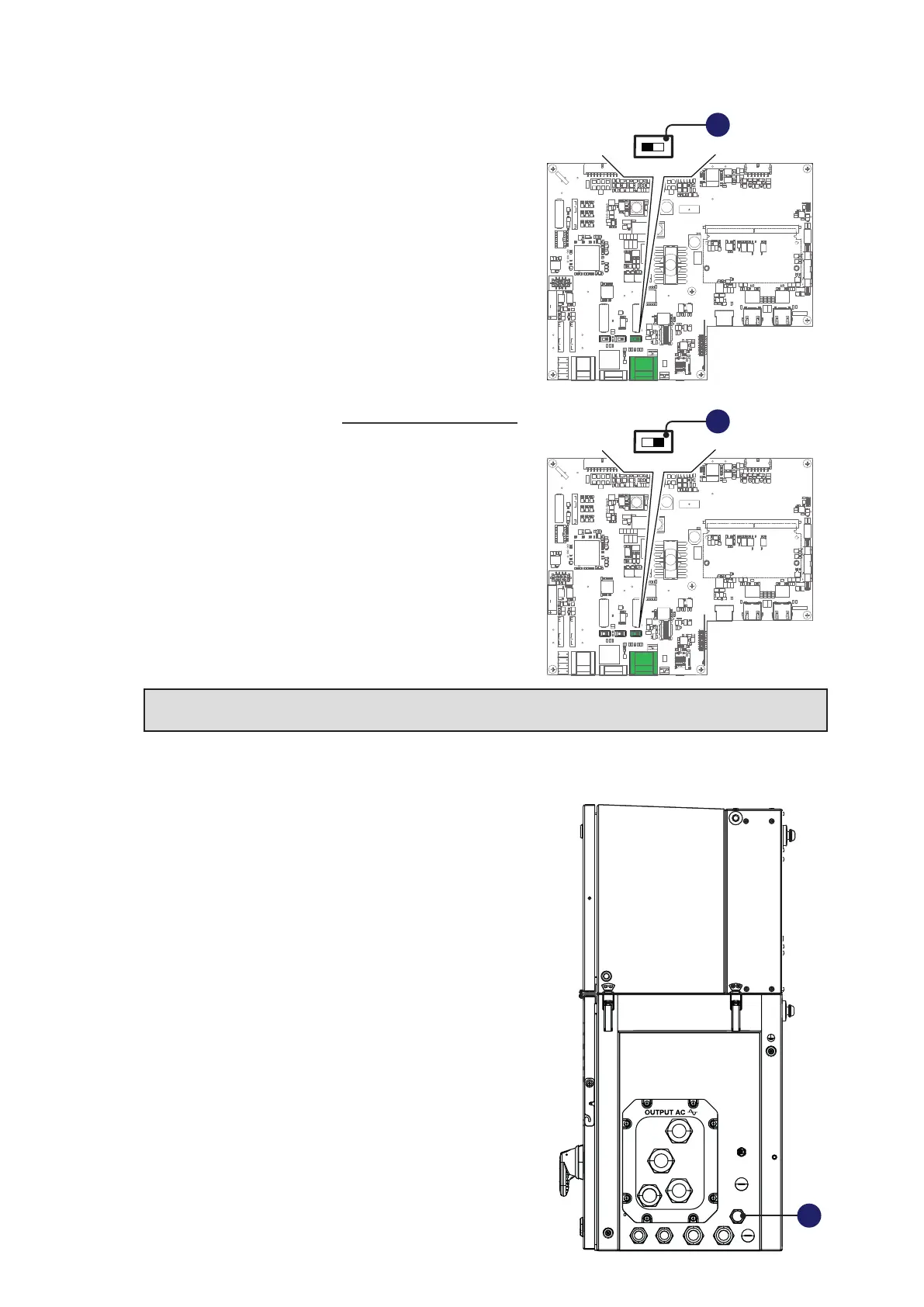
When connecting a single inverter to the monitoring
system, activate the communication line resistance
terminal by setting the switch (40) (to the ON position).
•
Set a different RS485 address on each inverter in the
chain. No inverter can have “Auto” as an address. An
address can be freely chosen between 2 and 63.
The setting of the address on the inverter is done
through the Web User Interface (“CONNECTIVITY >
RS485” refer to paragraph “CONNECTIVITY menu”).
•
When an RS-485 connection is being used, if one or
more inverters are added to the system at a later time,
it is necessary to remember to reset to OFF the switch
of the termination resistance being used on the inverter
which previously was the last in the system.
NOTE – D Each inverter is shipped with the RS485 address pre-set to “2” and with the
resistance terminal setting Switch (40) in the OFF position.
RS485 RJ45 external connector for FIMER Service operation
The inverter has an second RS485 communication lines
(that could be access using the external RJ45 connector
(14)) working as Slave to be used by FIMER Service
personnel only.
This communication port is configured for communicating
over proprietary communication protocol called “Aurora”.
J9 J10
X2
J2
S2
J4
J1
S1 S3
J3
J6
J9 J10
X2
J2
S2
J4
J1
S1 S3
J3
J6
Monitoring
system
ON
OFF
120.0
TERM.
RS485
ON
OFF
S3
ON
OFF
S3
ON
OFF
S3
ON
OFF
S3
ON
OFF
S3
40
40
14



 To Next Page