FIMER_PVS-175-TL A.1 Version_Product manual_EN_RevC-
F
122
MAIN menu
In the MAIN section it’s possible to access the following sub-menus:
DASHBOARD
STATUS SUMMARY
DASHBOARD
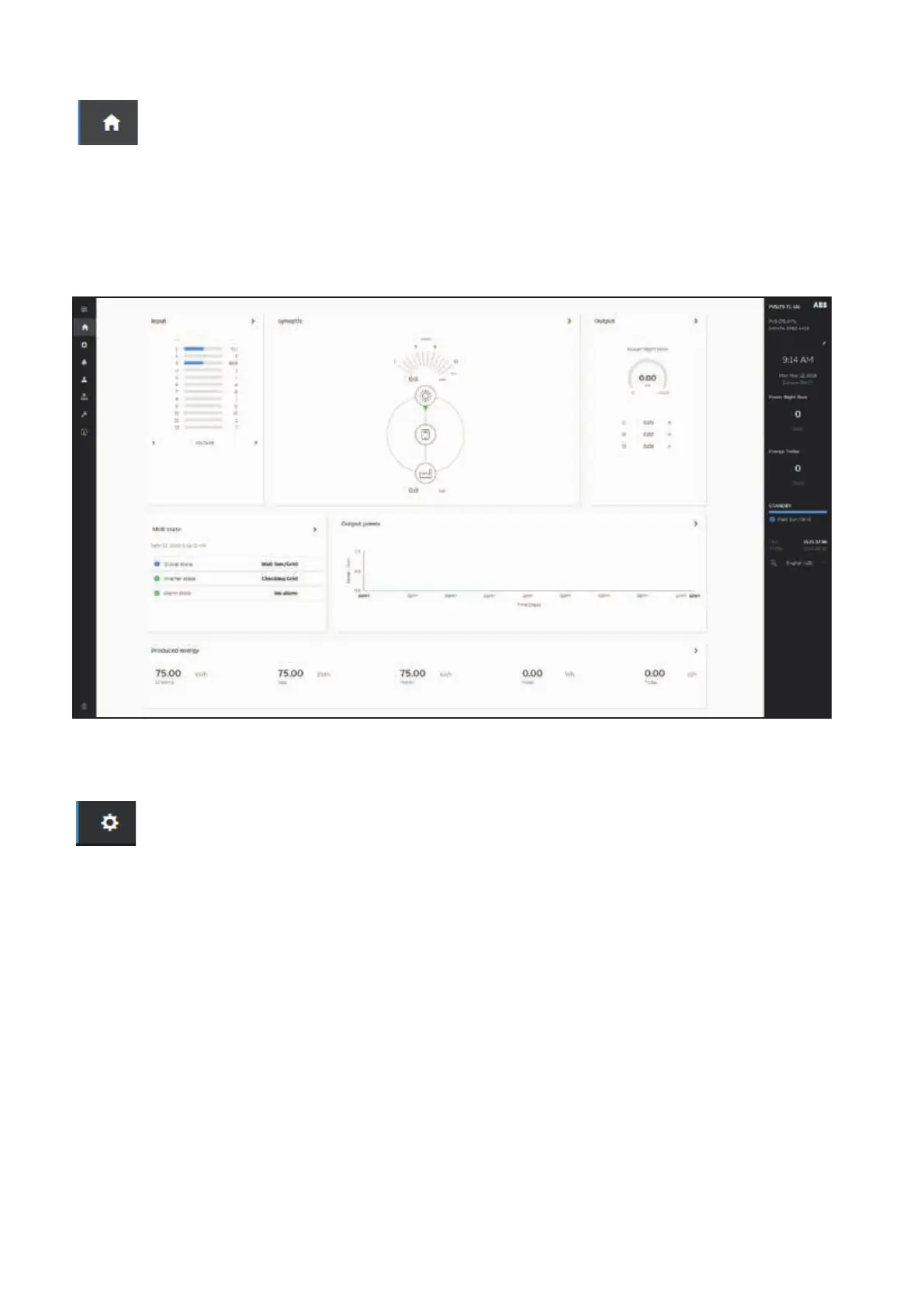
In the Dashboard sub-menu you can view the main information related the status the production data
and alarm/warning active events of the inverter and photovoltaic plant.
STATUS SUMMARY
In the Status Summary sub-menu you can view the detailed information related the status and the
production data of the system.
SETTINGS menu
In the SETTINGS section it’s possible to access the following sub-menus:
INVERTER PARAMETERS
AC output Rating (Only visible with Admin Plus privileges)
AC Settings (Only visible with Admin Plus privileges)
Active Power Control (Only visible with Admin Plus privileges)
DC Settings
Digital Inputs
Frequency Control: P(f) (Only visible with Admin Plus privileges)
Ramp Control (Only visible with Admin Plus privileges)
Reactive Power Control (Only visible with Admin Plus privileges)
DIGITAL OUTPUTS
ADDITIONAL FUNCTIONS (Only visible with Admin Plus privileges)
In the Additional function sub-menu it is possible enable or disable and configure some inverter
accessory functionality (if the related Hardware is present).
The available functions (please verify the functionality present on your own model) are:
• Energy Save Mode
• Night Mode
• Anti-PID
• Arc Fault
Even if enabled some function may not works because other are operating (Energy Save Mode can
only operate if no other functions are active or if no FW. Upgrade request or other request are



 To Next Page