FIMER_PVS-175-TL A.1 Version_Product manual_EN_RevC-
F
121
Web User Interface menu structure
NOTE – D The following screenshots are related to a laptop visualization and may differ
from smartphone or tablet visualization.
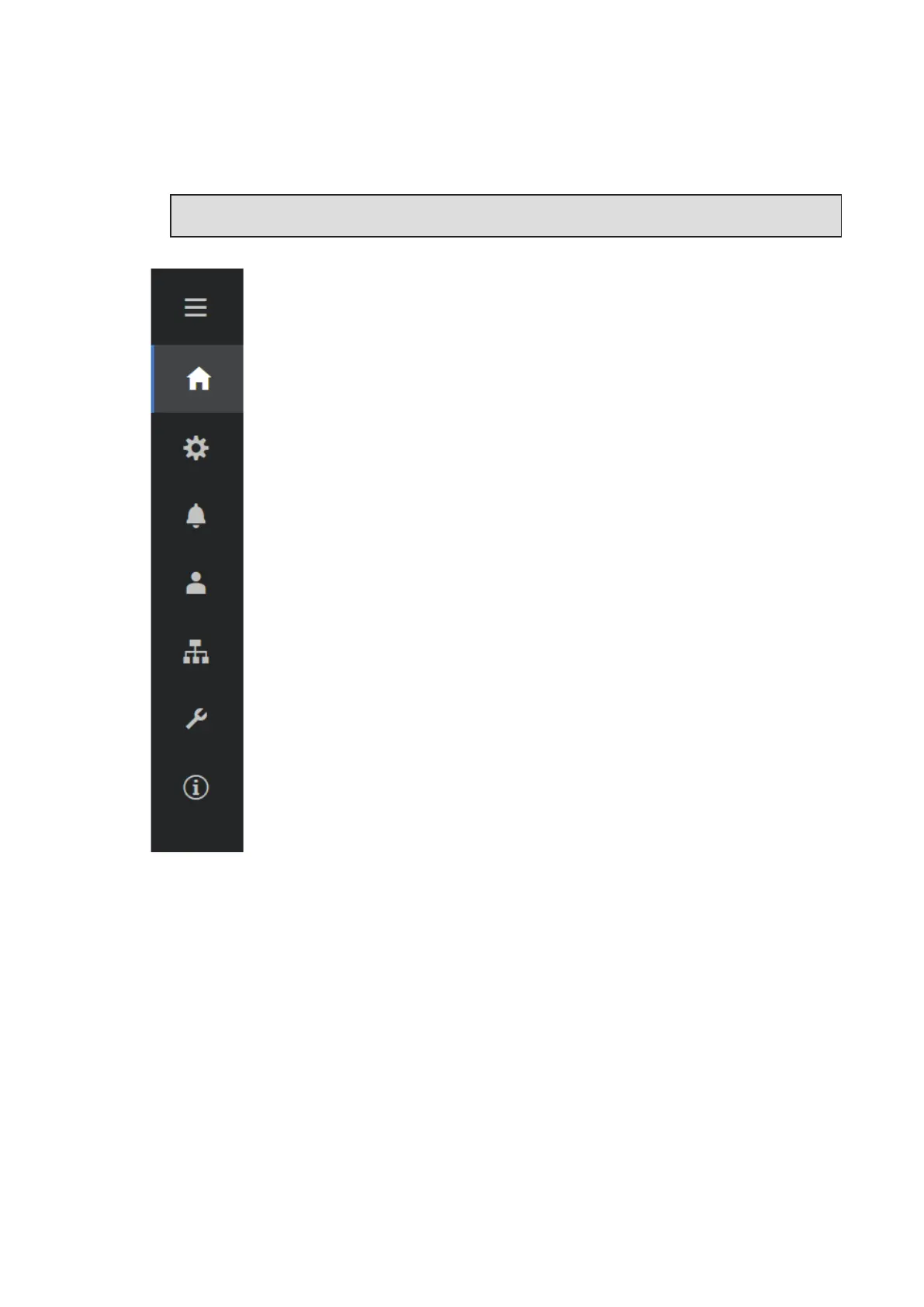
The Web User Interface is divided in sections, available on the left sidebar:
MAIN: Main section of Web User Interface dedicated to viewing the summary
information related the status and the production information of the inverter and
photovoltaic plant.
SETTINGS: Section dedicated to AC and DC line parameters configurations.
INVERTER LOG: Section dedicated to viewing Alarms and Warnings event log.
USER: Section dedicated to User management.
CONNECTIVITY: Section dedicated to inverter communication settings and
configurations.
SERVICE TOOLS: Section dedicated to main service tools configurations.
INFORMATION: Section dedicated for general information about the Web User
Interface.



 To Next Page