3.4.2. Cephalometric Exams
Turn ON the system mains switch. Wait for initialization and do Reset.
Select 79 kV and 8 mA at control panel, no filter needed.
Attach the sensor in cephalometric position.
Remove any object from the bite block holder.
Turn the cephalostat with the earplugs in latero-lateral (LL) position.
RETURN Arm Movement to START position, ready for exposure
Start the OrisWin DG Suite software and select the “Emergency” patient.
Click on the acquisition module, which activates the virtual control pannel
showing the same parameters selected in the unit.
Bring the carriage to Start position, in order to have the unit ready for image
acquisition. In this position the lateral bars acquisition module are green.
Move to a safe position and expose till end of movement
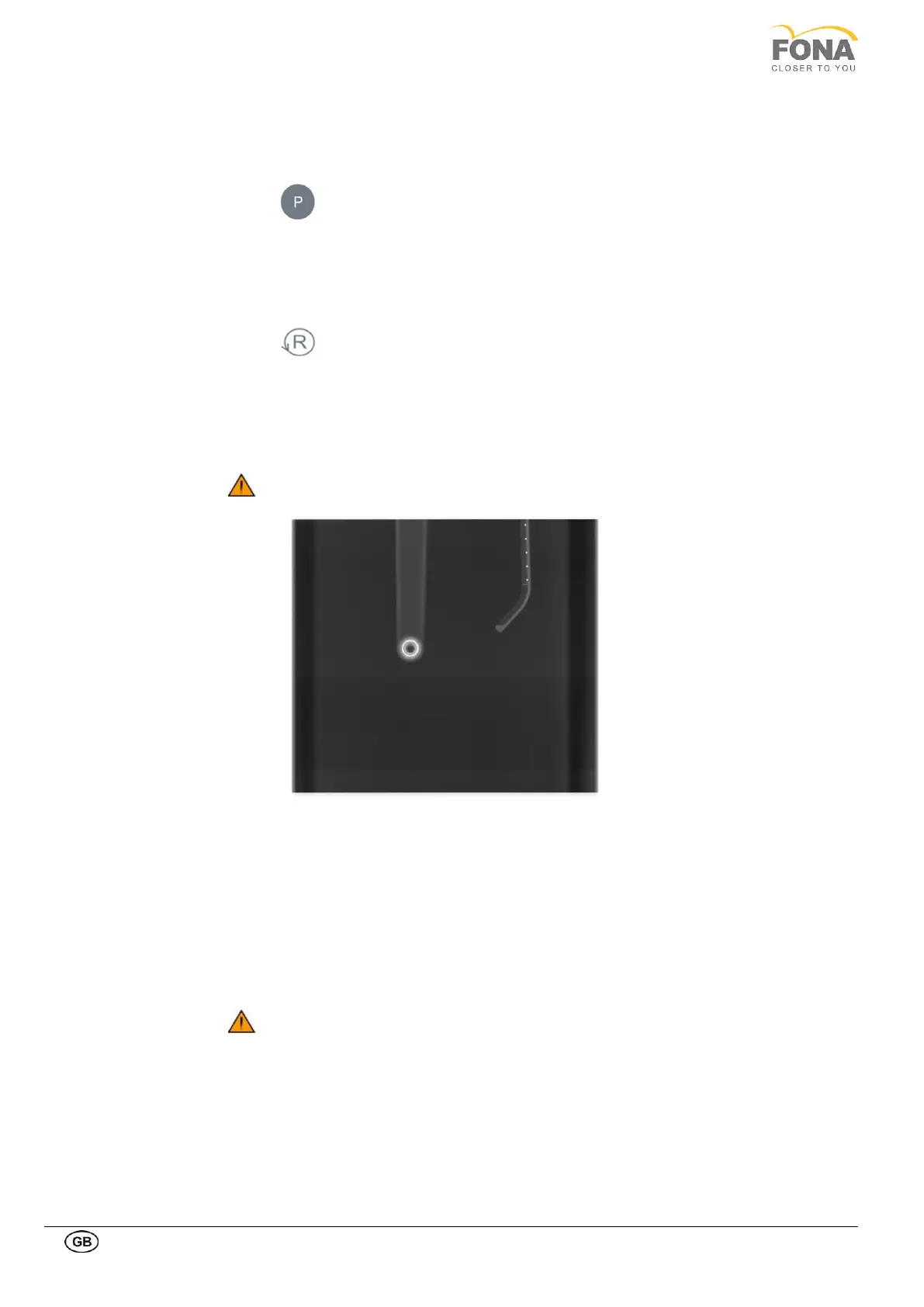
Check for homogenous grey
background
If non-grey flat areas appear in the edges of the image, the device is not
perfectly aligned; refer to Service manual, X-Ray Beam Alignment – CEPH
Exams.
Check for earplugs
concentricity
If the earplug rings appear shifted, the mechanic holding the earplug bars
should be adjusted; refer to Service manual, Earplugs concentricity
correction.
Report any defect detected.
In presence of defects which may constitute a safety hazard to the patient as
well as to the operator the user is not permitted to use the unit until repairs
are made!



 To Next Page