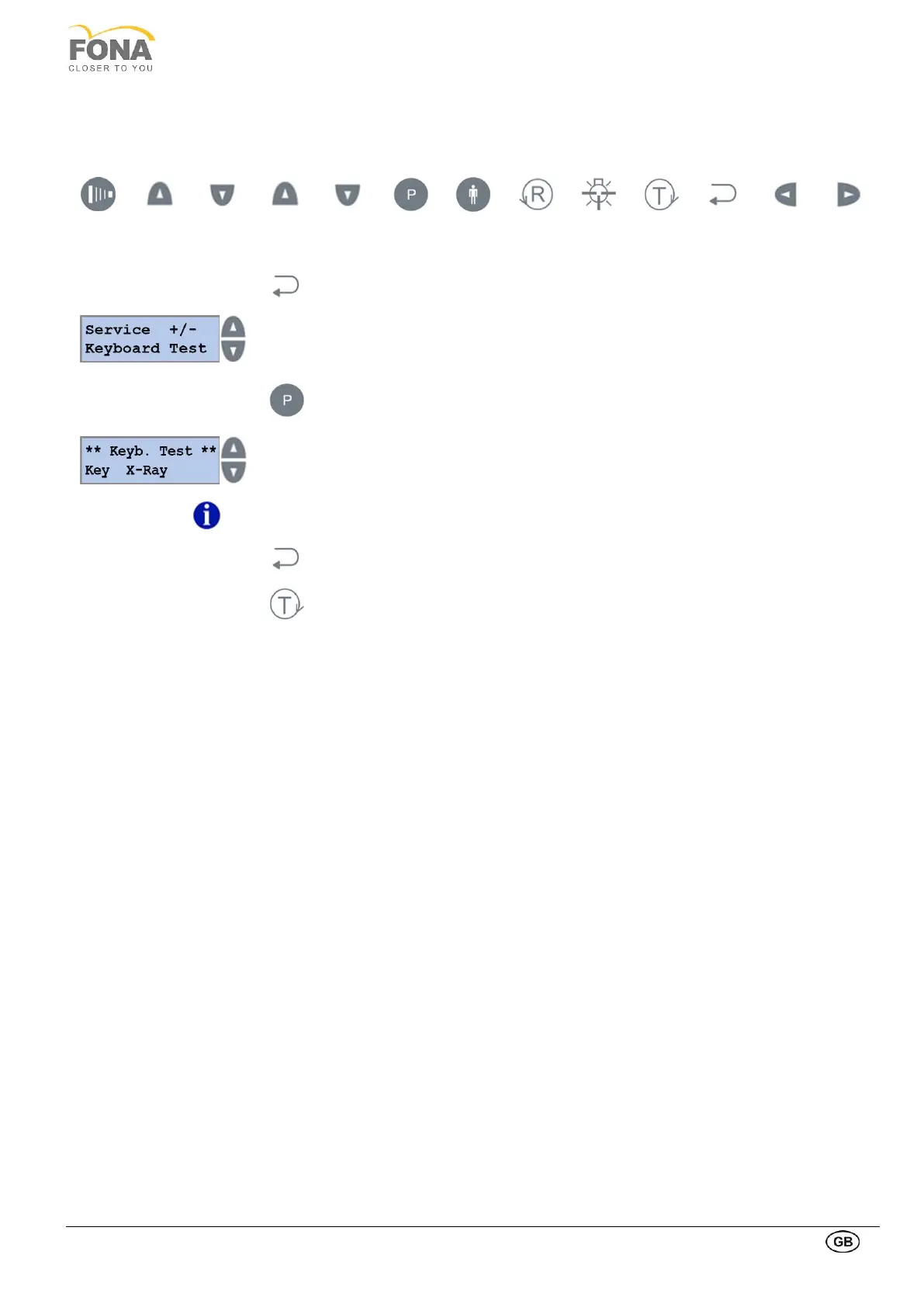
2.2.13. Keyboard Test
This function is intended to display the code of the key buttons of the control panel and of the Hand-Switch for X-ray
exposure. Codes for the keys are reported here below.
By keeping pressed the BACK key for 5 s
the system enters Service Mode.
Service function can be selected using
the INCREASE or DECREASE keys on the RIGHT side of the display.
Scroll the menu until Keyboard Test is displayed.
Service function can be selected using
the INCREASE or DECREASE keys on the RIGHT side of the display.
Scroll the menu until Keyboard Test is displayed
By keeping pressed the key button, the reference to the key is indicated as per above
table (X-ray pushbutton pressed on the side example).
The EXIT functionality of the BACK and the TEST keys within the Keyboard Test Service
Function are specially executed by keeping them pressed.
Keep pressed the BACK key to exit Keyboard Test.
Keep pressed the TEST Mode key to exit SERVICE MODE.



 To Next Page