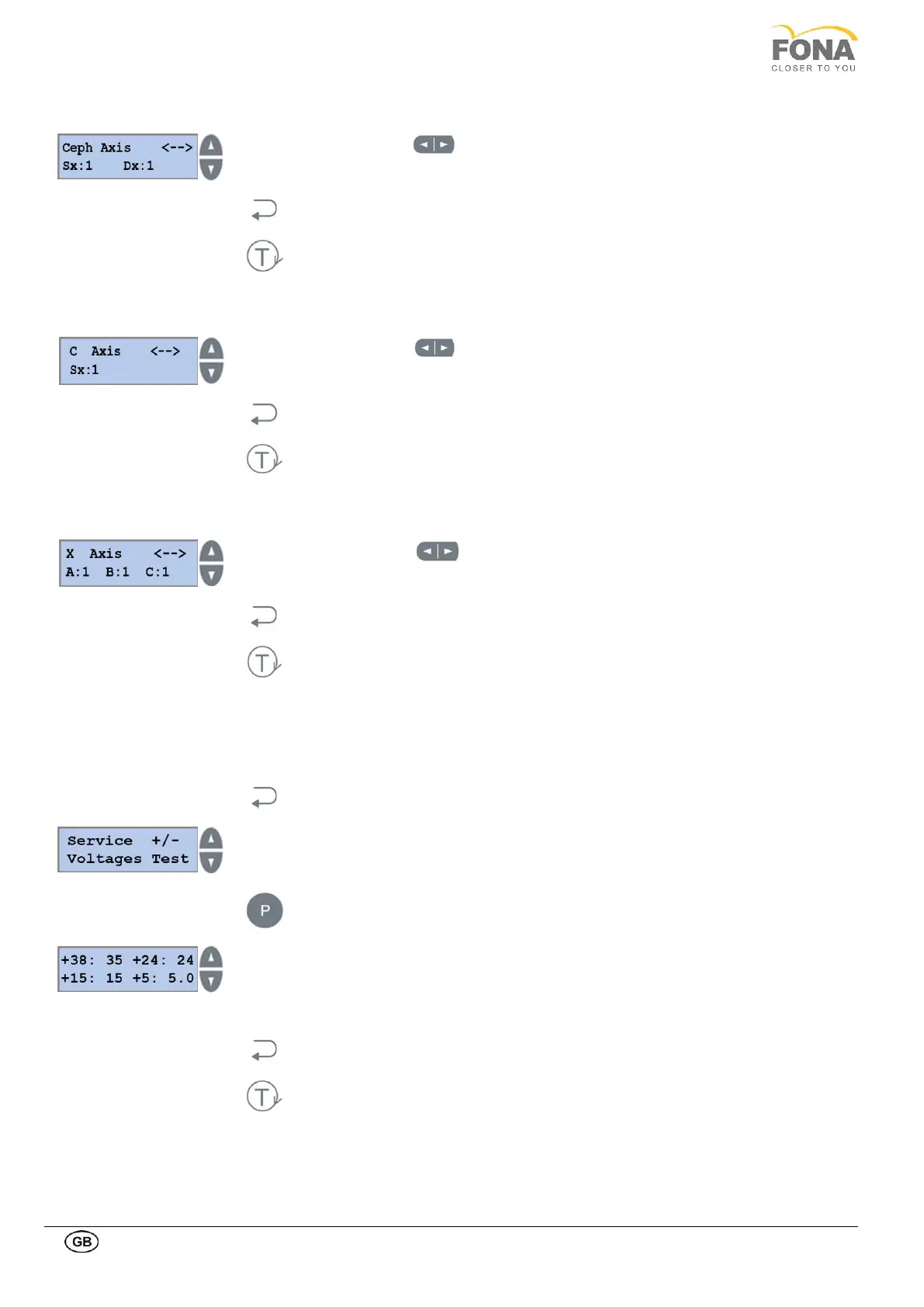
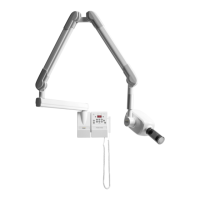
Use the two arrow keys on the the bottom right side of the keyboard to move the
carriage position and verify change of status of the position sensors for Ceph Axis.
Press the BACK key to exit Ceph Axis.
Press the TEST Mode key to exit SERVICE MODE.
Use the two arrow keys on the bottom right right side of the keyboard to move the
rotation arm and verify change of status of the position sensors for C Axis.
Press BACK key to exit C Axis.
Press TEST Mode key to exit SERVICE MODE.
Use the two arrow keys on the the bottom right side of the keyboard to move the
carriage position and verify change of status of the position sensors for X Axis.
Press the BACK key to exit X Axis.
Press the TEST Mode key to exit SERVICE MODE.
2.2.18. Voltages Test
This function is intended to get indication of actual levels of low voltage supply at 38, 24, 15, and 5V with indication on
the display.
By keeping pressed the BACK key for 5 s the system enters Service Mode.
Service function can be selected using the INCREASE or DECREASE keys on the
RIGHT side of the display.
Scroll the menu until VoltagesTest is displayed.
Press the PROGRAM key to enter Voltages Test.
The values of the low voltage supplies are indicated. In the example:
• 35 V out of 38
• 24 V out of 24
• 15 V out of 15
• 5.0 V out of 5
Press the BACK key to exit Voltages Test
Press the TEST Mode key to exit SERVICE MODE

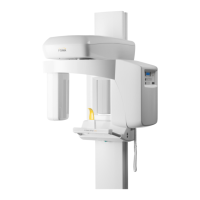

 To Next Page