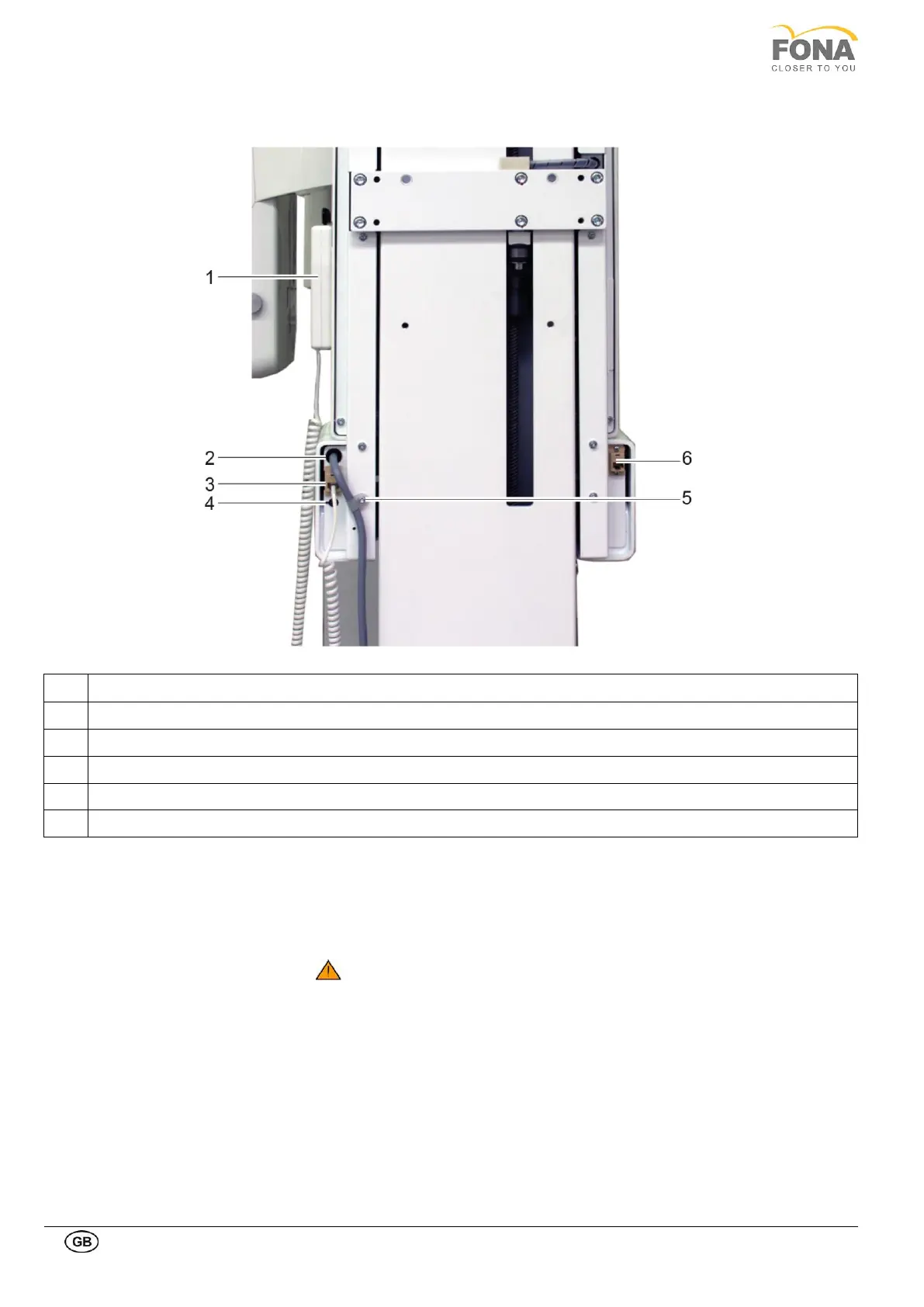
1.9.3. Connecting the hand-switch and other facilities
Connector Cable X-Ray Hand Switch
Entry Point for Wires of External Lights and Door Contact
Connector Communication Cable CAT 5e
On the back of the unit there are the entry points for necessary cables
.
• On the left side of the unit (right side on picture above) connect the CAT5e
cable of the communication line to the PC.
Attention! In case of replacement of the cable, use only 5E cables (or
superior) shorter than 20m.
• On the right side of the unit (left side on picture above) use the entry points
for the cables of door contact and external lights in case of applicability
and connect the coiled cable of the X-ray hand-switch to the plug. The
same connector is used for the extension cable of the kit for or remote
mounting of the hand-switch.



 To Next Page