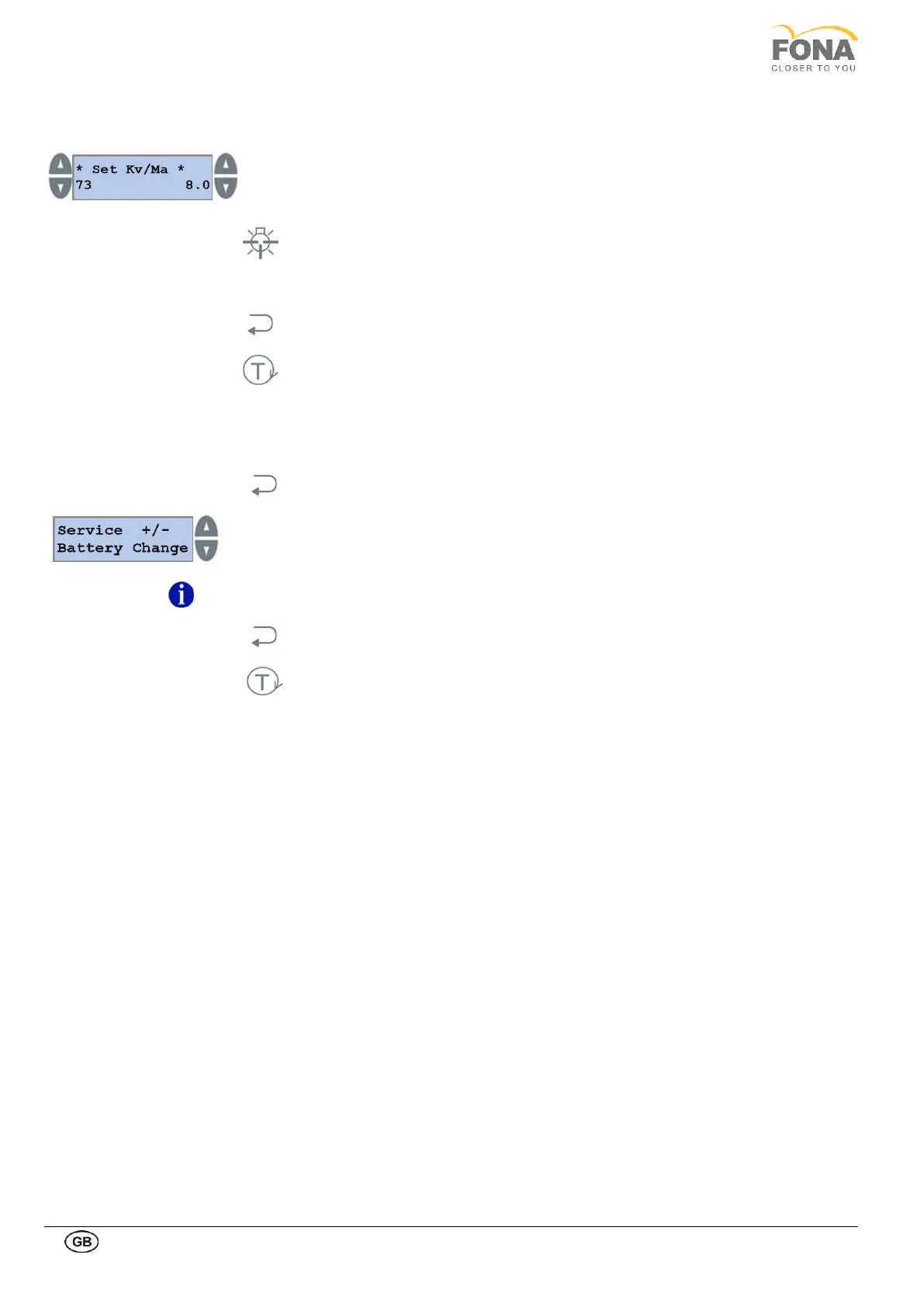
Change the kV level to the desired value by pressing the INCREASE or
DECREASE keys on the left side of the display.
Change the mA level to the desired value by pressing the INCREASE or
DECREASE keys on the right side of the display.
Keep pressed the LIGHT key to store the selected value.
Repeat kV setting and mA setting for the other types of patient build.
Press the BACK key to exit Exposure Settings.
Press the TEST Mode key to exit SERVICE MODE.
2.2.8. Battery change
This function allows replacing the NVRAM non-volatile memory battery on the control board with LCD display.
By keeping pressed the BACK key for 5 s the system enters Service Mode.
Service function can be selected using the INCREASE or DECREASE keys on the
RIGHT side of the display.
Scroll the menu until Battery Change is displayed.
Customer Service for instructions.
Press the BACK key to exit Battery Change.
Press the TEST Mode key to exit SERVICE MODE.



 To Next Page