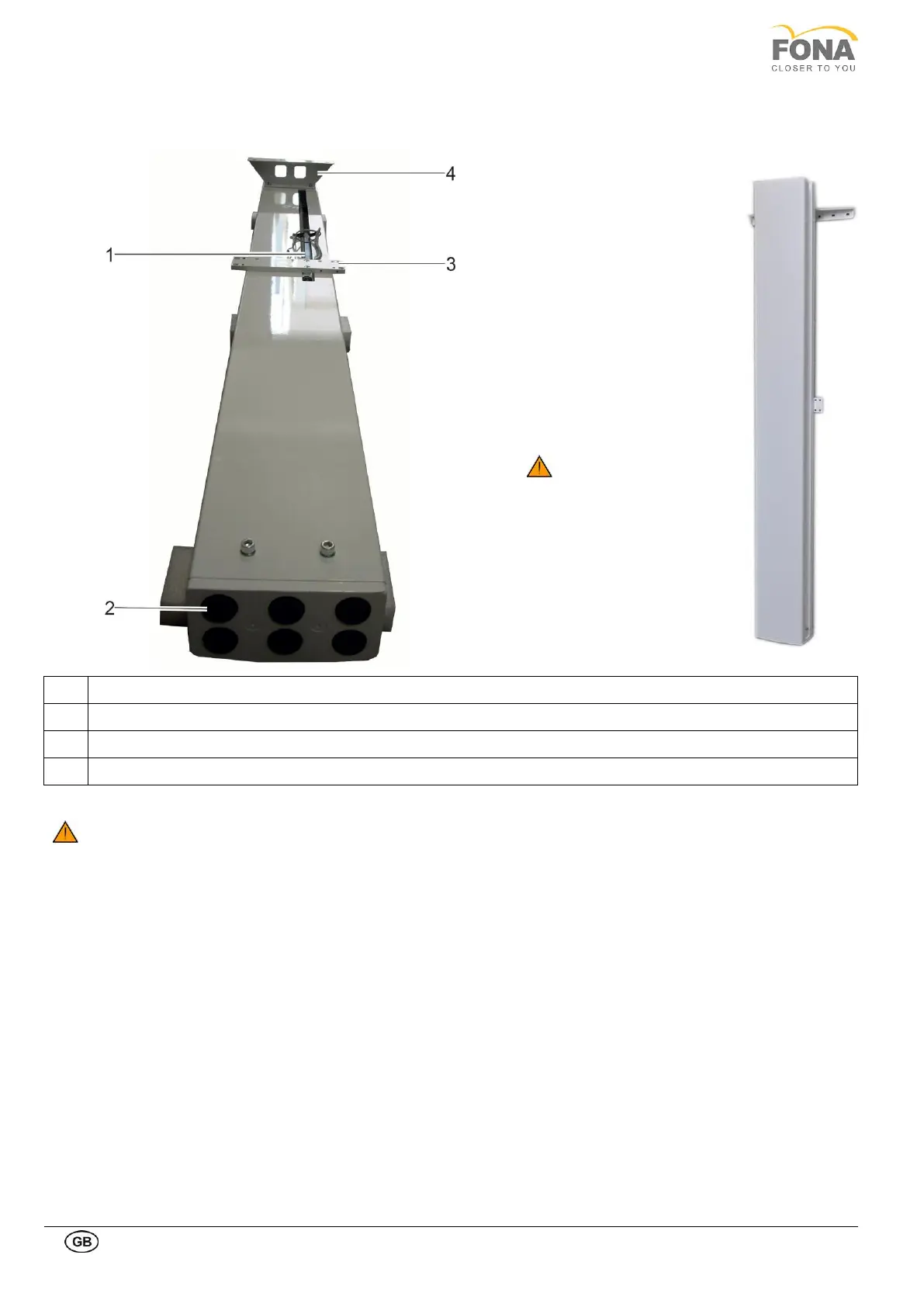
In case of wall mounted
configuration the column with
the wall support can be
brought close to the wall in the
mounting position to mark
holes for the anchors.
The wall holder has to be
mounted at about 210 cm (82”
11/16) from the floor.
The room on the right side
necessary for the operator to
enter is of about 85 cm (34”).
from mid plane of the column.
INSUFFICIENT WALL OR HARDWARE STRENGHT MAY CAUSE THE WALL SUPPORT TO PULL OUT
FROM THE WALL AND THE FULL SYSTEM TO FALL ON PAPATIENT OR OPERATOR CAUSING INJURIES



 To Next Page