2.2.19. Ceph alignment
This function is intended to store reference positions of the rotating arm and the collimator offsets after mechanical
alignment.
By keeping pressed the BACK key for 5 s
the system enters Service Mode.
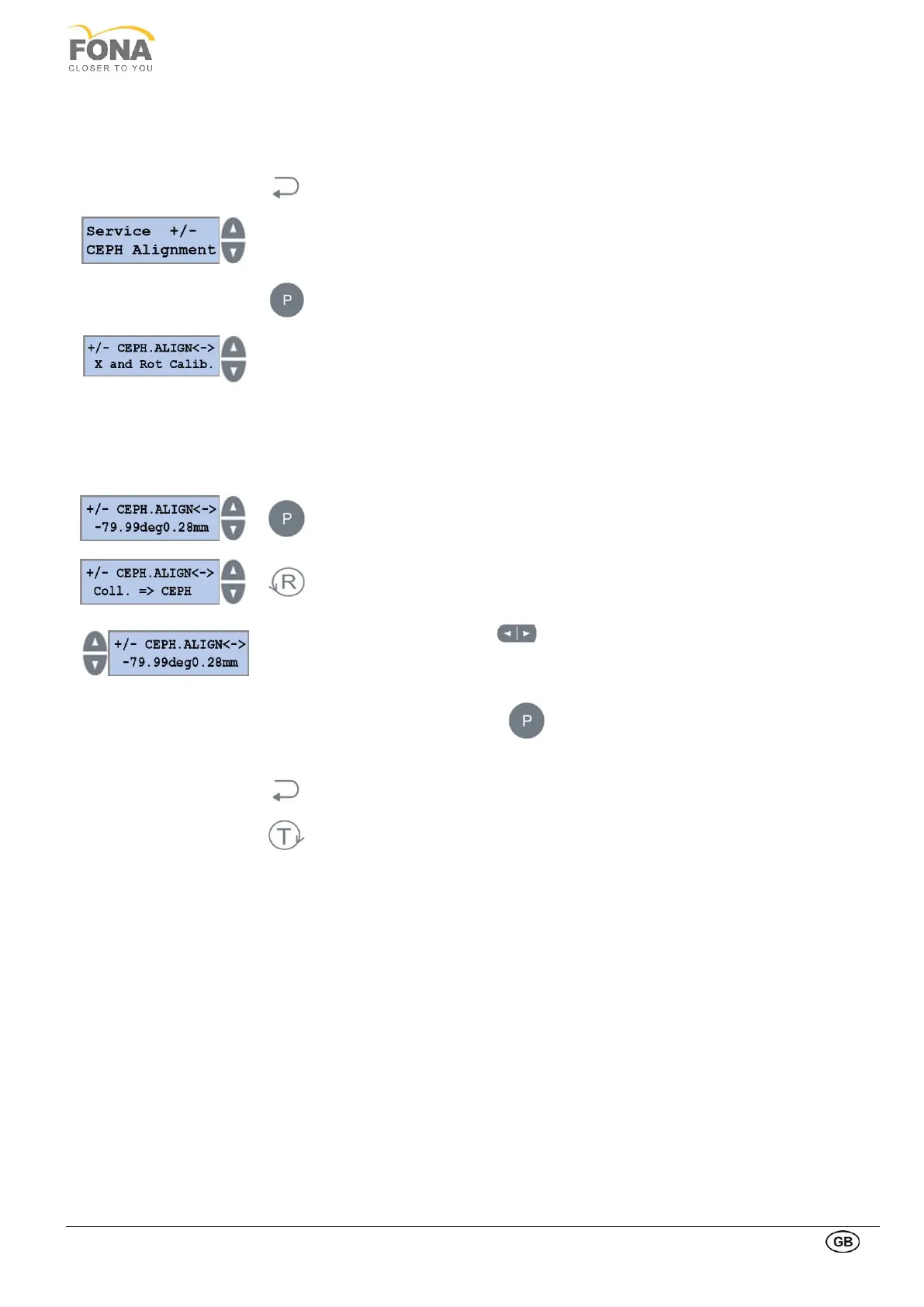
Service function can be selected using
the INCREASE or DECREASE keys on the RIGHT side of the display.
Scroll the menu until CEPH Alignment is displayed.
Press the PROGRAM key to enter CEPH Alignment.
INCREASE or DECREASE keys on the RIGHT side of the display to select
• X and Rot Calib
• Sec. Collim. Slit
• CS Start Offset
• Ceph Axis Calib.
• Coll. Offset
2.2.19.1. X and Rot Calib.
Press the PROGRAM key to enter X and Rot Calib.
Press the RETURN key to enter X and Rot Calib. edit mode.
INCREASE or DECREASE keys on the LEFT to change the Rotation Axis.
Use INCREASE or DECREASE keys on the bottom right side of the keyboard to move
the X Axis.
Keep pressed the PROGRAM key to store the X and Rot Calib values.
The actual offset values stored in memory are shown.
Press the BACK key to exit X and Rot Calib.
Press the TEST Mode key to exit SERVICE MODE.



 To Next Page