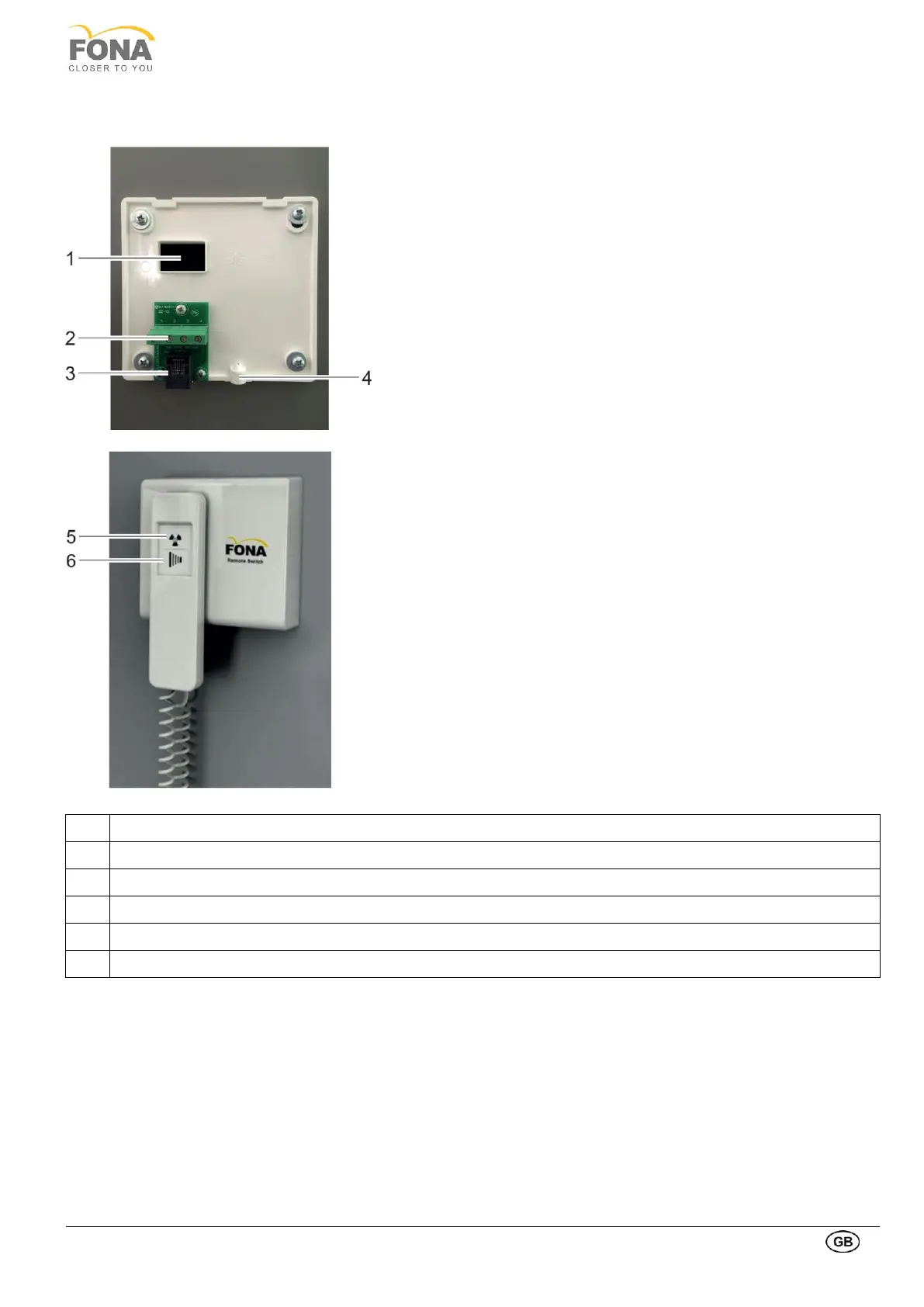
The hand switch can alternatively be mounted remotely in case the
unit is located in an X-ray room with proper window on the door to
enable visual contact with the patient.
• Make sure that the distance between the device and the desired
position of the remote hand-switch is less than the length of the
provided 4 wire cable (10 m).
• Route the 4 wire cable inside the conduit in the wall (if existing)
or by creating an external duct, without obstructing the normal
walk of the operators. In this case path on the wall or on the
edge of the floor is recommended.
• The 4 wire cable must enter in the wall behind the desired
remote switch position, external respect to the treatment room.
• Remove the remote cover.
• Mount the plastic box in the remote position, by securing it on
the wall with 4 screws.
• Connect the plug of the 4 wire cable to the hand switch plug on
the back of the system (connector on the right side).
• Connect the 4 wire cable to the block into the metal box.
• Close the plastic box.
• Connect the coiled cord of the hand switch to the socket at
bottom of the plastic box.
• A magnet is provided to hold the hand switch.



 To Next Page