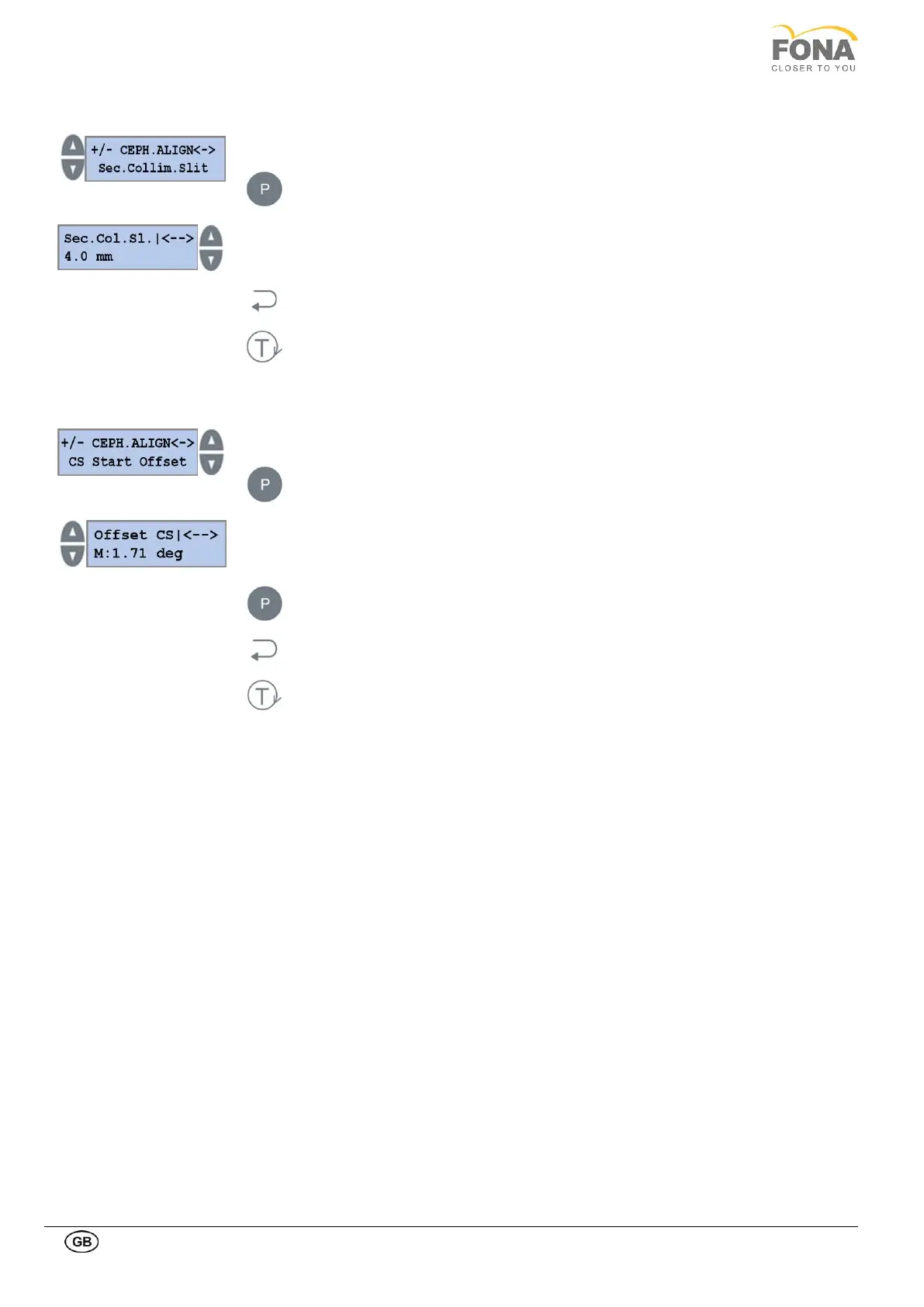
2.2.19.2. Sec. Collim. Slit
Press the INCREASE or DECREASE key on the Right side of the display until Sec.
Collim. Slit is shown.
Press the PROGRAM key to enter Sec. Collim. Slit.
INCREASE or DECREASE keys on the LEFT to change the Sec. Collim. Slit. Only two
values are allowed according to the secondary collimator window: 3 or 4 mm.
Press the BACK key to exit Sec. Collim. Slit and store the value.
Press the TEST Mode key to exit SERVICE MODE.
2.2.19.3. CS Start Offset
Press the INCREASE or DECREASE key on the Right side of the display until CS Start
Offset is shown.
Press the PROGRAM key to enter CS Start Offset.
INCREASE or DECREASE keys on the LEFT to change CS Start Offset.
Keep pressed the PROGRAM key to store the CS Start Offset values.
Press the BACK key to exit CS Start Offset.
Press the TEST Mode key to exit SERVICE MODE.



 To Next Page