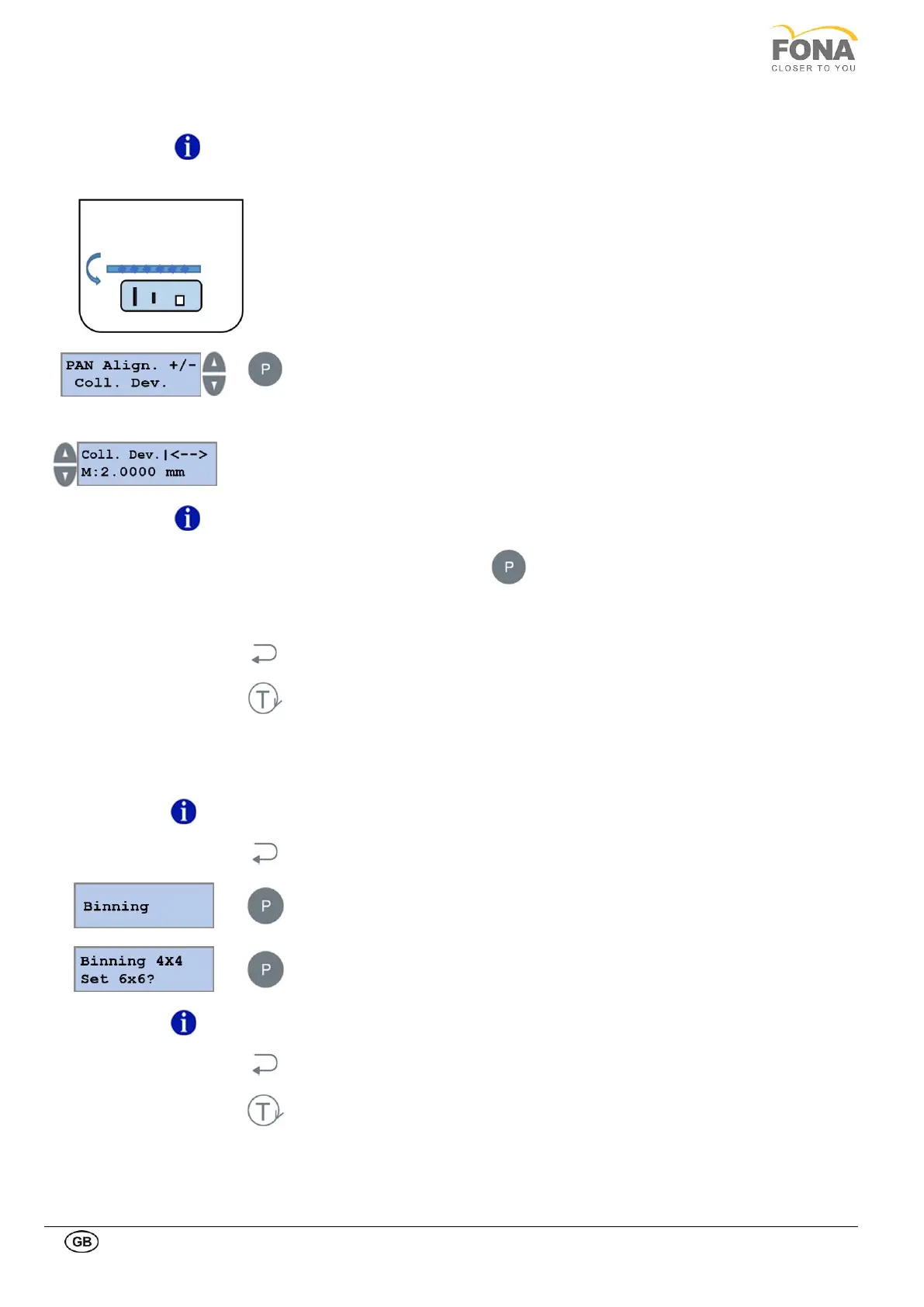
The collimator development parameter sets the collimator screw pitch.
Three values can be set for the Coll. Dev. (1.25, 1.50 and 2.00 mm).
This parameter is set in production; no reason for change it unless there is a change in
the primary collimator mechanic. In this case the adjustment is compulsory (please
contact the Customer Service for instructions).
Press the PROGRAM key to enter PAN Alignment.
Possibility to operate on Rotation Axis is offered first
Press INCREASE or DECREASE key until the Coll. Dev is displayed
Press INCREASE or DECREASE keys on the LEFT side of the display to change the set
pitch of the collimator screw.
Customer Service for instructions.
Keep pressed the PROGRAM key to store the Coll. Dev. value.
The actual offset value stored in memory is shown
Press BACK key to exit Coll. Dev.
Press TEST Mode key to exit SERVICE MODE
This function allows the user to change the binning for the Ceph Format, from 4x4 to 6x6, and viceversa.
For this equipment, binning must always be 4x4.
By keeping pressed the BACK key for 5 s the system enters Service Mode.
Press the PROGRAM key to enter Binning.
Press the PROGRAM key to change binning (from 4x4 to 6x6, and viceversa).
Change of binning will be active only after restart of the sensor (i.e. restart of the unit, or
disconnection and connection of the sensor).
Press the BACK key to exit Binning.
Press the TEST Mode key to exit SERVICE MODE.



 To Next Page