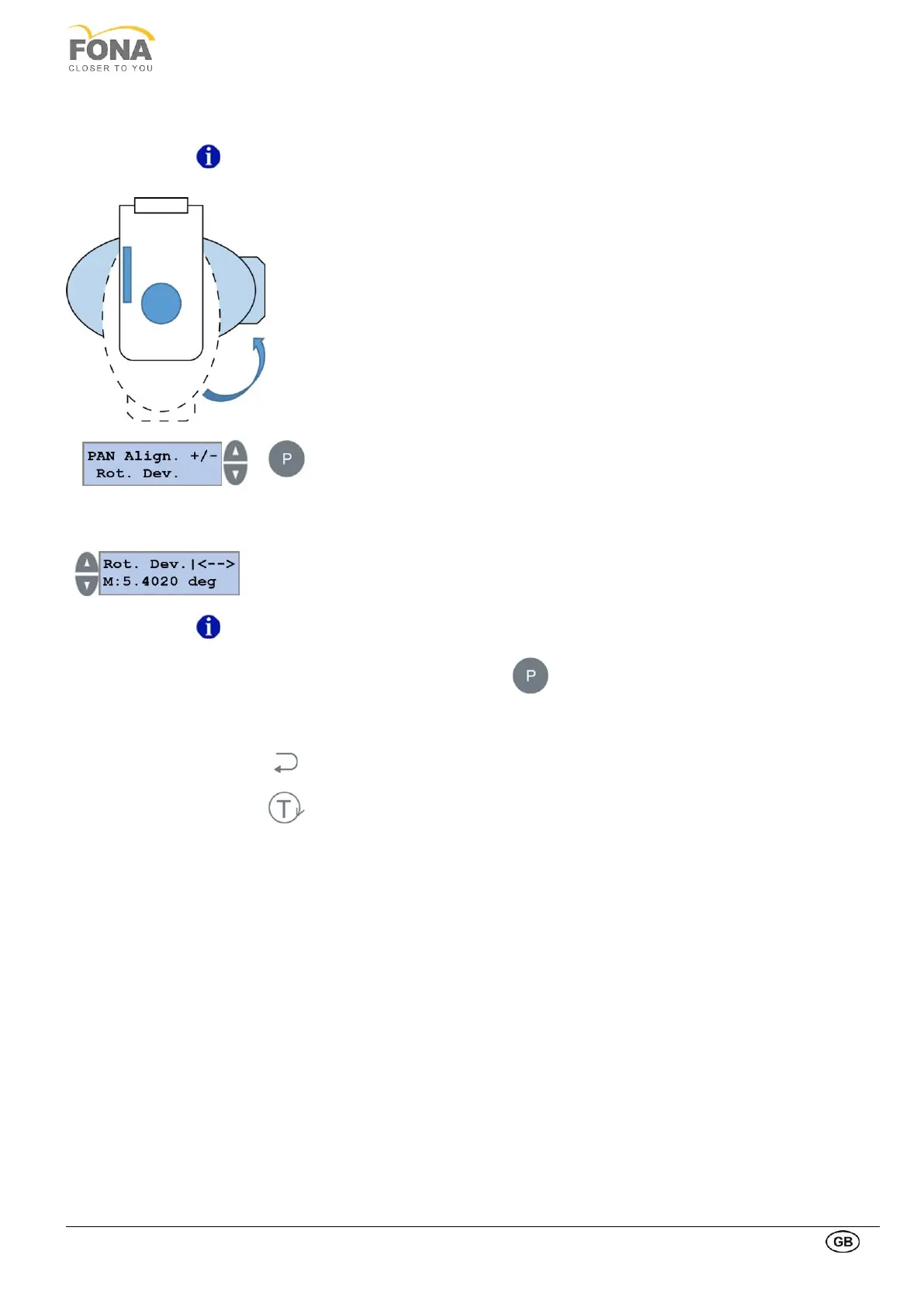
The rotation development variable corrects the relative movements between the motors,
the pulleys and belts.
The parameter acts on the angle offset of the rotating arm in order to reach -90° in the
roto-translation between the position Rotation axis = 0° and patient entry position.
This parameter is set in production; no reason for change it unless there is a change in
the motor, pulley or belt. In this case an adjustment is recommended (please contact the
Customer Service for instructions).
Press the PROGRAM key to enter PAN Alignment.
Possibility to operate on Rotation Axis is offered first
Press INCREASE or DECREASE key until Rot. Dev is displayed.
Press INCREASE or DECREASE keys on the LEFT side of the display to change the
rotation development.
The target is to reach the 90° after the rotation of the arm.
Customer Service for instructions.
Keep pressed the PROGRAM key to store the Rot. Dev. value.
The actual offset value stored in memory is shown
Press BACK key to exit Rot. Dev.
Press TEST Mode key to exit SERVICE MODE



 To Next Page