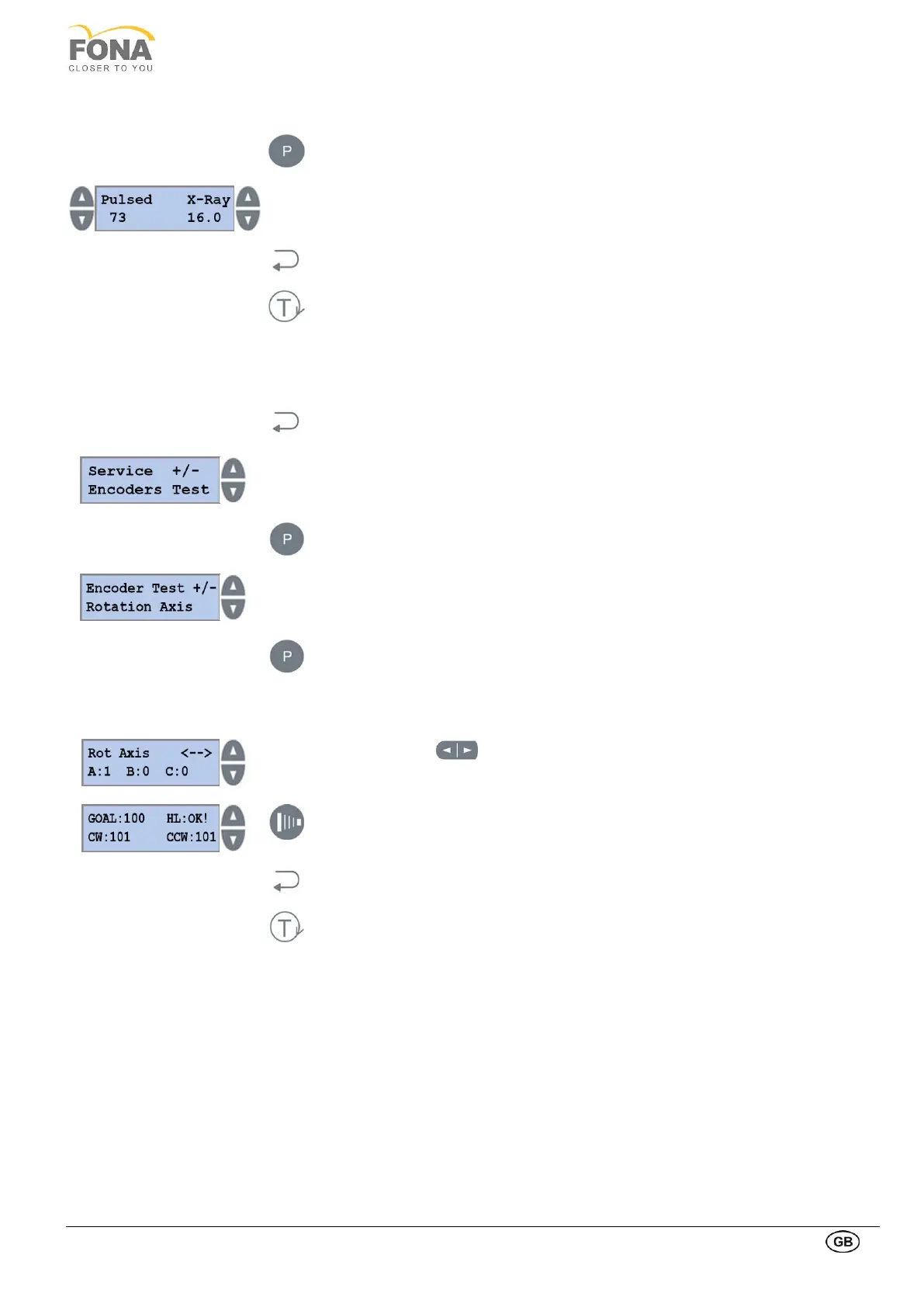
Confirm Pulsed X-Ray with PROGRAM key.
INCREASE or DECREASE keys on the LEFT to change kV, 61 to 85 kV
INCREASE or DECREASE keys on the RIGHT to change mA, 4 to 10 mA
Press BACK key to exit Continued X-Ray Test.
Press TEST Mode key to exit SERVICE MODE.
2.2.17. Encoders Test
This function is intended to perform test of position and motion sensors.
By keeping pressed the BACK key for 5 s the system enters Service Mode.
Service function can be selected using the INCREASE or DECREASE keys on the
RIGHT side of the display.
Scroll the menu until Encoders Test is displayed.
Press the PROGRAM key to enter Encoders Test.
INCREASE or DECREASE keys on the RIGHT side of the display to select Rotation
Axis, T Axis, C Axis or X axis.
Press the PROGRAM key to enter in one of the encoders test function.
Use the two arrow keys on the bottom right right side of the keyboard to move the
rotation arm and verify change of status of the position sensors for Rotation Axis.
It is possible to perform an automatic test by keeping pressed the exposure
button. The system counts all the encoders’ holes in one direction and then
checks if the number of holes is the same in the opposite direction.
Press the BACK key to exit Rotation Axis.
Press the TEST Mode key to exit SERVICE MODE.



 To Next Page