1.11. IMAGING SYSTEM
1.11.1. First connection of the device at the workstation
Connection between PC and panoramic system is via Ethernet cable, on dedicated network board (USB - Ethernet
adapter).
Before connecting the system to the PC, the IP address and the transfer rate of the USB-Ethernet adapter must be
set as described in sections below.
The IP address of the unit is properly set in manufacturing. The system is ready to work after connection, provided
that:
• the pre-set IP addresses are not being used in the host computer
• the USB-Ethernet adapter is properly configurated on the used PC (IP address and transfer rate)
In case of conflicts the IP addresses must be changed; in this case, please contact our technical assistance.
A Driver installation for USB-Ethernet adapter
Plug the adapter USB cable into an available USB port on
your PC.
Windows will detect new hardware and prompt you for the
Drivers, which can be found on the CD provided.
Follow the on-screen instructions.
For details refer to the adapter manual on the CD
Do not plug yet the Ethernet cable of the
panoramic system into the adapter.
B IP address configuration for USB - Ethernet adapter
The USB - Ethernet adapter is called Local Area Network
2.
By entering in the Network and Connection window is
possible to rename it as FONA XPan DG Plus.
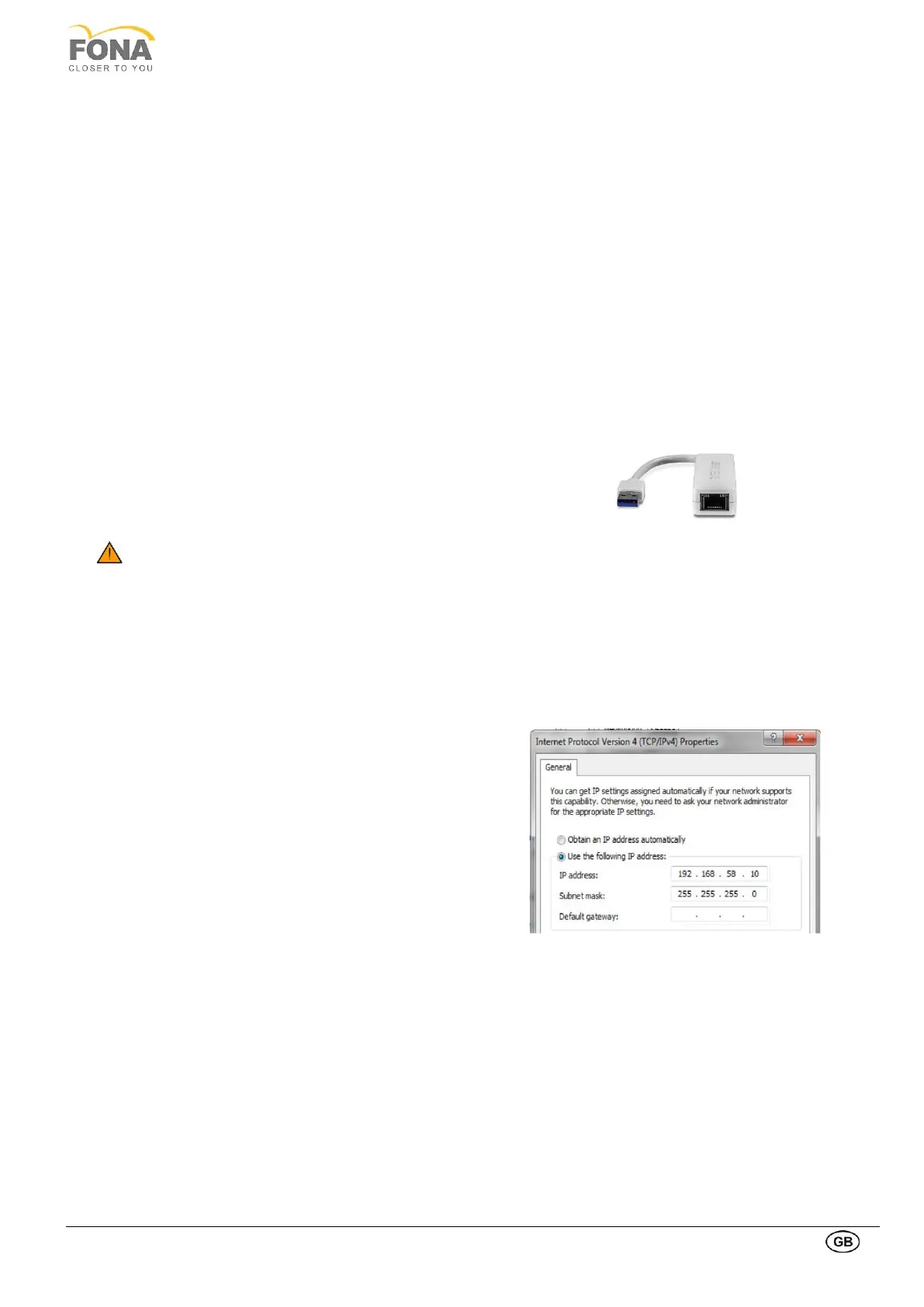
Set the IP address of the USB - Ethernet adapter as
shown below:
Do right click on XPanDG
Properties Network
Select: Internet Protocol version 4 (TCP/ipv4)
Click on Properties
Set the following values:
IP address: 192.168.58.10
Subnet mask: 255.255.255.0
Click on OK, then on Close



 To Next Page