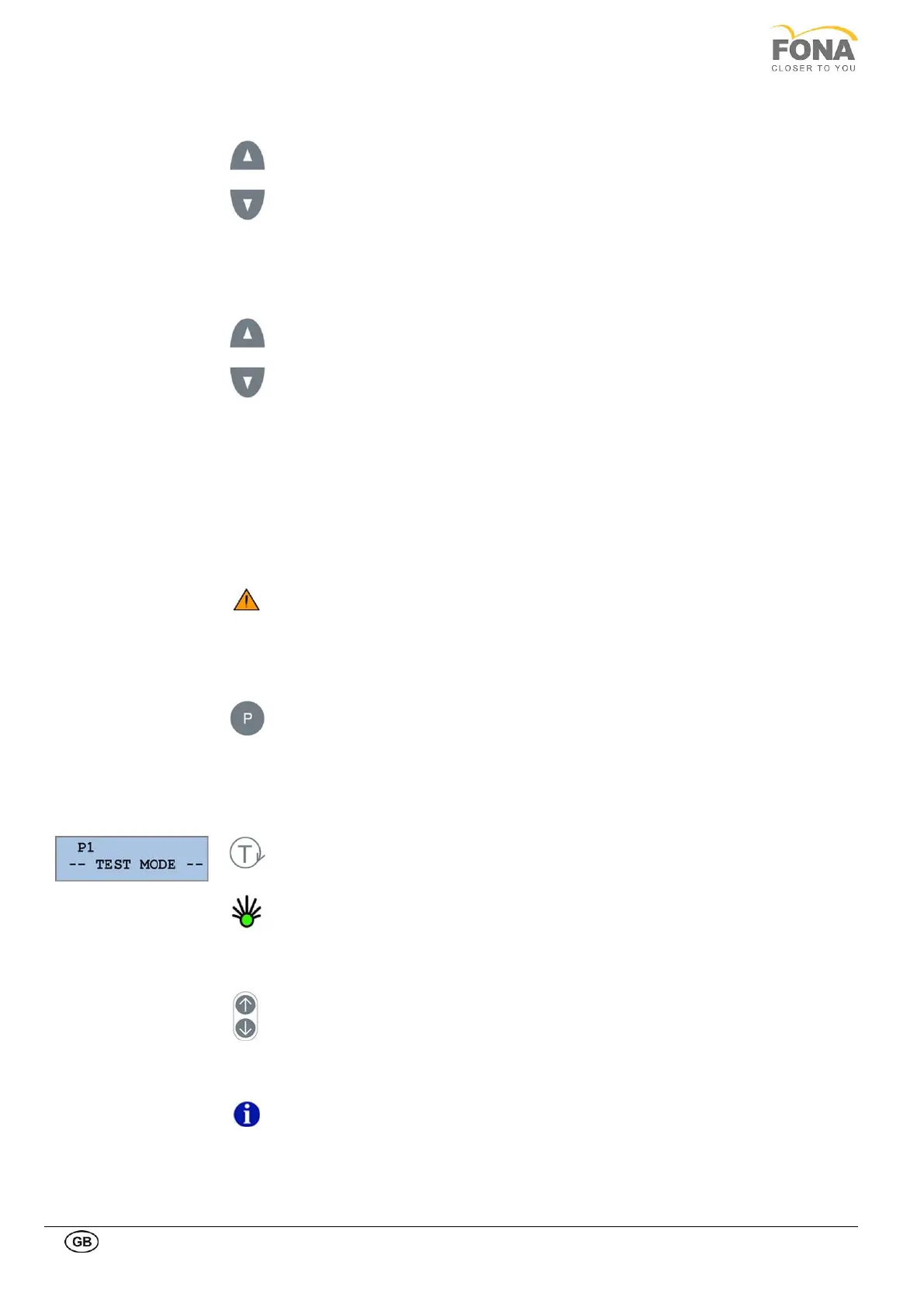
Key INCREASE at the right of the display to manually raise mA level.
Key DECREASE at the right of the display to manually lower mA level.
The tube current can be set at 4, 5, 6.3, 8, and 10 mA.
Key INCREASE at the left of the display to raise kV level.
Key DECREASE at the left of the display to lower kV level.
The tube voltage can be set from 61 to 85 kV in steps of 3 kV.
F Setting PAN or CEPH Mode
You can switch from PAN to CEPH mode or vice versa by moving the digital sensor after
releasing it by pressing the button at the top of the sensor. This operation must be carried
out with the system on in order to allow the holding magnet to disengage and handling the
digital sensor with extreme care.
ATTENTION
Always grip the digital sensor with both hands during the disconnection and
connection operations in order to prevent accidental dropping which would
irreparably damage it. In case of accidental fall immediately contact Technical
Service and do NOT use the sensor on a patient before a functional test is
performed.
Select the appropriate collimator by pressing the PROGRAMM key:
• PAN A for adults for programs 1, 3, 4, 5, 6 and 7
• PAN B for children for program 2.
• CEPH for programs 8, 9, 10
The selected collimator is indicated on the display
G Setting test mode without radiation
With unit in START position and the READY light ON, TEST mode can be activated
to run the unit without radiation using the hand switch.
A green light is activated on the key button, the selected program number and the
message “Test Mode” on the display. When the arm is returned to PATIENT ENTRY
position test mode is terminated and the units enters normal mode.
H Raising or lowering the system
The unit is equipped with a motor to raise or lower the carriage and fit the patient
height by activating the UP or DOWN keys on the sides.
NOTE: Please refer to the Operating instructions.


 To Next Page