PostBase Fusion
136
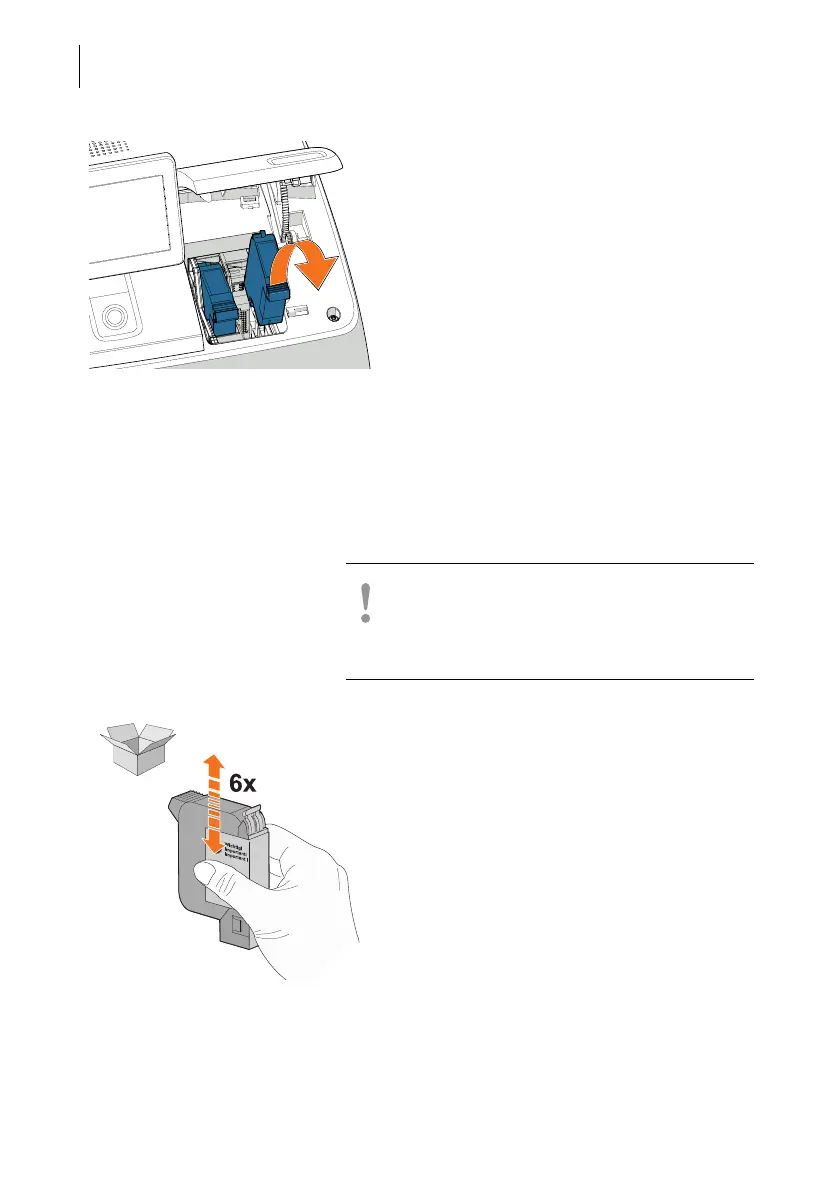
. • Remove both ink cartridges one after the
other by lifting them up out of the cartridge
holder.
Inserting the ink cartridges
Full functionality of the PostBase Fusion
mailing system PostBase Fusion is only
guaranteed at the time of delivery if genuine
FP ink cartridges are used.
Caution! Insert the ink cartridge only after it
has adapted to the ambient temperature of
the PostBase Fusion (e.g. after storage in the
basement or after transport in a cold vehicle).
• Remove the new ink cartridges from the
packaging.
• Move the ink cartridges up and down six
times.
• Remove the nozzle protection from the ink
cartridges.
Instructions on how to do this are provided
on the leaflet enclosed with the ink
cartridges.



 To Next Page