Setting the franking imprint
39
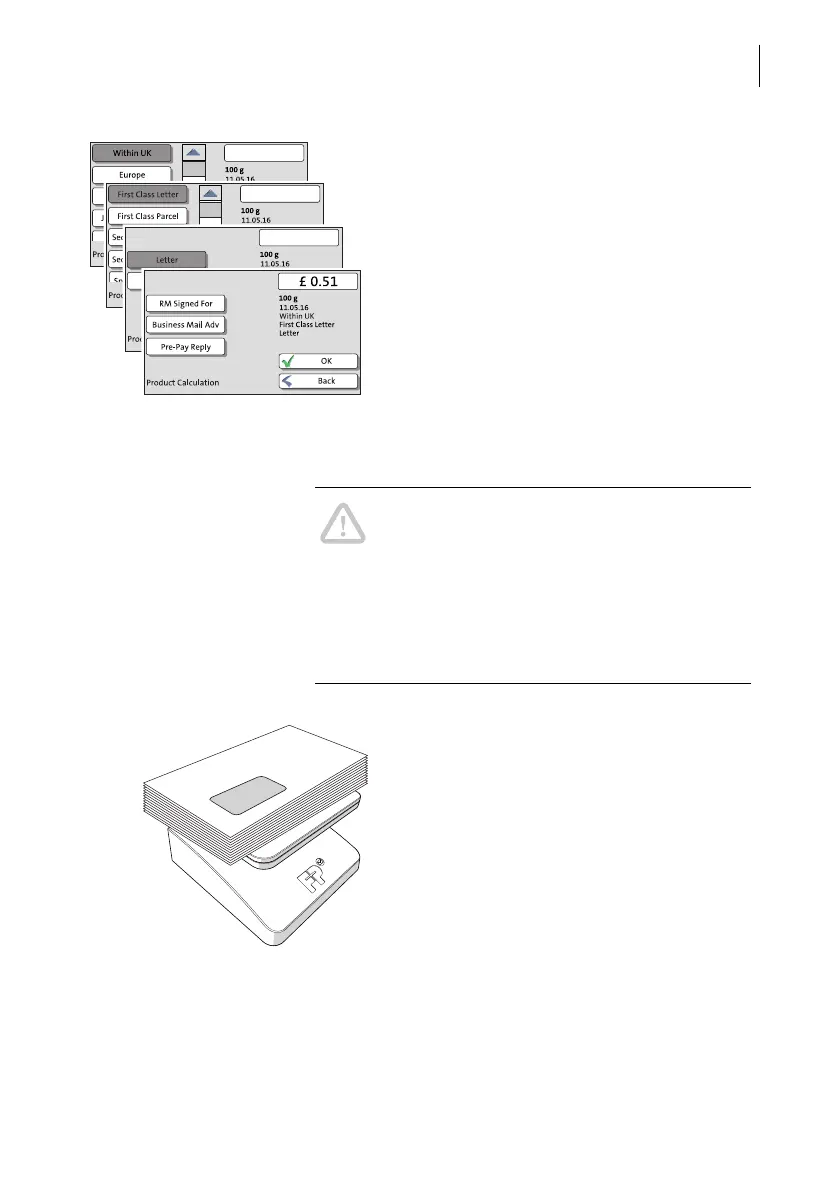
PostBase One opens the Product Calculation
menu and prompts you for all required details
regarding the mail piece.
• Select the respective desired setting by
pressing the corresponding button.
The selected mailing data appear to the right
in the display. The postage appears as soon
as all necessary mailing data have been
selected.
When the desired mailing data are set:
• Press OK to return to the Home screen.
Differential weighing
Caution! Please observe the following notes
on handling the static scale:
– Please observe the permissible maximum
weight of 7 kg.
– The scale does not determine a new
weight while the letter transport is running.
Wait until the letter transport stops before
placing a mail piece to weigh.
In the Home screen:
• Place the letter stack or a box with letters
on the weighing platform.
Two short tone signals indicate that the scale
has recognised that a load was placed on the
platform.



 To Next Page