PostBase One with PC connection
63
Only when PostBase One shows the Home
screen:
• Start the FP software on the connected
PC. (The example shows the PostBase
Navigator icon.)
During the start routine, the connection to
PostBase One is automatically established.
As soon as PostBase One is connected to
the respective FP software (e.g. Navigator-
Basic), the display shows a corresponding
pop-up window (similar to the example on the
left).
In this state, access to franking imprint
settings and menu functions is blocked on
the PostBase One.
All franking settings are done on the PC via
the FP software.
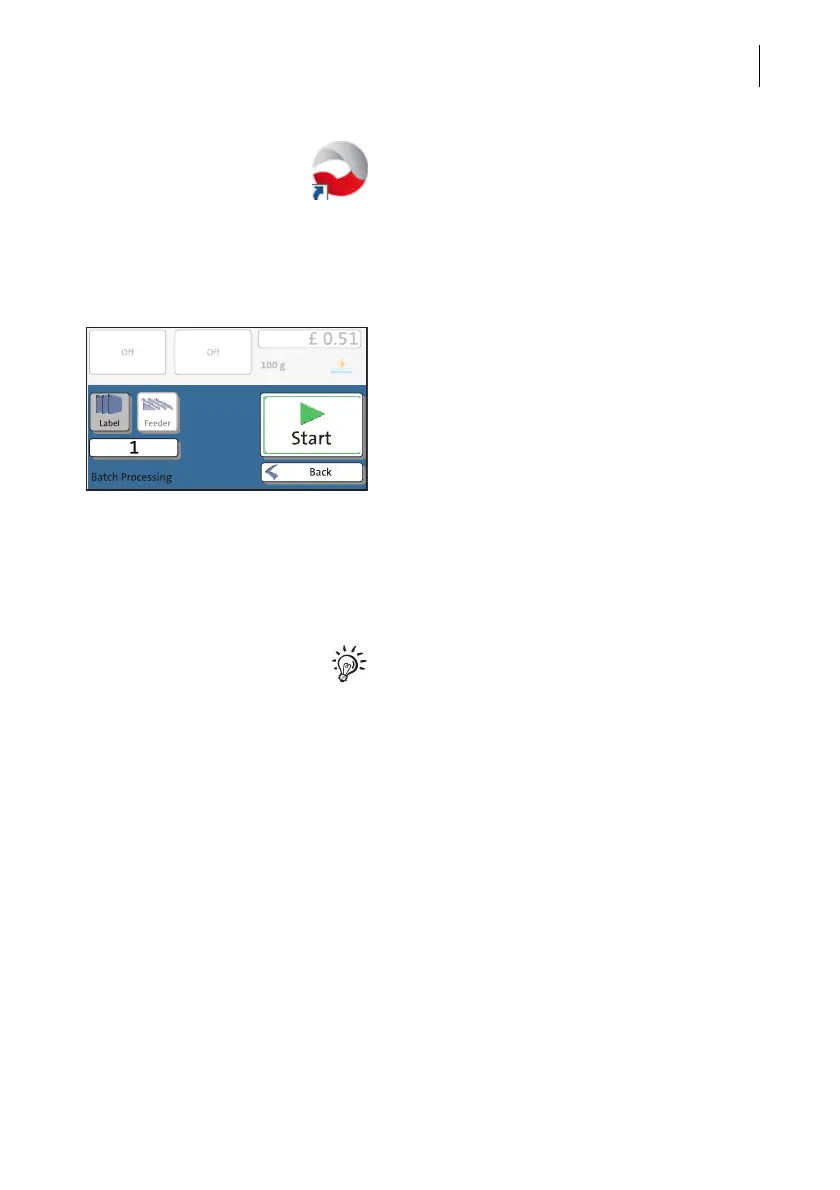
The current franking imprint settings (post-
age, weight and advertising imprints) are also
visible in the franking machine’s display.
On how to use the FP software, please read
the manual provided with the software. You
can access the manual directly from the soft-
ware via the [Help] button.
Franking
On the PC: set the franking imprint On the PC:
• Set the product.
• Set the desired account.
• If necessary, set further settings for frank-
ing (e.g. advertising imprints).



 To Next Page