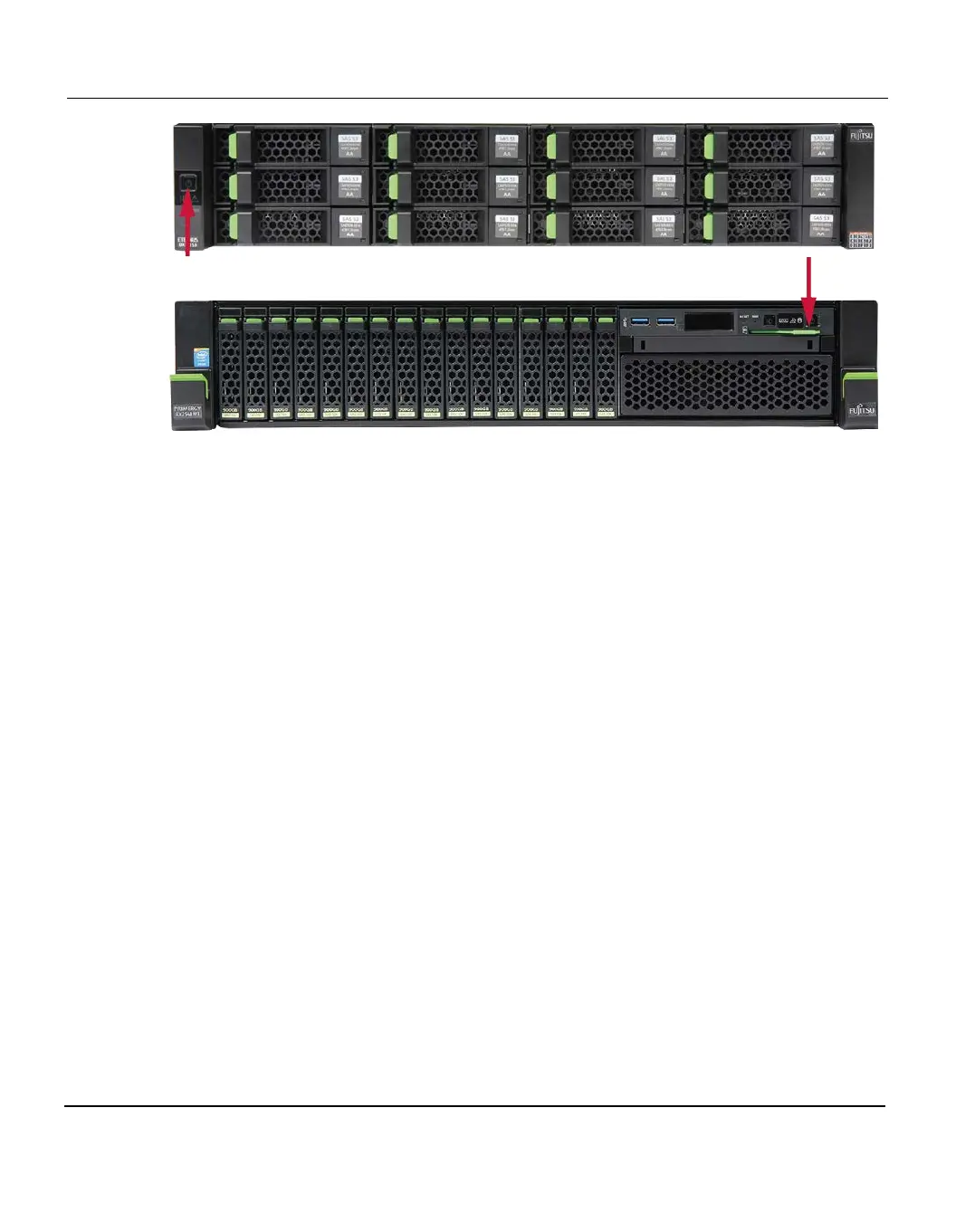
6.1 Switching on the System
Table 22: Base and server power button
Background Initialize
The storage modules are preconfigured in the factory and a Background Initialize process has
been started which runs autonomously on the storage system when it is switched on. This
Background Initialize continues to run on the customer side. Depending on the configuration
(number of storage modules), it can run for between one and several days. This is NOT an
error.
Since the Background Initialize runs autonomously on the storage system, the server can
consequently be rebooted and powered off without any restriction. If the storage base module
needs to be powered off, this can be done using the power switch on the front panel.
As soon as the storage base is powered on again, the Background Initialize process is
automatically continued.
If an additional expansion module is integrated, a Background Initialize process is also
started here. The same rules apply as above.
Information on Background Initialize is displayed under the Status menu item of the
ETERNUS CS800 Web GUI (Status > Hardware > Details > Storage Arrays), see
chapter "Accessing Remote Management" on page 133 for information about how to access
the system management pages and chapter "Status" on page 407 for detailed information
about the Status page.
108 ETERNUS CS800













 To Next Page