16.1 ETERNUS CS800 S6 Hardware
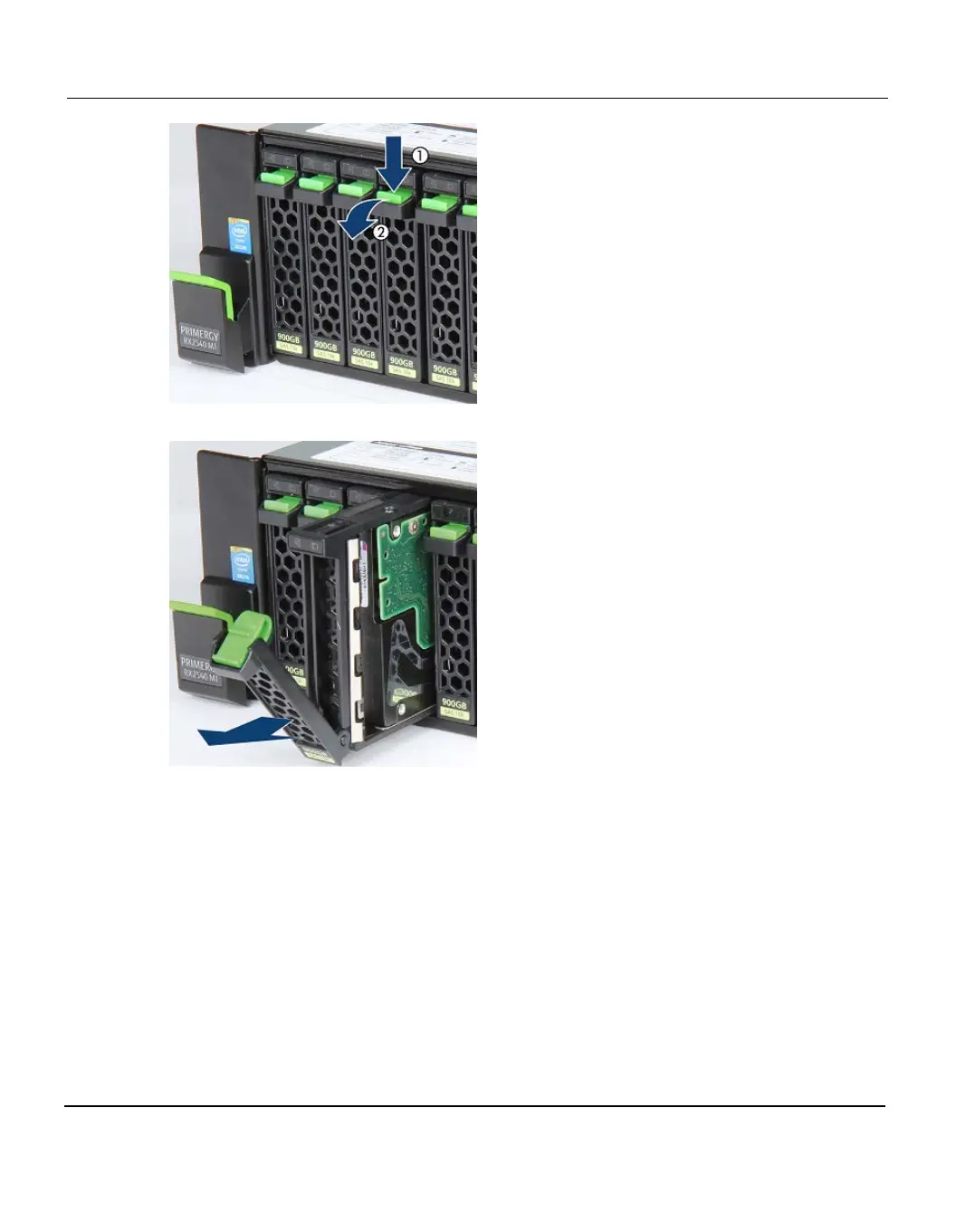
Figure 301: Disconnecting a 2.5-inch HDD
Figure 302: Removing a 2.5-inch HDD
Installing
1. Unlock the HDD module as described above.
2. Insert the HDD module into a drive bay and carefully push back as far as it will go (1).
3. Close the locking lever to lock the hard disk drive in place (2).
4. If the status of the HDD remains "unknown" after rebuild has finished, contact Fujitsu
Customer Support (see "Support and Help" on page 13).
472 ETERNUS CS800













 To Next Page