4. USER MENU
4-2
3. Rotate the Course control knob to select the option which best matches current
sea state then push the knob.
[Full-Auto]: Auto adjustment and self-learning are on.
[Semi-Auto]: Auto adjustment is on, self-learning is off.
[Manual-Calm]: Self-learning is off, using the parameter selected for calm sea.
[Manual-Moderate]: Self-learning is off, using the parameters for a typical normal
sea state.
[Manual-Rough]: Self-learning is off, using preset parameters for a typical rough
sea state.
For normal, everyday operation, the [Full-Auto] mode is recommended. However,
if you want the NAVpilot to steer the boat based on experience-related parame-
ters, but you don't want the pilot to be in "self-learning" mode, select the [Semi-
Auto].
Note: The course keeping accuracy may be decreased if the sea state is different
from the experience-related parameters. This option is provided if you happen to
be using the pilot in a situation that you do not anticipate encountering again.
4. For [Full-Auto], set the deviation level as follows. For items other than [Full-Auto],
go to step 5.
1) Rotate the Course control knob to select the current setting for
[Deviation Level] then push the knob.
2) Rotate the Course control knob to select [Auto] or [Level].
For [LEVEL], you may set a value between 1 and 9. A lower number keeps
the course more precisely but the rudder may be turned more often. With a
higher number, the rudder is fixed, but the course may not be kept as precise-
ly.
5. Press the key three times to close the menu.
How to manually set NAVpilot steering parameters
When [Manual-Calm], [Manual-Moderate] or [Manual-Rough] is selected as the sea
state, set [Manual parameter] as below.
You can set three parameters for the manual function: [Weather], [Rudder Gain] and
[Counter Rudder].
1. Open the [Parameter Setup] menu.
2. Rotate the Course control knob to select [Manual Parameter] then push the
knob.
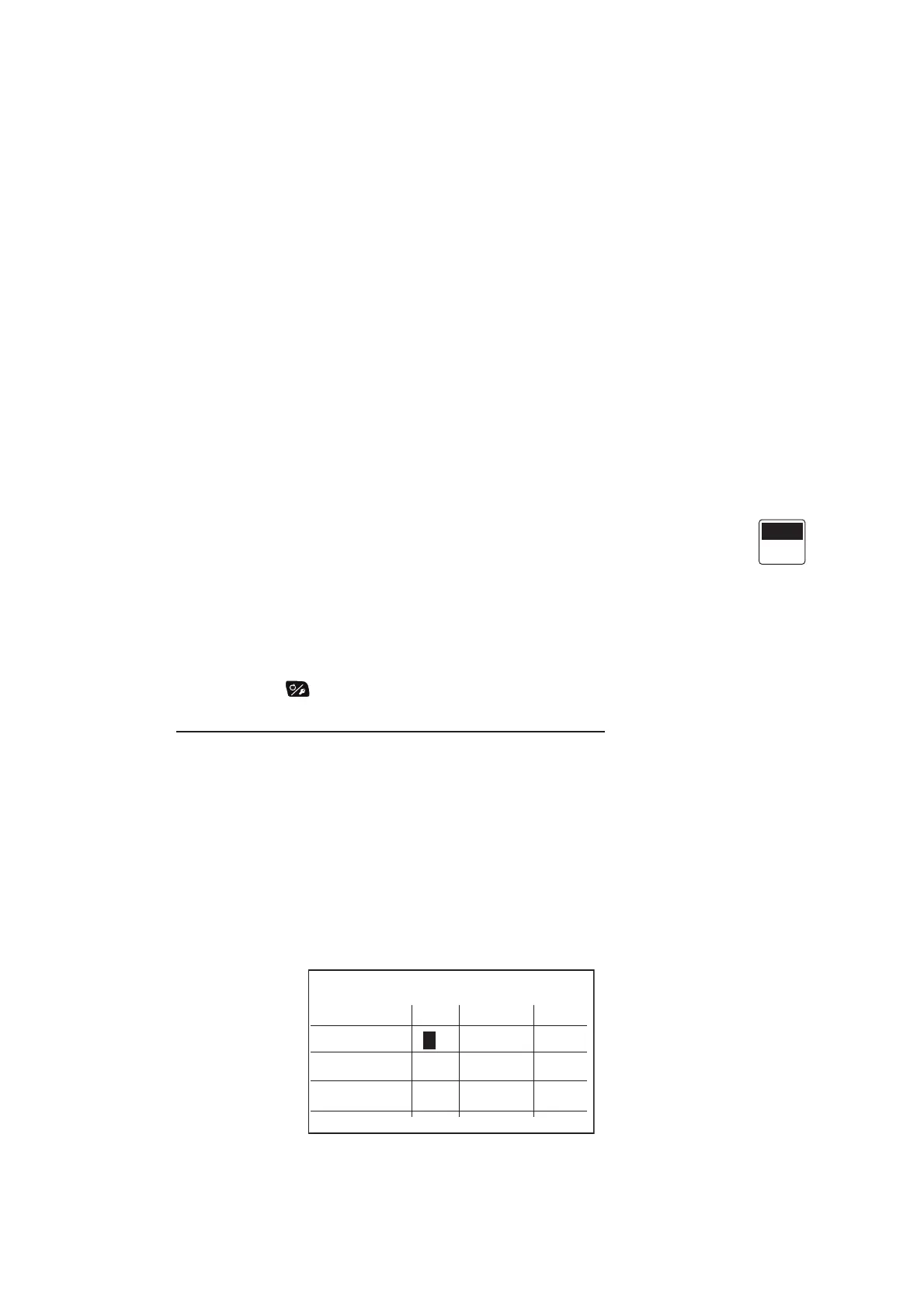
The display as shown below appears.
3. Rotate the Course control knob to select the current setting for [Weather]-[Calm]
then push the knob.
Manual Parameter
Weather
Rudder Gain
Counter Rud.
Calm Moderate Rough
1°2°
3
3°
1
5
2
10
4



 To Next Page
 Loading...




