GPSMAP
®
700 Series Owner’s Manual 25
Combinations
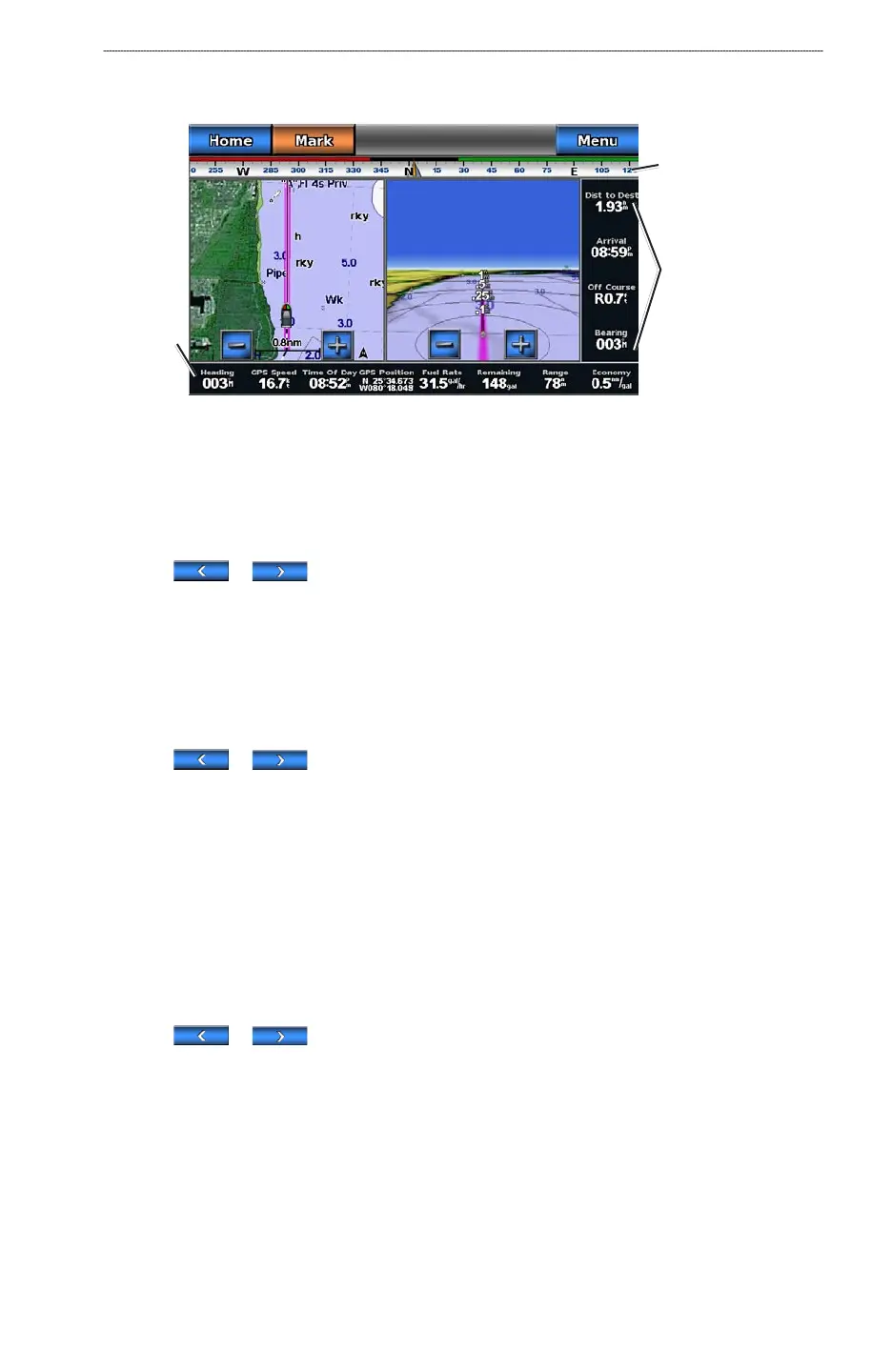
When overlay numbers are displayed on the combinations screen, the navigation inset is shown
during navigation. The compass tape can be shown or hidden in each overlay.
Combination Screen with Data Overlay
Data elds
Navigation
inset
Compass tape
Selecting a Data Overlay on a Combination Screen
1. From the Home screen, select Combinations.
2. Select a combination.
3. Select
Menu > Overlay Numbers.
4. Select
or to select a data overlay.
Conguring Data Fields on a Combination Screen
You can select the type of data shown within a data eld.
1. From the Home screen, select
Combinations.
2. Select a combination.
3. Select
Menu > Overlay Numbers.
4. Select
or to select a data overlay.
5. Touch a data eld.
6. Select a category of data.
7. Select the data that will be displayed.
Conguring the Navigation Inset on a Combination Screen
The navigation inset is shown only when the boat is navigating to a destination.
1. From the Home screen, select
Combinations.
2. Select a combination.
3. Select
Menu > Overlay Numbers.
4. Select
or to select a data overlay.
5. Select
Navigation Inset.
6. Select
Nav. Inset Cong.













 To Next Page