2.0 — 134 — 12 October 2012
Datalog Viewer
Collect and save the log files
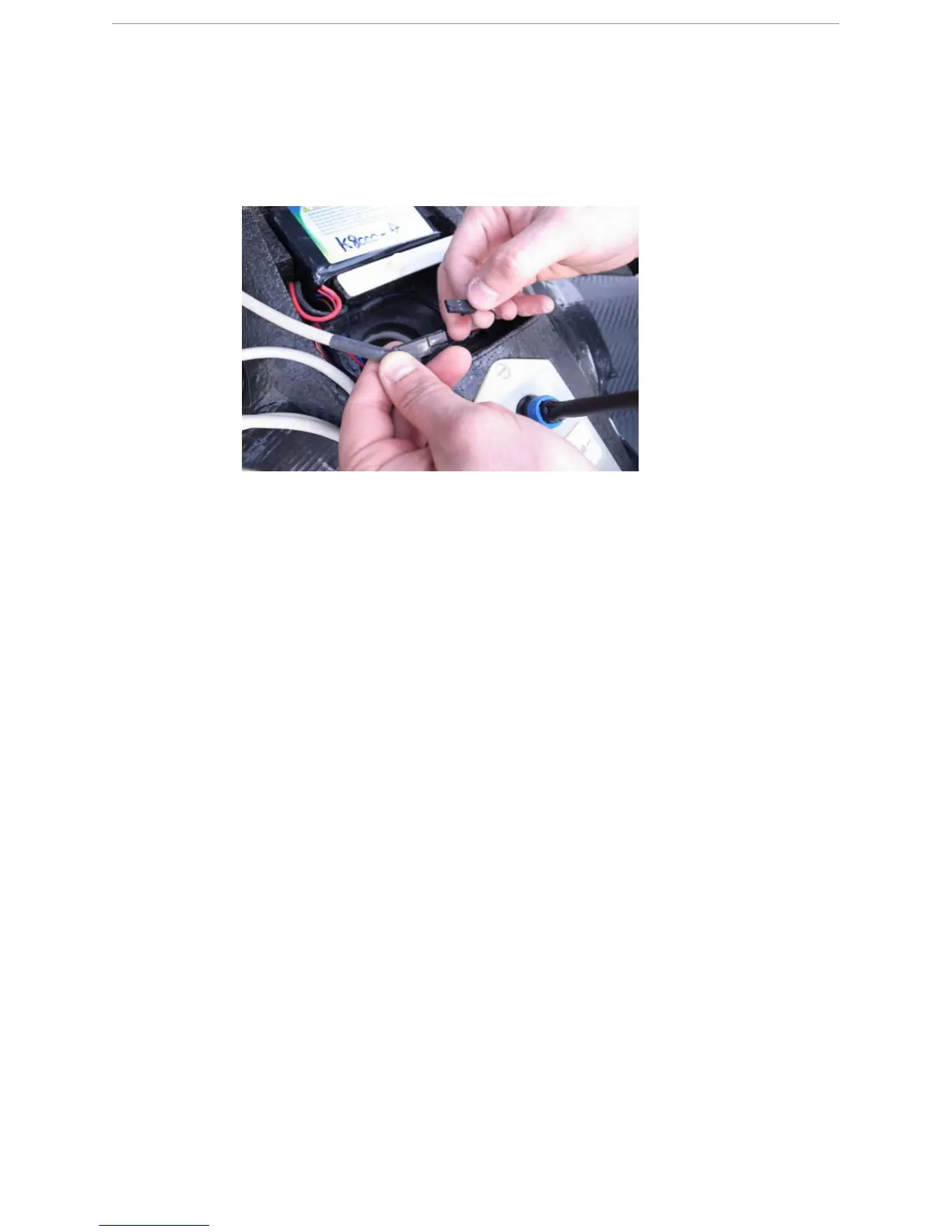
2 Connect the download cable to the download connector in the payload bay of the X100.
3 Open Datalog Viewer.
4 Choose File > Read Log File from Autopilot File from the menu bar.
S
TEP
R
ESULT
:
A dialog appears to select the UAV.
5 Put the X100 in DOWNLOAD mode.
6 Select UAV2 via COM1 (19200 baud) in the dialog and click Select to confirm. The log
files are downloaded to the logs folder on the desktop of the GCS.
S
TEP
R
ESULT
:
The log files are downloaded to the logs folder on the desktop of the GCS.
Once the download is finished, this is indicated in the dialog with the word FINISHED.
7 Close the dialog.
8 Disconnect the download cable from the GCS and the X100.
R
ESULT
:
The log files are present in the logs folder on the desktop of the GCS.
18.3 Collect and save the log files
P
REREQUISITES
● GCS with log files located in the logs folder on the desktop
Always collect and save the following log files to a custom folder after each flight:
● logyyyymmdd_hhmmss.fly
Used for image processing. The time stamp indicates the time of download.
● logyyyymmdd_hhmmss.txt
Used for image processing. The time stamp indicates the time of download.
● logyyyymmdd_hhmmss.text
Used for flight analysis and troubleshooting. The time stamp indicates the time of
download.



 To Next Page